Simplify Document Workflows with Nitro’s PDF & eSign Solutions
Streamline your document processes, supercharge productivity, and strengthen security—all at an unbeatable price.
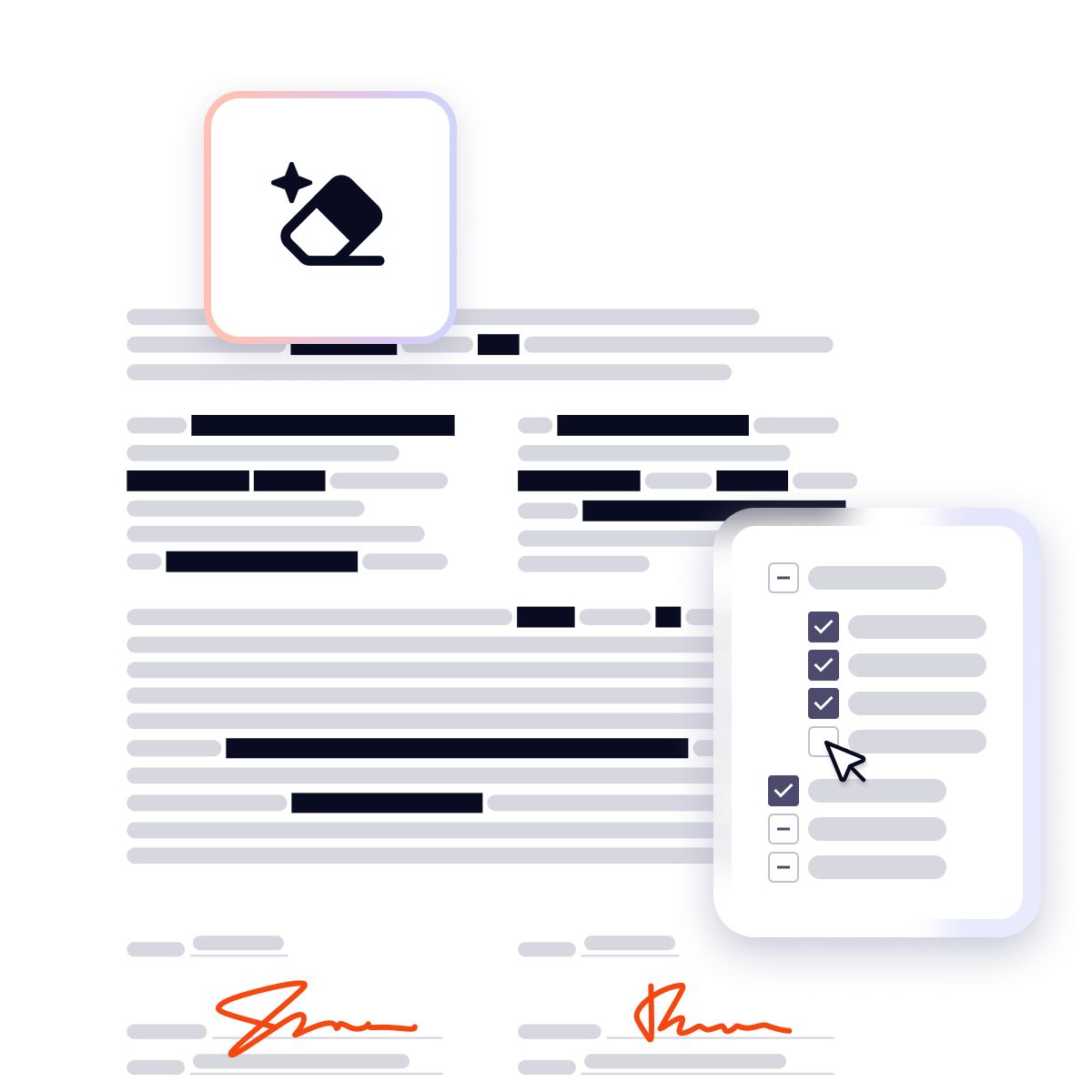
Instant, accurate redaction you control
Smart Redact uses advanced natural language processing to instantly surface sensitive data for removal. With intuitive tools, you maintain complete control to review, adjust, and publish documents with permanent, untraceable redactions.

Unlock seamless design and document workflows with Canva + Nitro
Get everything you need to create, edit, share, and manage documents efficiently across teams—all in one affordable bundle.

Why choose Nitro PDF & eSign?
Comprehensive PDF editing
AI-powered efficiency
Secure electronic signing
Fair and transparent pricing
Nitro is trusted by 67% of the Fortune 500
Streamline your document tasks: Edit, sign, and share with Nitro PDF
Tired of overcomplicated PDF tools? Nitro makes every document task simple. Edit, sign, convert, and collaborate—across your devices. No steep learning curve, no wasted time.
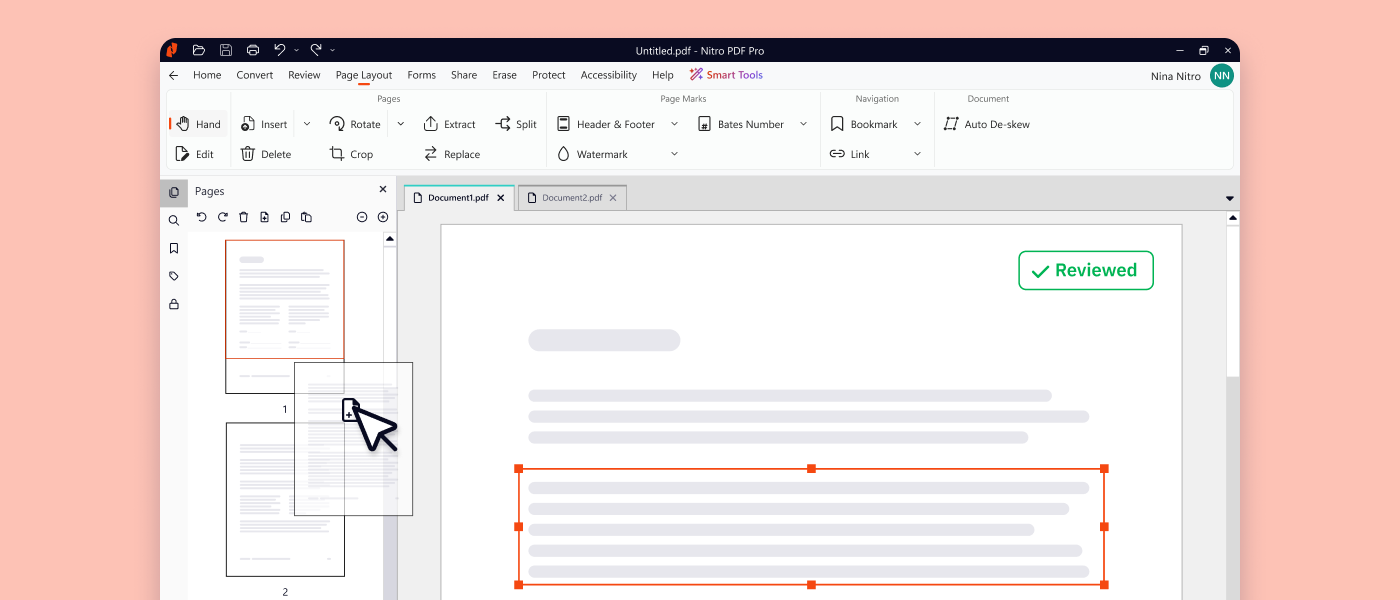
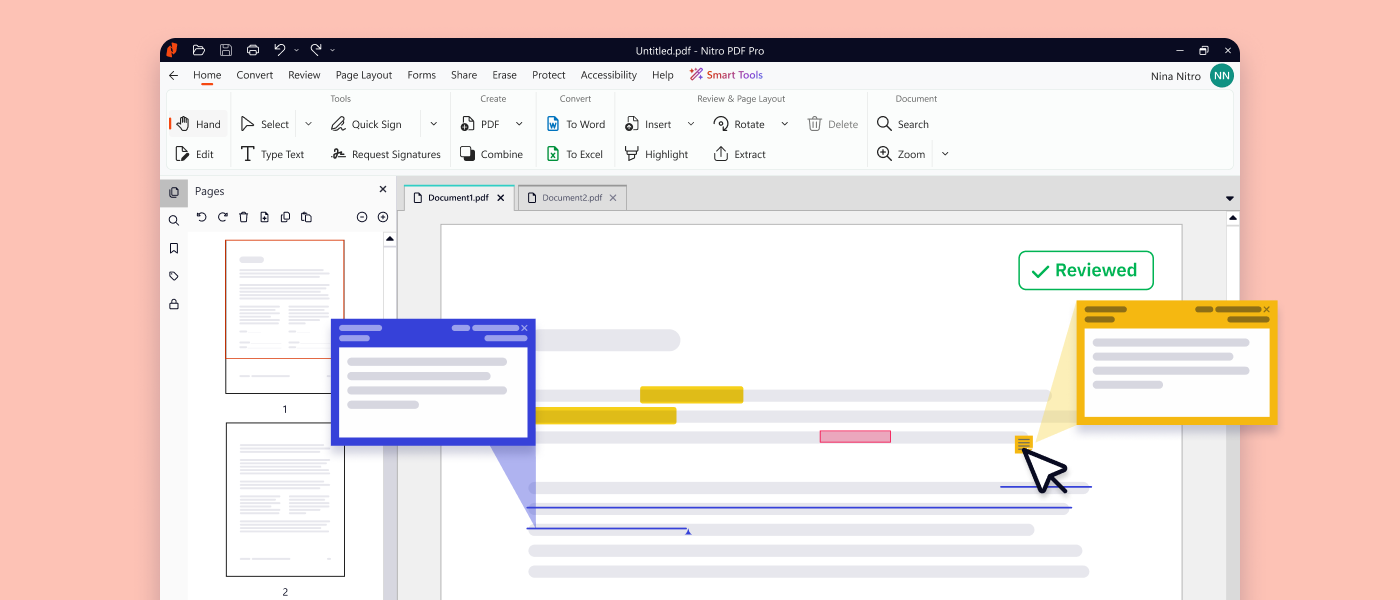
Edit PDFs with ease
Discover a world of PDF editing tools at your fingertips, empowering you to create and customize professional documents across devices.
Convert documents in seconds
Convert Word, Excel, PowerPoint, images, and emails to PDF in a few clicks, all while preserving your data and formatting.
Merge multiple file types to PDF
Simplify document management by combining PDFs, text files, spreadsheets, presentations, and more into one searchable, shareable PDF.
Securely eSign & fill forms
Accelerate contracts and form completion, design and share fillable forms, and electronically sign documents easily.
Automate your document workflows
Reclaim your time with Nitro’s powerful tools that simplify and automate repetitive document tasks.
Simplify your eSigning workflow, from first click to final signature
Effortlessly eSign on any device
Send multiple documents for signature in one package, easily send reminders, and track progress—keeping your workflows simple, safe, and efficient.
Document every action with audit trails
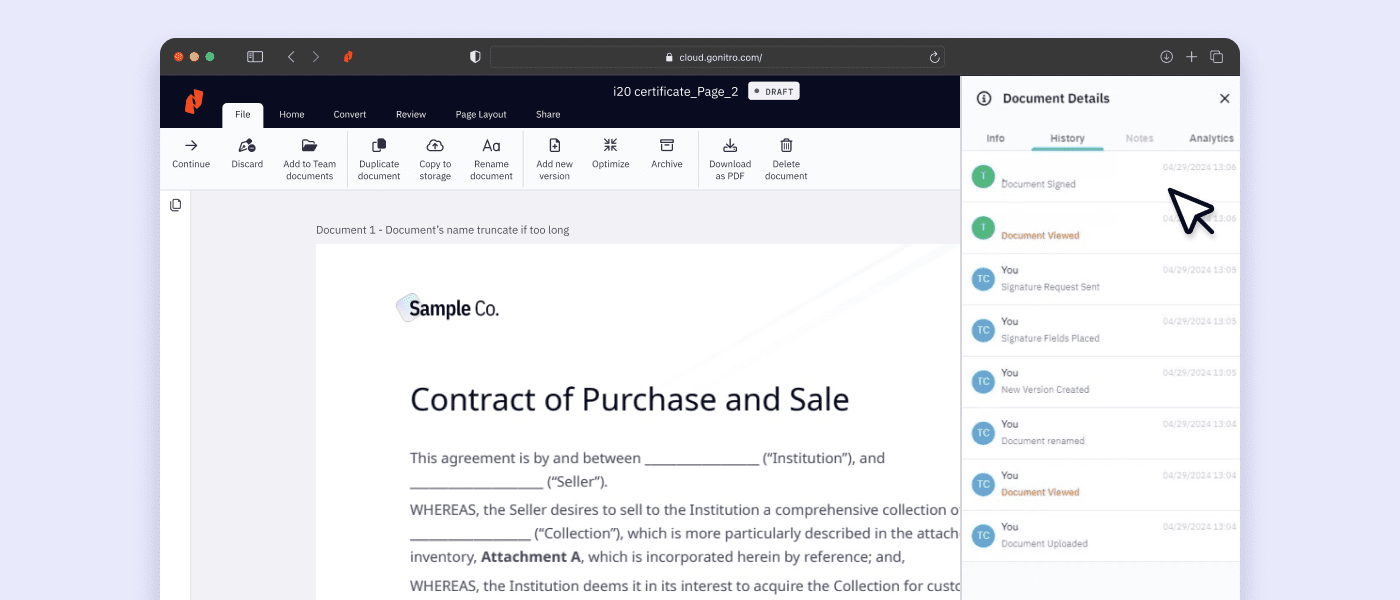
Nitro Sign's audit trails give you peace of mind, ensuring actions during the entire signing process are documented.
Ensure secure & compliant signatures
Maximize robust security and eSign compliance features with advanced options for SSO, ID verification, and more.
Integrate eSigning with your systems
Connect Nitro Sign seamlessly with tools you already use like Salesforce and Zapier, or use our API to integrate with custom applications.
Meet strict compliance needs
Comply with the most stringent global eSign laws such as eIDAS, ZertES, UETA, and the E-sign Act with our range of signing methods.
Gain real-time insights
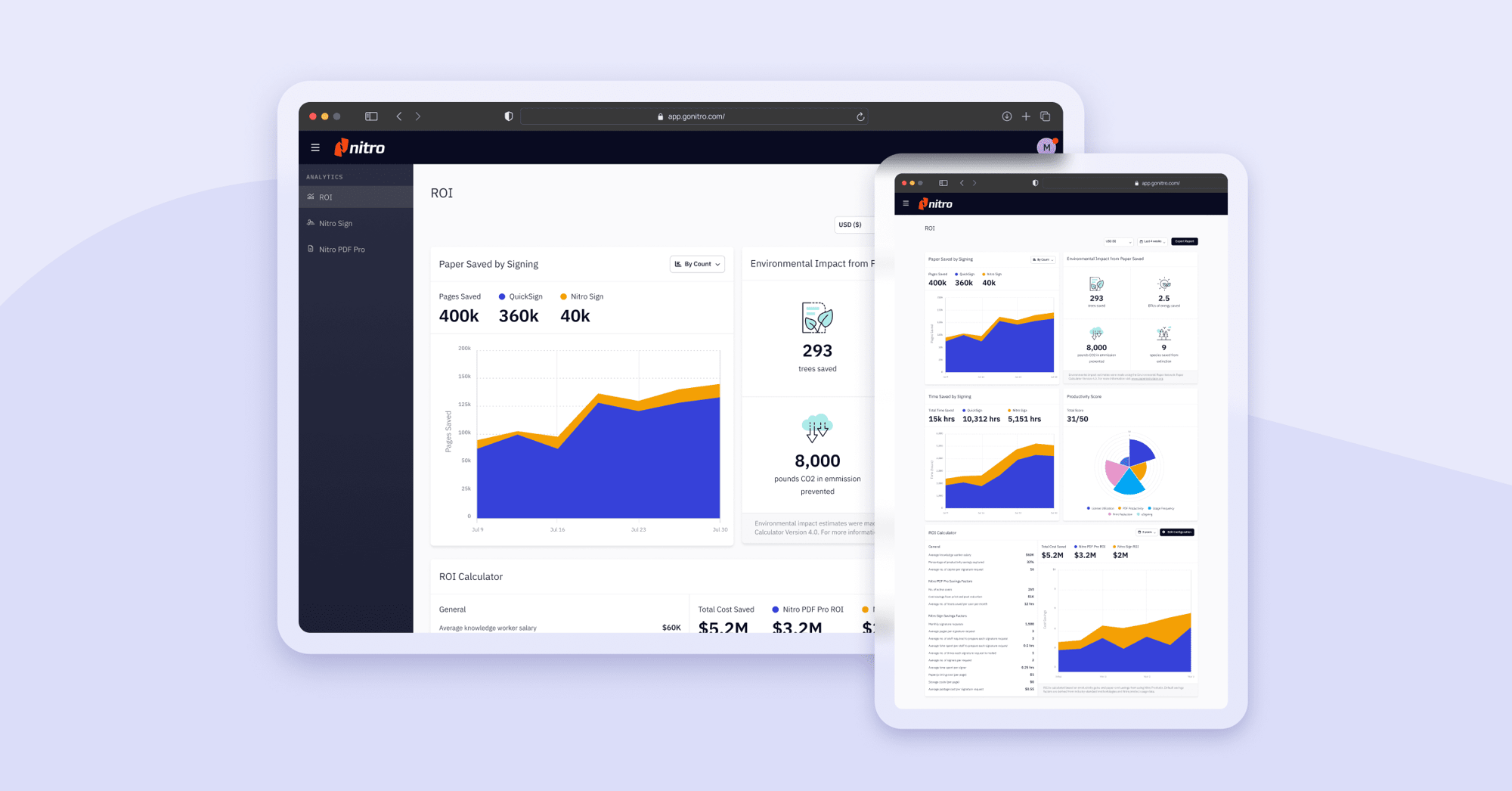
Make data-driven decisions easier with Nitro's exclusive, robust analytics. Increase efficiency, prove ROI, and track sustainability.
Automate daily tasks
With Nitro AI, you are in control. Learn how our secure AI tools help teams accelerate tasks, extract data, gain insights, and get instant support.
Verify identities
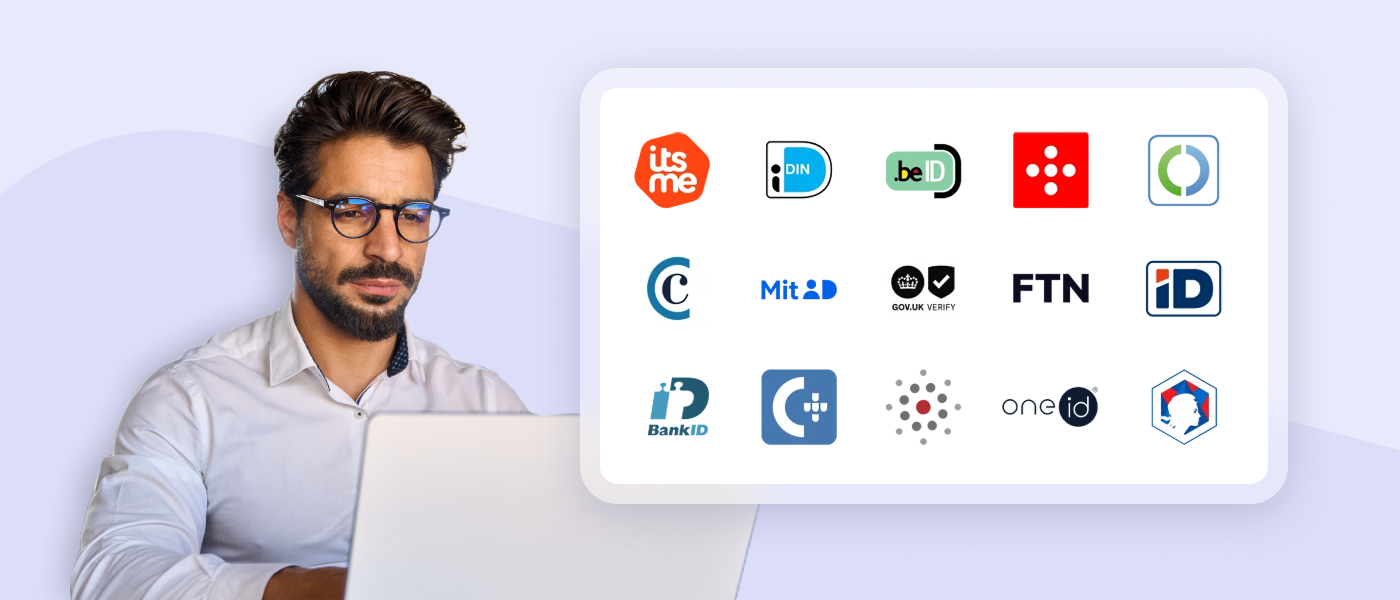
Identify and authenticate your users in seconds for fast, secure transactions from anywhere. Nitro offers multiple identification methods with one API.
Simplify access
Nitro Workspace is your central hub with quick access to web-based tools, installers, AI, admin settings, resources, and more.
What customers say about Nitro’s powerful document tools
Which PDF & eSign tools are best for your team size?
Whether you're a single user, a growing team, or a global enterprise, Nitro makes it easy to edit PDFs, send secure eSignatures, and keep costs under control with flexible plans that match your goals and budget.
Enterprise & Large Teams
Small Business
Individual Professionals
Students & Teachers
Home & Personal
Try Nitro’s free PDF conversion tools
FAQs about Nitro
What document solutions does Nitro offer?
Nitro offers a comprehensive suite of tools designed to streamline your document workflows, including:
- PDF & eSign tools for essential document editing and secure electronic signatures.
- Purpose-built AI features that eliminate manual data entry and repetitive tasks.
- Powerful infrastructure that integrates with your existing systems to automate document operations at scale.
Trusted by millions of users worldwide, including 67% of the Fortune 500, Nitro enables teams to work more efficiently, securely, and collaboratively across Windows, Mac, and iOS devices.
What are the main features of Nitro PDF?
Nitro PDF is a comprehensive solution for creating, editing, and securing documents across Windows, Mac, iOS, and web browsers. It includes powerful AI productivity tools and is built with an intuitive interface mirroring the Microsoft Office and Apple toolbars.
Key features of Nitro PDF include:
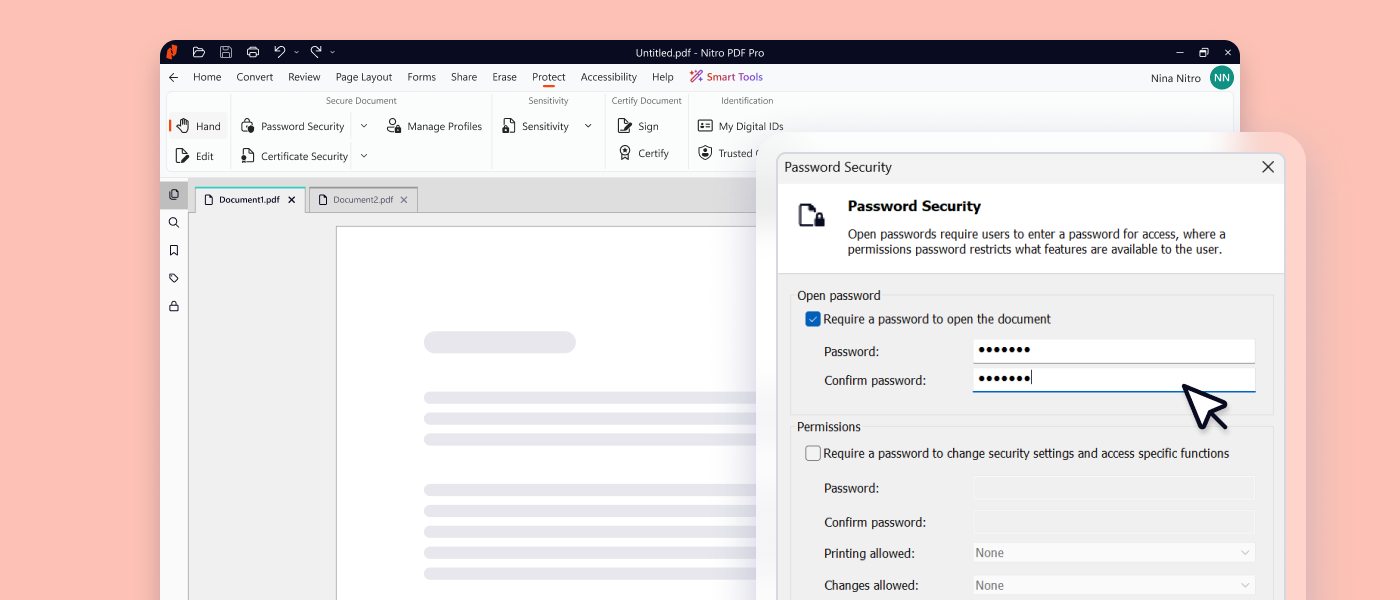
- Core Editing: Tools to create, edit, convert, combine, and annotate PDFs, including advanced OCR and secure signing capabilities.
- AI Smart Tools: Enhances productivity via smart data extraction, automated form creation, and intelligent document redaction.
- Nitro Analytics: Real-time visibility into PDF usage, allowing organizations to measure productivity, prove ROI, and track sustainability.
- Nitro Workspace: A centralized cloud hub for accessing PDF and eSign tools, AI assistants, and administration from any device.
- Advanced Editing: Create PDFs from any file type and convert PDFs into editable Microsoft Word, Excel, and PowerPoint files while maintaining original layouts.
- Powerful OCR (Optical Character Recognition): Turn scanned paper documents and images into fully searchable and editable PDFs with high-accuracy text recognition.
Nitro PDF is available in multiple plans to suit different business needs.
What AI tools does Nitro offer for PDF & eSign workflows?
Nitro offers a suite of AI-powered smart tools designed to streamline document workflows and boost productivity with robust security.
Key Nitro AI features include:
- Smart Redact: AI-assisted redaction solution that accurately identifies and permanently removes sensitive PII from documents.
- Smart Form Extract: Extract names, dates, and other data points from interactive and scanned documents, and turn form-filled PDFs into Excel-ready insights.
- Smart Table Extract: Automatically extract tabular data from any PDF, overcoming common formatting challenges to deliver a clean, organized Excel file.
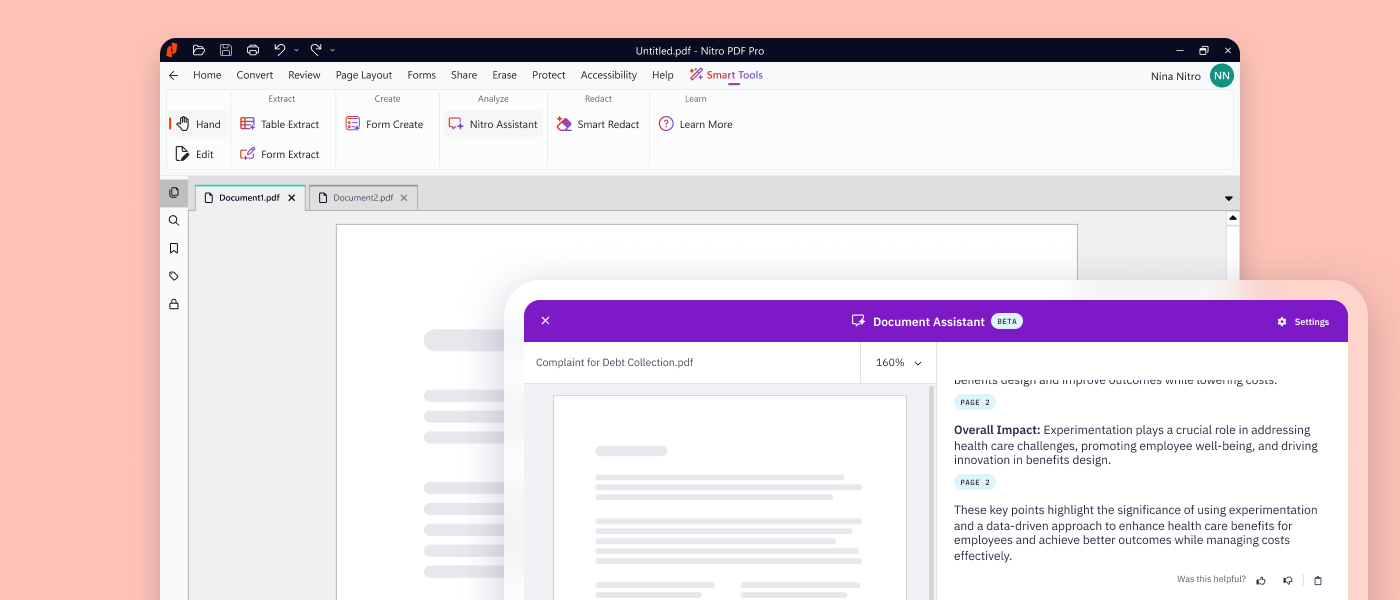
- Document Assistant: Search, summarize, and translate with real-time conversational support for any document.
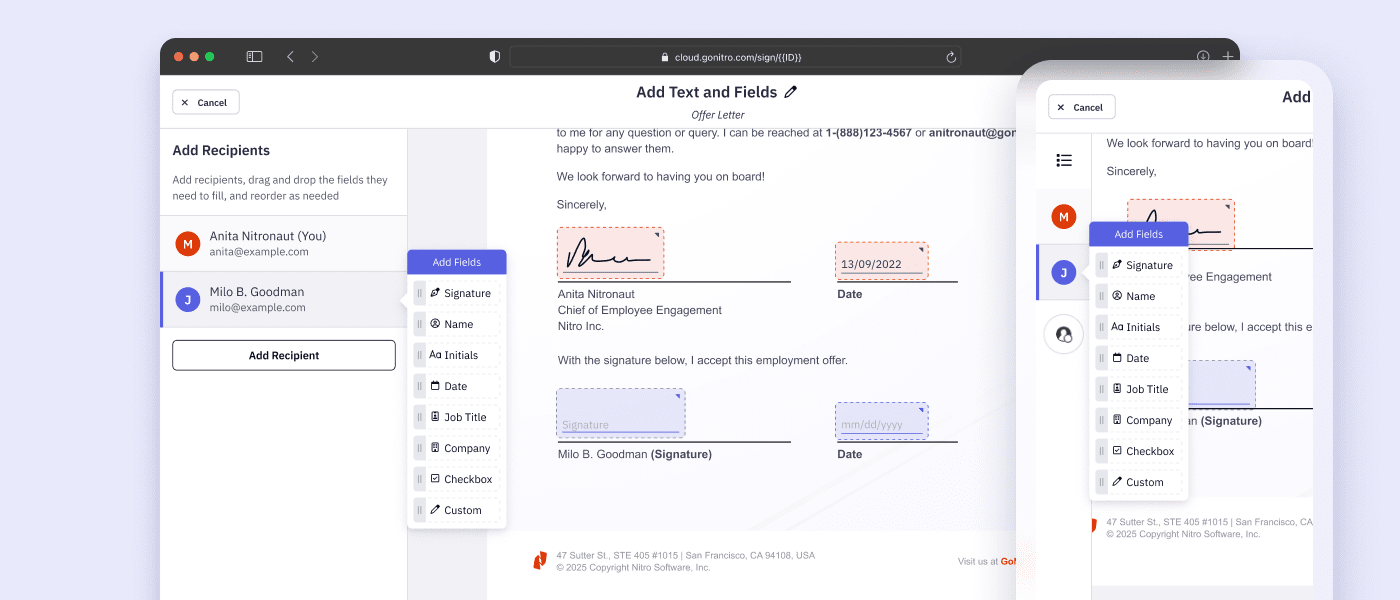
- Automatic Field Detection: Automatically detect and place signature fields, dates, and text inputs to prepare documents for signing.
How does Nitro keep my data private and secure?
Nitro prioritizes security in all of our software solutions, employing strong encryption, secure authentication, and continuous monitoring to protect sensitive information from unauthorized access.
Nitro complies with globally recognized standards and certifications, including ISO 27001, SOC 2, HIPAA, the Data Privacy Framework, and QTSP accreditation.
Nitro’s AI tools and eSigning processes are designed with privacy and data protection in mind: documents and data are never retained, never used to train third-party AI models, and are processed within Azure’s enterprise-grade encrypted environment.
What compliance standards does Nitro meet?
Our compliance program is designed to meet the expectations of businesses operating in highly regulated industries such as finance, healthcare, and government.
By adhering to these standards, we help our customers meet their own compliance obligations while using Nitro’s solutions.
Learn more about our adherence to global compliance standards.
What support options does Nitro offer?
Whether you're a five-person team or a global enterprise, our dedicated support is available 24/7.
- Knowledge Base and Guides: Access hundreds of detailed articles covering product features, integrations, workflows, and best practices.
- Video Tutorials: Step-by-step walkthroughs and demonstrations to help you learn and master Nitro tools quickly.
- Community Forum: Connect with other Nitro users, share feedback, ask questions, and discover tips and solutions.
- Knowledge Assistant: A 24/7 in-app AI assistant providing instant, context-aware guidance on features, workflows, and troubleshooting.
- Ticketed Support: Submit a support ticket for direct help from Nitro experts, including assistance with setup, troubleshooting, and complex issues.
What devices and platforms is Nitro available on?
Nitro’s PDF, eSign, and Workspace are designed for flexibility and accessibility across multiple platforms:
- Windows and Mac: Full-featured Nitro PDF editor and Nitro Sign apps provide a seamless, native experience tailored for each operating system. Nitro PDF mirrors familiar interfaces like Microsoft Office (Windows) and Apple toolbars (Mac) to ensure intuitive use from day one.
- iOS: Nitro Sign and Nitro PDF tools allow you to review, edit, and sign documents on the go from iPhone and iPad devices.
- Cloud: Nitro Workspace provides a centralized hub accessible from any device with an internet connection, giving teams immediate access to web-based PDF and eSign tools, AI assistants, product installers, and admin settings.
See what Nitro can do for you
Take the next step to digital success today.