Skip to content
Nitro MCP

Automate Document Workflows Inside Claude

Nitro MCP (Model Context Protocol) connects Claude to Nitro's document engine, so you can extract data, convert files, redact sensitive content, and send signature requests using simple prompts. Built by the team behind the PDF & eSign software trusted by 67% of the Fortune 500. 

Header-Photo-Claude MCP-1

Already an existing customer?

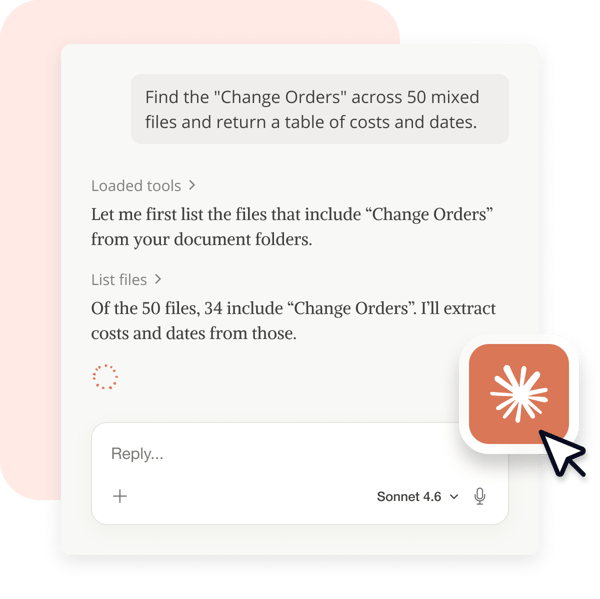
Graphic - Nitro Automate - Claude Prompt

Turn hours of document work into a single prompt

Accelerate your productivity by turning complex document tasks—like extracting data from a 100-page contract or merging dozens of files into a single document—into instant actions. Describe the work in natural language and Nitro MCP does the rest.

Works in the AI agent you already use

Run end-to-end document workflows from inside the Claude app your team already uses, leveraging the Nitro capabilities you already know.

Maximize reliability, minimize AI exposure

Nitro handles execution and ensures accurate outcomes—not an AI's best guess. And your sensitive data stays protected: documents stay on Nitro's servers, and your documents are never used to train AI models.
 
Graphic - Nitro Automate - AI Security

Get early access to Nitro MCP

To use Nitro MCP you will need an active Nitro account, or Nitro free trial, and Claude Desktop installed on your computer. 
Number-1-100x100

Nitro Account

Nitro MCP is included with your subscription. New customers can sign up for a free 14 day trial.

Number-2-100x100

Download & install Nitro MCP 

Fill out the brief form to access the download file (.mcpb). Run the installer. Claude opens automatically.

Number-3-100x100

Ask Claude

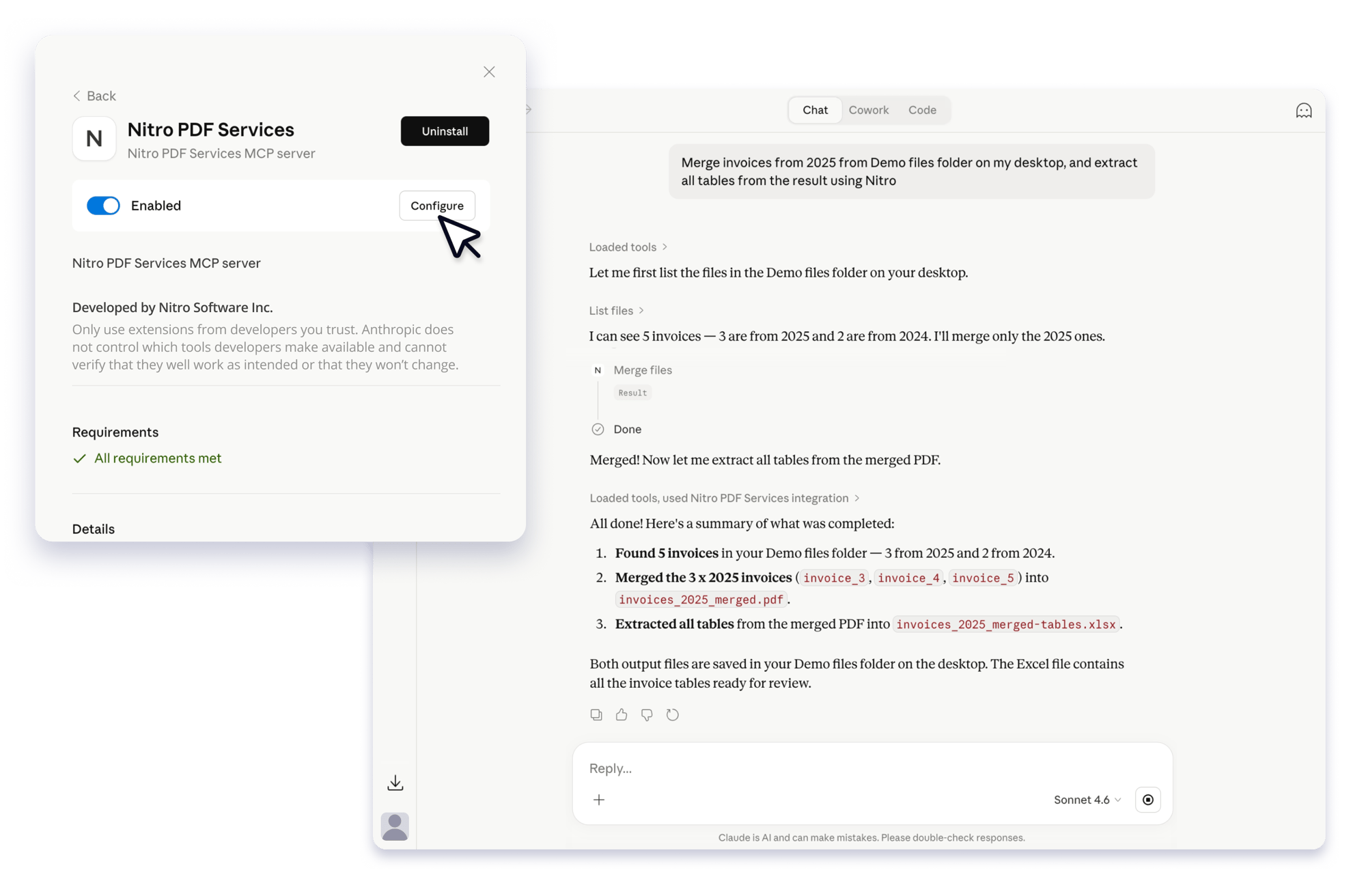
Direct Claude to a file or folder and describe the outcome in plain language. Nitro MCP handles the rest.

Screenshots-NitroAutomate-MCP

What you can do with Nitro MCP

Nitro MCP helps you accelerate every document task, from converting and merging files to extracting data and running eSign workflows end-to-end. Simply describe the outcome and Nitro MCP does the rest.

Icon-48px-Form

Extract data

Eliminate manual data entry with Nitro's secure data extraction. Pull names, dates, totals, and tables out of PDFs and straight into your spreadsheets or databases.
Icon-48px-Keep it simple-1

Reshape and transform

Collapse file prep into a single prompt: convert, merge, split, rotate, delete pages, find and replace, compress, and watermark across multiple documents—turning scattered files into one polished, share-ready document.
icon of arrows pointed at a line

Convert and compress

Move between any format and shrink files down for email or archive without leaving the conversation—turning Word docs, scans, and more into clean, send-ready PDFs in seconds.
Icon-48px-Trust-1

Protect and secure

Secure documents before they leave your business. Redact sensitive content, flatten finalized files to prevent restoration, and apply or remove password protection, so every file you share is compliant and protected.

Questions about Nitro MCP

Why is there a binary download instead of a Claude app store listing?

Nitro MCP is available today as a signed installer direct from Nitro. Our Claude app store listing is on its way—Early Access members get the connector first, and we'll update this page the moment it's live in the store.

Who can use Nitro MCP Early Access?

Any active Nitro customer. Sign in with your existing Nitro credentials after installing, and the connector is ready to use inside Claude.

Does it cost anything?

No—Nitro MCP is free to use during Early Access, subject to fair use.

Connect Nitro MCP to Claude today

Nitro MCP puts the full power of Nitro's document engine behind a single prompt—so the work that used to take hours now takes seconds.