/Card-Page%20Previews-AI.png?width=1200&height=800&name=Card-Page%20Previews-AI.png)

Everything You Need to Know About eSigning
An electronic signature (eSignature) is a digital method of signing documents to confirm consent, without physical paperwork, using authentication measures, timestamps, and audit trails to ensure security. eSignatures are legally binding in most jurisdictions under laws like the ESIGN Act, UETA, and the EU's eIDAS regulation, provided there's clear signer intent, consent, and a recorded audit trail.
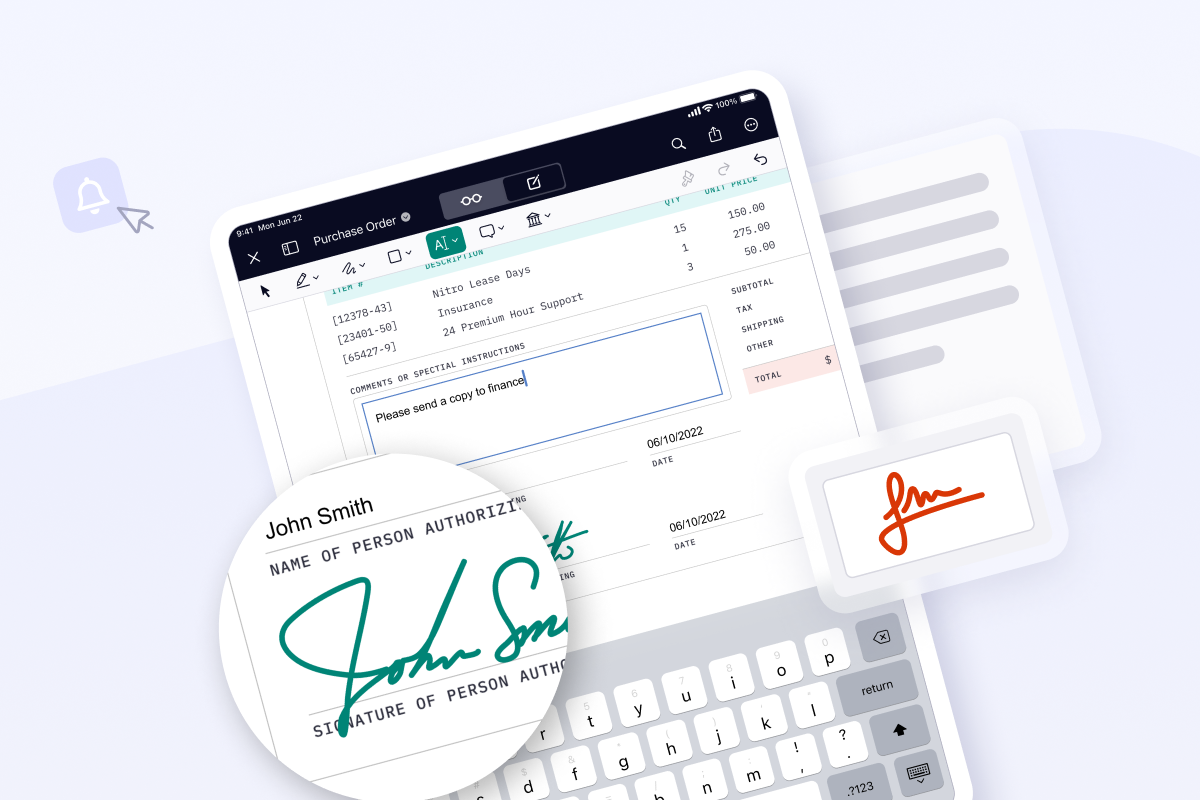



What is an eSignature?
An electronic signature (eSignature) is a digital method of signing documents to confirm consent or approval, without the need for physical paperwork.
eSignatures allow individuals and businesses to sign agreements securely across devices. Unlike handwritten (wet) signatures, eSignatures are fully digital and often include authentication measures, timestamps, and audit trails to ensure security and compliance.
-

Faster Agreements: No Printing or Mailing
-
Lower Costs & Reduced Paper Waste
-
Remote-Friendly For Modern Teams
.png?width=1200&height=1200&name=Header-Nitro%20Sign%20(SEM%20Retargeting).png)
How do electronic signatures work?
Electronic signatures work by applying a digital marker to a document that identifies the signer and confirms their consent.
Most eSign solutions also include security features like encryption, authentication, and a tamper-proof audit trail.
A step-by-step process to eSigning a document
- Upload your document you need signed.
- Place signature fields by dragging and dropping where required.
- Send for signature via email to the intended recipients.
- Authenticate and sign as recipients verify identity and sign electronically.
- Track and complete as the system records every action in a detailed audit trail.
eSign behind the scenes
- Documents are encrypted for security.
- Authentication methods verify signer identity.
- Digital certificates or keys may be applied for extra security.
Pro tip: The best eSign solutions (like Nitro Sign) integrate seamlessly with your workflows and provide enterprise-grade security, ensuring your signatures are both easy and compliant.

Wet Signature

Electronic Signature

Digital Signature

Step 1: Choose a trusted eSign provider. Look for compliance (ESIGN, eIDAS, UETA), strong security (encryption, SOC 2, ISO 27001), and an intuitive interface.
Step 2: Set up your workflow. Identify which documents you need signed and define approval paths.
Step 3: Upload and customize. Add signature fields, dates, and required fields to your documents.
Step 4: Send and track. Email documents for signature and monitor progress with real-time updates.
Step 5: Store securely. Keep signed agreements in a secure, organized system.

How secure are electronic signatures?
When using a trusted provider, eSignatures are highly secure. They rely on encryption, authentication, and audit trails to ensure signer identity and document integrity.
Security layers needed for eSigning:
- Encryption: Keeps your documents safe during transfer and storage.
- Authentication: Confirms the signer’s identity using email, MFA, or advanced verification.
- Tamper-proof audit trails: Records every step in the signing process for compliance.
Global compliance standards:
- ESIGN Act, UETA, eIDAS for legal recognition.
- SOC 2, ISO 27001 for data security.
- HIPAA for healthcare compliance.
Electronic signatures are secure when backed by encryption, identity authentication, and compliance with standards like SOC 2 and eIDAS

Why do businesses choose electronic signatures?
Businesses choose eSignatures to speed up processes, reduce costs, and eliminate the bottlenecks of paper-based workflows, all while improving security and compliance.
- Faster turnarounds: Sign contracts in minutes, not days.
- Lower costs: Save on printing, mailing, and storage.
- Improved accuracy: Reduce errors with automated workflows.
- Remote flexibility: Enable signing from any device, anywhere.
- Sustainability: Eliminate paper and reduce your carbon footprint.
Pro tip: Look for an eSign solution that’s affordable and easy to deploy, like Nitro Sign. It’s built for teams and enterprises without the premium price tag.

Visit the Nitro Trust Center to learn more about eSign legality
At Nitro, we are committed to protecting our clients' data and privacy. Our privacy policy and the data-processing agreement we have executed with you, as our business customer, outline how we handle and protect your personal data.
eSignature Use Cases Across Industries
Real Estate

Manufacturing

Finance & Accounting

Healthcare

Insurance

Government

Professional Services

Energy

Education

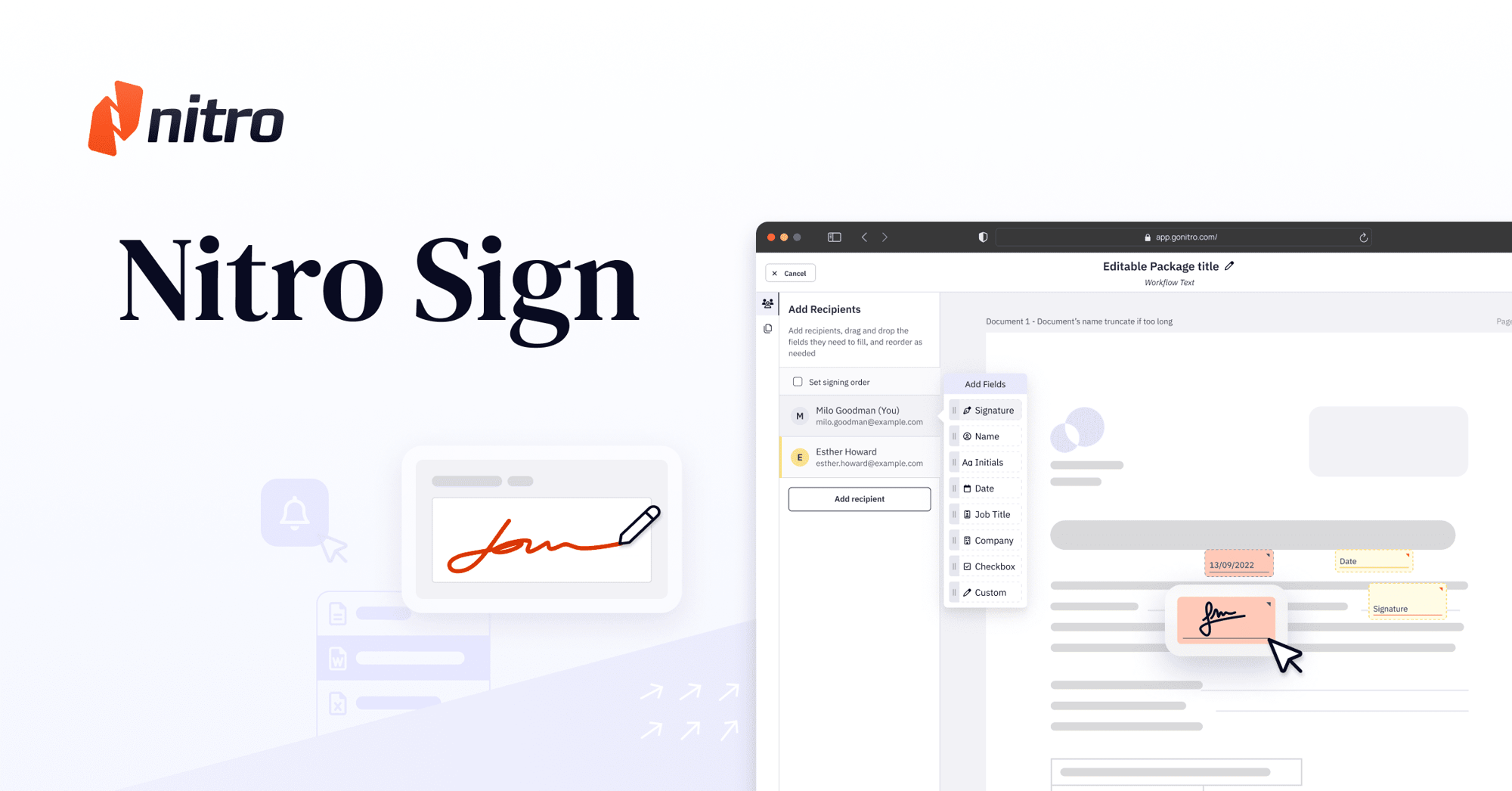
Nitro Sign User Guide
Browse tips, tools and articles about what Nitro Sign can do - and how to make the most of our secure eSign software.
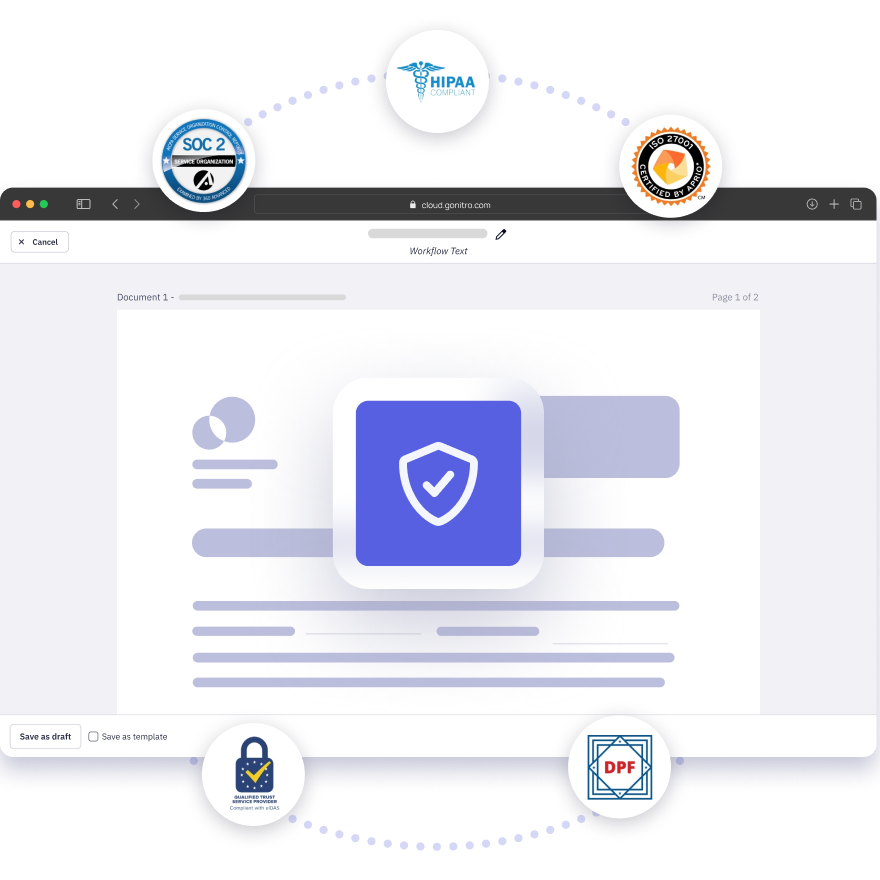
eSignature Legality Guide
Learn how Nitro Sign complies with nternational standards for electronic signatures, including eIDAS, UETA, and the ESign Act.
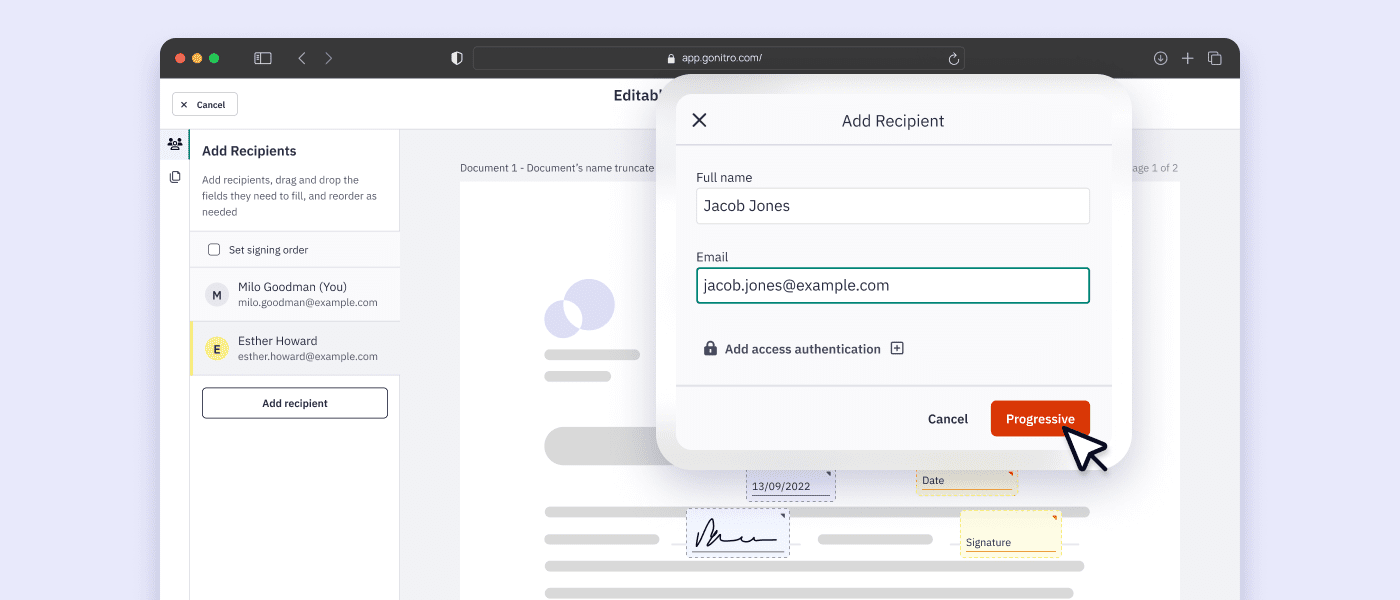
Signing Methods
Discover and browse the global, secure and compliant eSigning methods offered by Nitro and see the different ways we help you eSign documents.