








Skip to content

Powering the Document Workflows You Depend On

Everything you need for PDF, eSign, and intelligent document automation in one platform—keeping workflows fast, simple, and secure.

Background_Man_Cropped

Why choose Nitro PDF & eSign?

Find out why millions of Nitro customers left overpriced competitors for a simpler, smarter way to work.
icon of a signed document

Comprehensive PDF editing

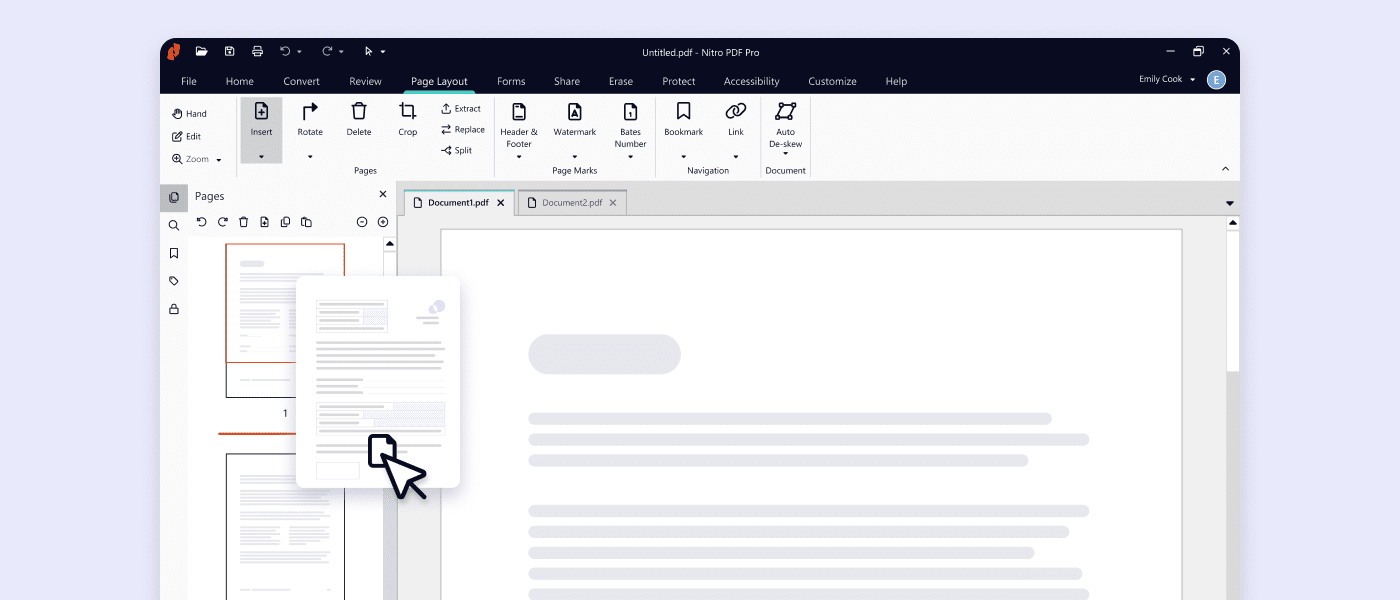
Create, edit, convert, combine, and sign PDFs effortlessly across Windows, Mac, and iOS.
Explore Nitro PDF
icon of a signature with a padlock

Secure electronic signing

Legally binding eSignatures with compliance to global standards like eIDAS and UETA.
Explore Nitro Sign
nitro-ai

AI-powered efficiency

Leverage Nitro's advanced AI tools to automate tasks, extract insights, and boost productivity.
Explore Nitro's AI tools
icon of a financial line graph

Fair and transparent pricing

Discover PDF & eSign software with no hidden fees—just plans that fit your needs and budget.
Explore plans & pricing
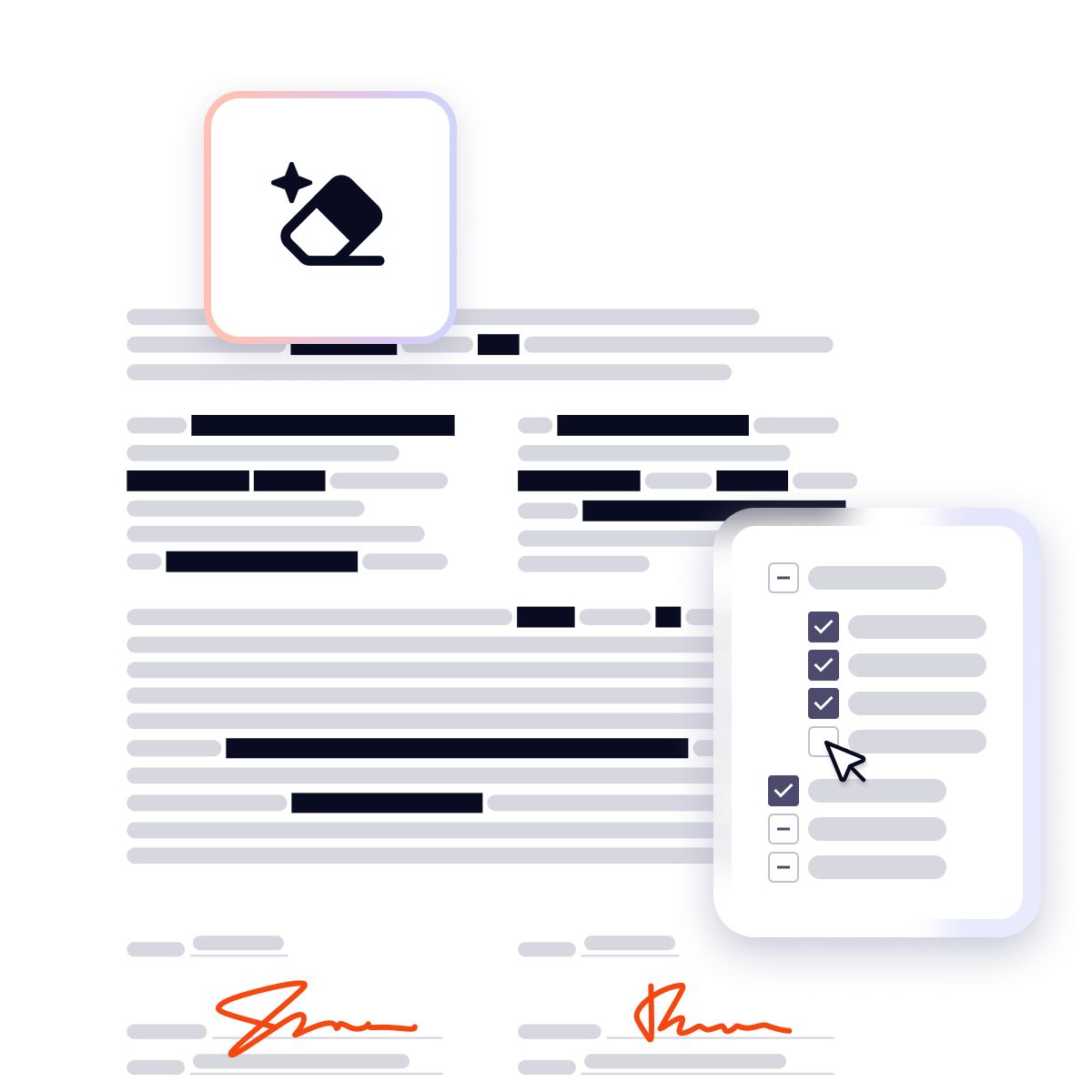
Smart Redact

Instant, accurate redaction you control

Smart Redact uses advanced natural language processing to instantly surface sensitive data for removal. With intuitive tools, you maintain complete control to review, adjust, and publish documents with permanent, untraceable redactions.

PromoBanner-SmartRedact
Canva + Nitro

Unlock seamless design and document workflows with Canva + Nitro

Get everything you need to create, edit, share, and manage documents efficiently across teams—all in one affordable bundle.

Inline Image-Canva+Nitro


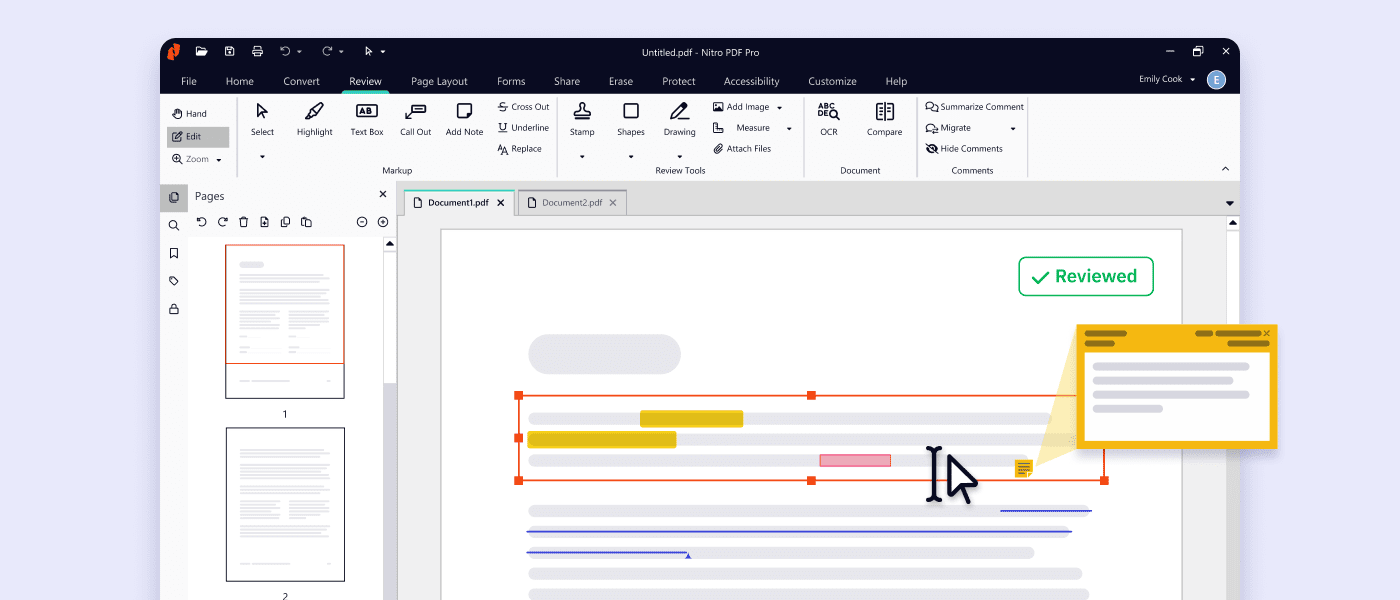
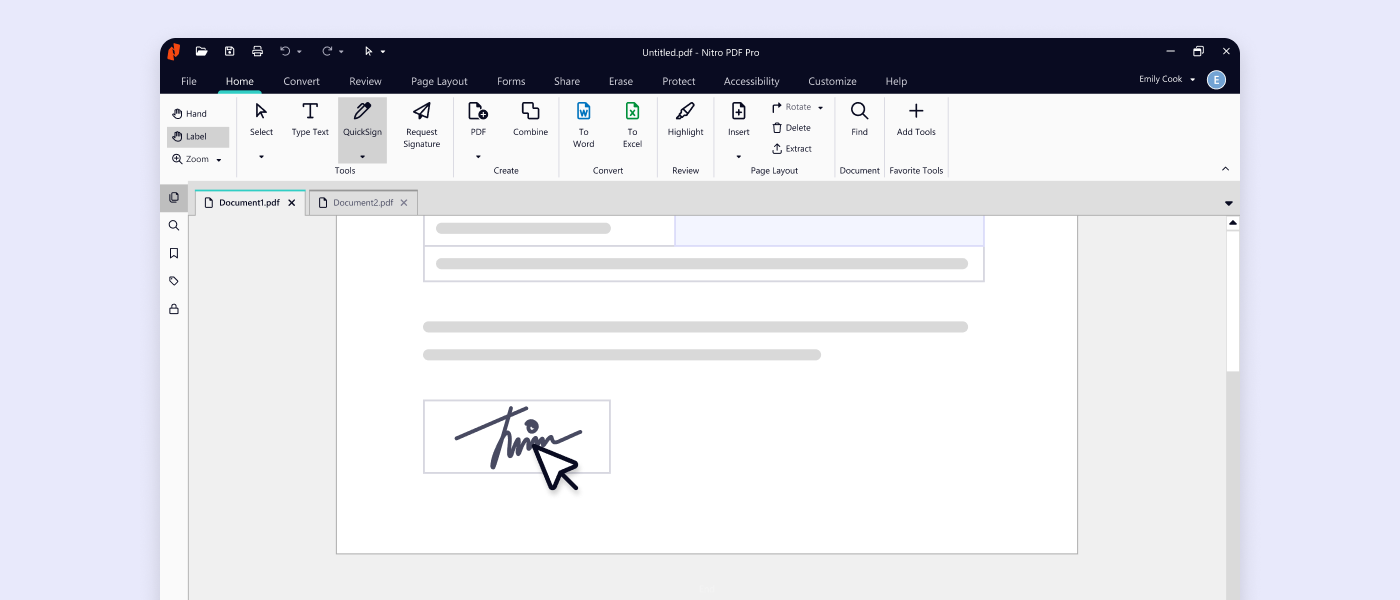
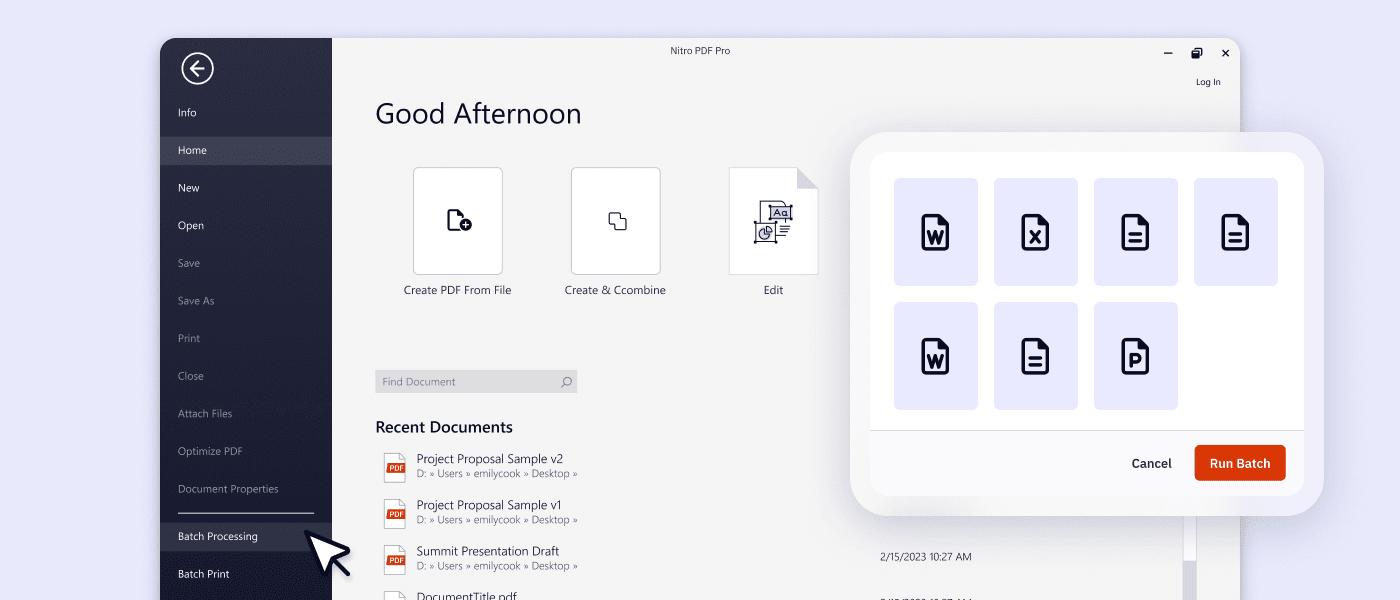
Streamline your document tasks: Edit, sign, and share with Nitro PDF

Tired of overcomplicated PDF tools? Nitro makes every document task simple. Edit, sign, convert, and collaborate—across your devices. No steep learning curve, no wasted time.

divider dots

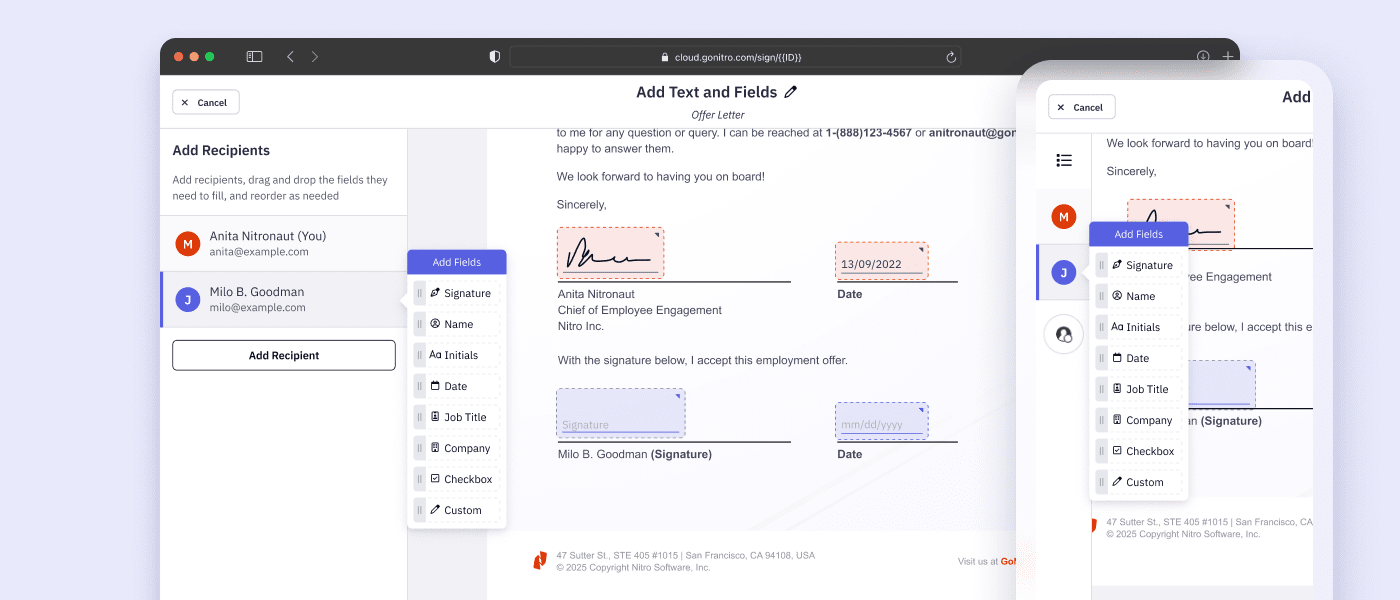
Simplify your eSigning workflow, from first click to final signature

Nitro Sign offers secure, affordable eSigning across devices without added complexity. From everyday signatures to high-trust eSigning workflows with identity verification, it's built to support businesses of every size.
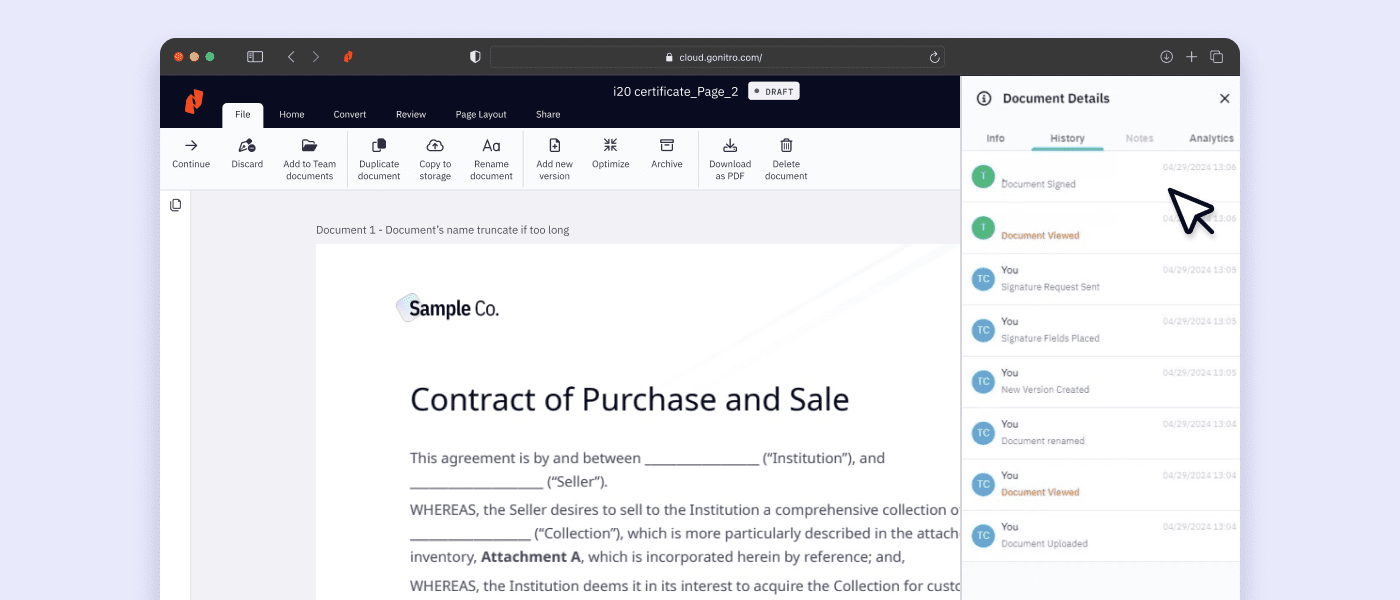
Screenshot showing PDF and eSign analytics, highlighting environmental stats

Gain real-time insights

Make data-driven decisions easier with Nitro's exclusive, robust analytics. Increase efficiency, prove ROI, and track sustainability.

Card-Page Previews-AI

Automate daily tasks

With Nitro AI, you are in control. Learn how our secure AI tools help teams accelerate tasks, extract data, gain insights, and get instant support.

Card-Page Previews-Verify Identity

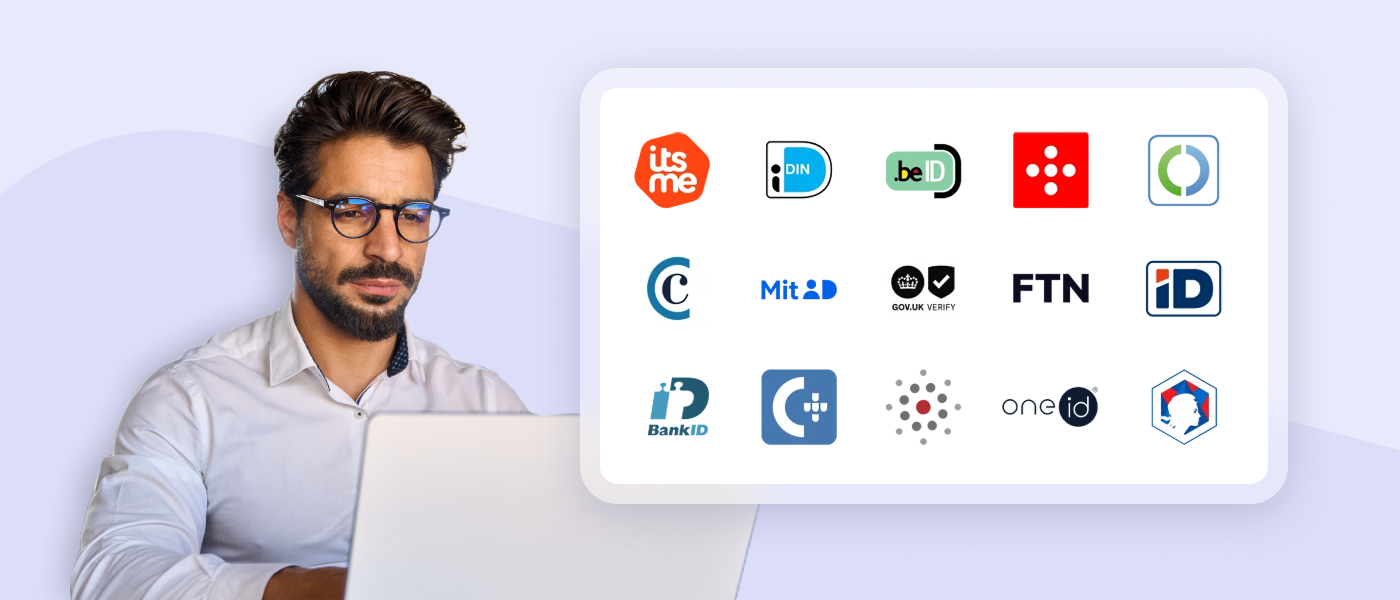
Verify identities

Identify and authenticate your users in seconds for fast, secure transactions from anywhere. Nitro offers multiple identification methods with one API.

Card-Page Previews-Nitro Workspace

Simplify access

Nitro Workspace is your central hub with quick access to web-based tools, installers, AI, admin settings, resources, and more.


What customers say about Nitro’s powerful document tools

  • DocumentCreation_MomentumLeader_Leader
  • DocumentCreation_HighPerformer_Enterprise_HighPerformer
  • DocumentCreation_EasiestAdmin_Enterprise_EaseOfAdmin
  • users-love-us
  • DocumentCreation_BestSupport_Enterprise_QualityOfSupport
  • DocumentCreation_HighPerformer_Enterprise_HighPerformer
  • PDFEditor_Leader_Mid-Market_Leader

Which PDF & eSign tools are best for your team size?

Whether you're a single user, a growing team, or a global enterprise, Nitro makes it easy to edit PDFs, send secure eSignatures, and keep costs under control with flexible plans that match your goals and budget.

Find the Best Plan for You or Your Team

 
Best for Small Teams & Individuals
Subscription

Nitro PDF Standard

For individuals, teams, & businesses seeking a full suite of PDF editing features to boost productivity and streamline workflows. 
per user/month
annually
Tax calculated at checkout
Includes sales tax

Features

  • Create, convert, ​and combine PDFs
  • Manage and edit PDFs
  • Annotate and share PDFs with ease​
  • Efficient team management through
    Nitro Admin portal
  • AI tools to boost productivity
  • 24/7/365 support for all your PDF needs
  • Integrations and productivity connectors

Subscription

Nitro Sign Standard

For individuals or small teams with basic signing needs.

per user/month
annually
Tax calculated at checkout
Includes Sales Tax

Features

  • Send envelopes of one or multiple documents for signature by recipients.
  • Create and fill out forms with predefined fields.
  • Track all activities in the signing workflow via the audit log.
  • Send manual reminders to signers
Three Year License

Nitro PDF Classic

For individuals and small teams requiring essential PDF editing tools on their Windows device for a three-year term. 
per license/billed once
Tax calculated at checkout
Includes Sales Tax

Features

  • Access Nitro’s core PDF tools for Windows desktop
  • Create, edit, and export PDF documents 
  • Combine files and split PDFs
  • Protect documents with password-based security
  • Easy-to-use Microsoft Office-style interface
  • One-time payment for three years of use


What document solutions does Nitro offer?

Nitro offers a comprehensive suite of tools designed to streamline your document workflows, including:

  • PDF & eSign tools for essential document editing and secure electronic signatures.
  • Purpose-built AI features that eliminate manual data entry and repetitive tasks.
  • Powerful infrastructure that integrates with your existing systems to automate document operations at scale.

Trusted by millions of users worldwide, including 67% of the Fortune 500, Nitro enables teams to work more efficiently, securely, and collaboratively across Windows, Mac, and iOS devices.

What are the main features of Nitro PDF?

Nitro PDF is a comprehensive solution for creating, editing, and securing documents across Windows, Mac, iOS, and web browsers. It includes powerful AI productivity tools and is built with an intuitive interface mirroring the Microsoft Office and Apple toolbars.

Key features of Nitro PDF include:

  • Core Editing: Tools to create, edit, convert, combine, and annotate PDFs, including advanced OCR and secure signing capabilities.
  • AI Smart Tools: Enhances productivity via smart data extraction, automated form creation, and intelligent document redaction.
  • Nitro Analytics: Real-time visibility into PDF usage, allowing organizations to measure productivity, prove ROI, and track sustainability.
  • Nitro Workspace: A centralized cloud hub for accessing PDF and eSign tools, AI assistants, and administration from any device.
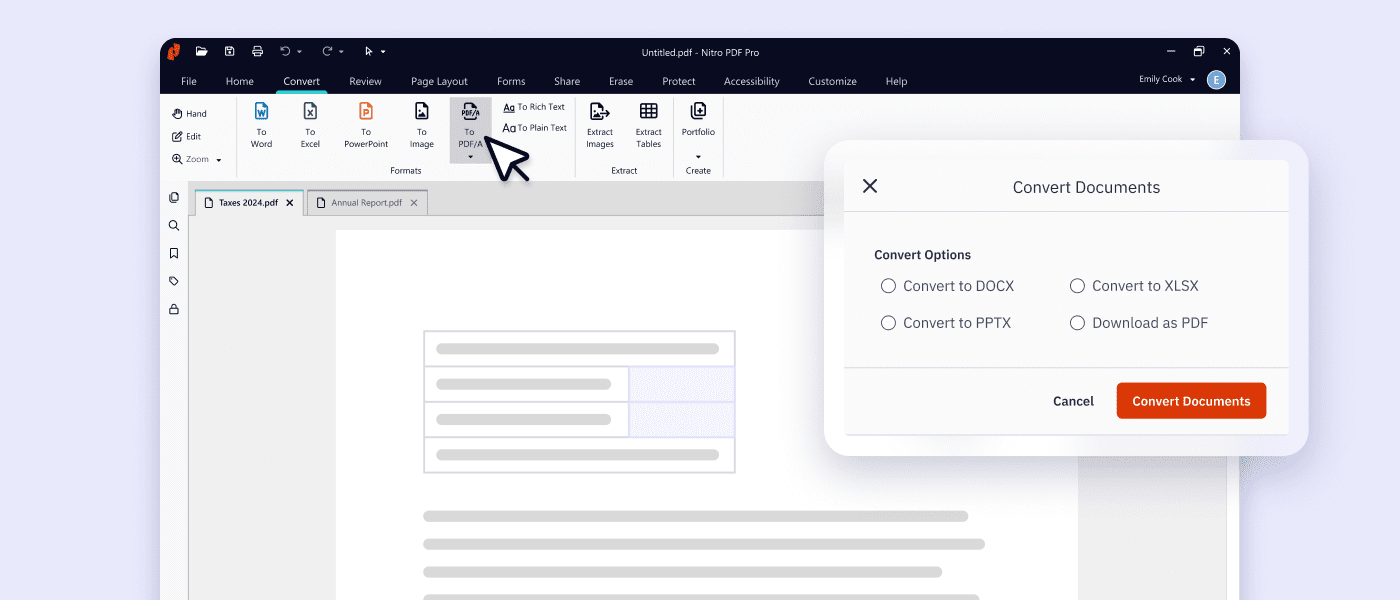
  • Advanced Editing: Create PDFs from any file type and convert PDFs into editable Microsoft Word, Excel, and PowerPoint files while maintaining original layouts.
  • Powerful OCR (Optical Character Recognition): Turn scanned paper documents and images into fully searchable and editable PDFs with high-accuracy text recognition.

Nitro PDF is available in multiple plans to suit different business needs.

What AI tools does Nitro offer for PDF & eSign workflows?

Nitro offers a suite of AI-powered smart tools designed to streamline document workflows and boost productivity with robust security

Key Nitro AI features include:

  • Smart Redact: AI-assisted redaction solution that accurately identifies and permanently removes sensitive PII from documents.
  • Smart Form Extract: Extract names, dates, and other data points from interactive and scanned documents, and turn form-filled PDFs into Excel-ready insights.
  • Smart Table Extract: Automatically extract tabular data from any PDF, overcoming common formatting challenges to deliver a clean, organized Excel file.
  • Document Assistant: Search, summarize, and translate with real-time conversational support for any document.
  • Automatic Field Detection: Automatically detect and place signature fields, dates, and text inputs to prepare documents for signing.

How does Nitro keep my data private and secure?

Nitro prioritizes security in all of our software solutions, employing strong encryption, secure authentication, and continuous monitoring to protect sensitive information from unauthorized access.

Nitro complies with globally recognized standards and certifications, including ISO 27001, SOC 2, HIPAA, the Data Privacy Framework, and QTSP accreditation.

Nitro’s AI tools and eSigning processes are designed with privacy and data protection in mind: documents and data are never retained, never used to train third-party AI models, and are processed within Azure’s enterprise-grade encrypted environment.

What compliance standards does Nitro meet?

Nitro aligns with internationally recognized frameworks, including eIDAS, ISO 27001, SOC 2, and other region-specific requirements where applicable.

Our compliance program is designed to meet the expectations of businesses operating in highly regulated industries such as finance, healthcare, and government.

By adhering to these standards, we help our customers meet their own compliance obligations while using Nitro’s solutions.

Learn more about our adherence to global compliance standards.

What support options does Nitro offer?

Whether you're a five-person team or a global enterprise, our dedicated support is available 24/7.

  • Knowledge Base and Guides: Access hundreds of detailed articles covering product features, integrations, workflows, and best practices.
  • Video Tutorials: Step-by-step walkthroughs and demonstrations to help you learn and master Nitro tools quickly.
  • Community Forum: Connect with other Nitro users, share feedback, ask questions, and discover tips and solutions.
  • Knowledge Assistant: A 24/7 in-app AI assistant providing instant, context-aware guidance on features, workflows, and troubleshooting.
  • Ticketed Support: Submit a support ticket for direct help from Nitro experts, including assistance with setup, troubleshooting, and complex issues.

What devices and platforms is Nitro available on?

Nitro’s PDF, eSign, and Workspace are designed for flexibility and accessibility across multiple platforms:

  • Windows and Mac: Full-featured Nitro PDF editor and Nitro Sign apps provide a seamless, native experience tailored for each operating system. Nitro PDF mirrors familiar interfaces like Microsoft Office (Windows) and Apple toolbars (Mac) to ensure intuitive use from day one.
  • iOS: Nitro Sign and Nitro PDF tools allow you to review, edit, and sign documents on the go from iPhone and iPad devices.
  • Cloud: Nitro Workspace provides a centralized hub accessible from any device with an internet connection, giving teams immediate access to web-based PDF and eSign tools, AI assistants, product installers, and admin settings.

See what Nitro can do for you

Take the next step to digital success today.

Icon-48px-Rapid Support

Contact sales

Talk to our experts about your business needs, and explore cost-effective options for Nitro's world-class PDF and eSign solutions.
Get in touch
Icon-48px-Smart signing

Free trial

Try Nitro’s PDF and eSign solutions to edit, sign, and organize documents effortlessly—free for 14 days!
Start your free trial
icon of people with a plus sign

Become a partner

Learn about our exciting partner opportunities for Nitro's trusted document solutions.
Partner with Nitro today