/Card-Page%20Previews-AI.png?width=1200&height=800&name=Card-Page%20Previews-AI.png)

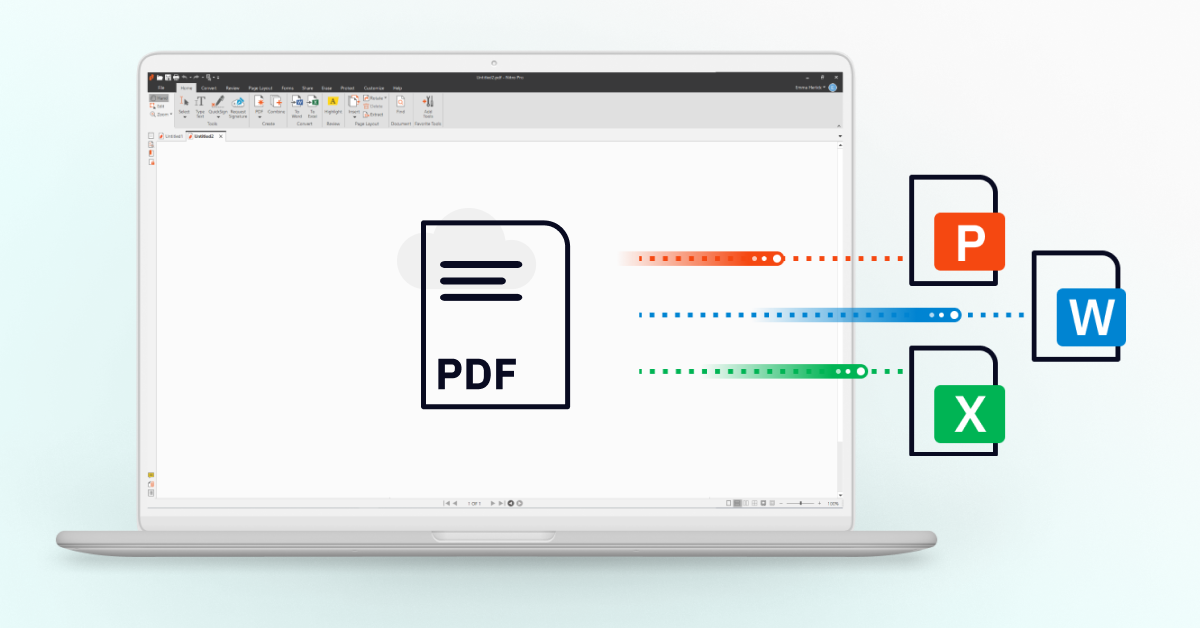
Converting documents to and from PDF is a routine task for many students, professionals, and business owners. Whether you need to turn Word, Excel, or PowerPoint files into PDFs or convert PDFs back into editable formats, speed and accuracy matter.
Nitro’s free PDF converter is an online tool that lets you convert files to and from PDF quickly, without usage limits. It automatically preserves original fonts, layouts, and formatting, fixing common conversion issues like misaligned text or broken tables, so your documents look exactly as you intended.
If you struggle with slow document uploads, inconsistent formatting, or restrictive free tools, you’re not alone. This guide shows you how to use Nitro’s free PDF converter to simplify document conversion and increase workflows efficiency.
Why Convert a PDF to Word, Excel, or PowerPoint?
PDFs are excellent for secure, consistent sharing—but they’re not ideal when you need to edit content.
Converting your PDF helps you:
-
Edit resume text directly in Word
-
Rebuild tables or datasets in Excel
-
Update decks in PowerPoint
-
Reuse content without manual reformatting
-
Extract key data from reports or contracts
Nitro PDF Pro ensures your fonts, spacing, and layouts stay intact, so you don’t waste time fixing formatting issues.
Benefits of using a Free PDF converter
Here are the key benefits of using Nitro’s free PDF converter to convert, organize, and share documents efficiently without formatting issues or usage limits.
-
Convert PDFs to and from Microsoft Office formats: Quickly convert even complex PDFs into editable Word, Excel, and PowerPoint files, then convert them back to PDF without manual cleanup.
- Preserve formatting and visual quality: Automation maintains fonts, images, spacing, and layout, ensuring your converted PDFs look professional and consistent every time.
- Organize and archive documents easily: Convert emails, attachments, and entire email folders into PDFs for simple archiving, sharing, and long-term reference.
- Save time with batch conversion: Convert and download multiple files at once so you move faster through repetitive document tasks.
- Improve collaboration across teams: Converting files into widely supported formats makes documents accessible to all collaborators regardless of device or software.
How to convert documents using Nitro’s free PDF converter
Converting documents to PDF using an online PDF converter takes just a few steps. Nitro’s free PDF converter lets you quickly convert Word, Excel, PowerPoint, and image files to PDF. For example, to convert Word documents to PDF:
- Visit our free PDF to Word converter.
- Upload your Word document.
- Click Download once your converted document is ready.
To convert other file types, such as Excel, PowerPoint and images, simply select your desired format from the dropdown and follow the same steps. You can also convert PDFs back to editable formats by choosing the reverse conversion option.
More PDF tools to transform the way you work
If PDFs are part of your daily work, using a solution that goes beyond basic conversion can significantly improve efficiency, accuracy, and collaboration. In addition to converting files, a full suite of PDF tools can help teams edit content, automate workflows, secure sensitive data, and finalize documents faster.
Here are six essential PDF tools you can use to transform how you work with documents:
- Edit documents with accuracy: Easily add, delete, and modify text or images directly in a PDF. Advanced PDF editing tools also let you insert logos, bookmarks, hyperlinks, watermarks, and page numbers, making this ideal for updating reports, contracts, and branded documents.
- Highlight and annotate for collaboration: Use markup tools to highlight text, add comments, sticky notes, stamps, and attachments. Annotations make feedback clear and traceable, improving collaboration during reviews and approvals.
- OCR: Make scanned PDFs searchable and editable: Optical character recognition (OCR) converts scanned documents into searchable, editable PDFs, with support for multiple languages. This eliminates manual retyping and improves document accessibility.
- Merge, combine, and organize PDFs: Combine emails, spreadsheets, and documents into a single, searchable PDF. You can also extract pages, rearrange content, convert pages to images, or split PDFs into standalone files.
- Secure and encrypt sensitive documents: Protect confidential information by finding and redacting sensitive data, setting user permissions, adding password protection, or using certificate-based encryption and digital IDs.
- Fill, sign, and create interactive forms: Turn static PDFs into fillable, interactive forms by adding text fields, checkboxes, and dropdowns. Use QuickSign to add secure electronic signatures.
Try Nitro’s full-featured PDF tools free for 14 days
Go beyond basic PDF conversion. Start your free 14-day Nitro trial to discover how easy it is to convert, edit, secure, and sign PDFs all in one professional-grade solution. No fine print. No credit card required.