


/Card-Page%20Previews-AI.png?width=1200&height=800&name=Card-Page%20Previews-AI.png)

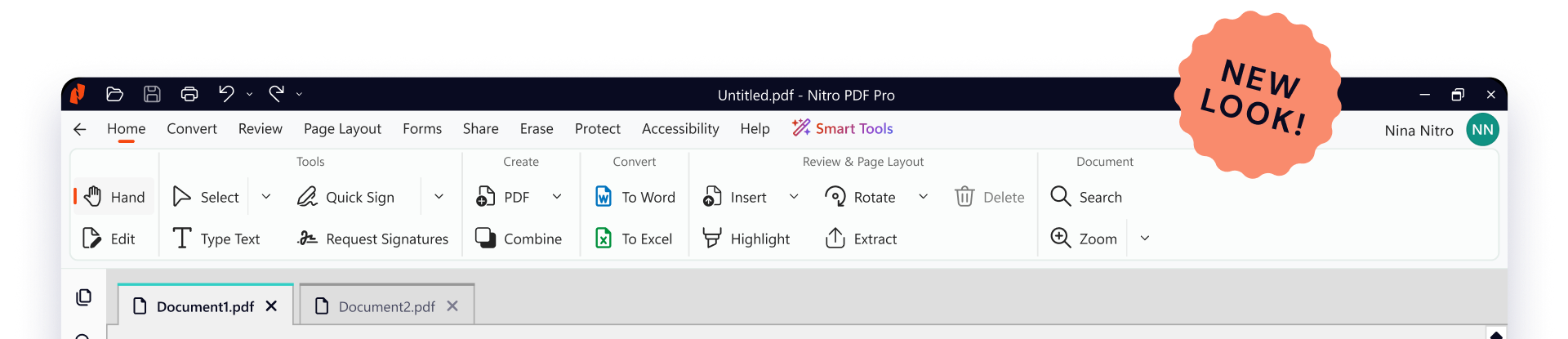

Form Extract
Turn form data into structured, Excel-ready insights.

Table Extract
Automatically pull tabular data into clean, organized Excel files.

Form Create
Instantly transform static PDFs into interactive, fillable forms.

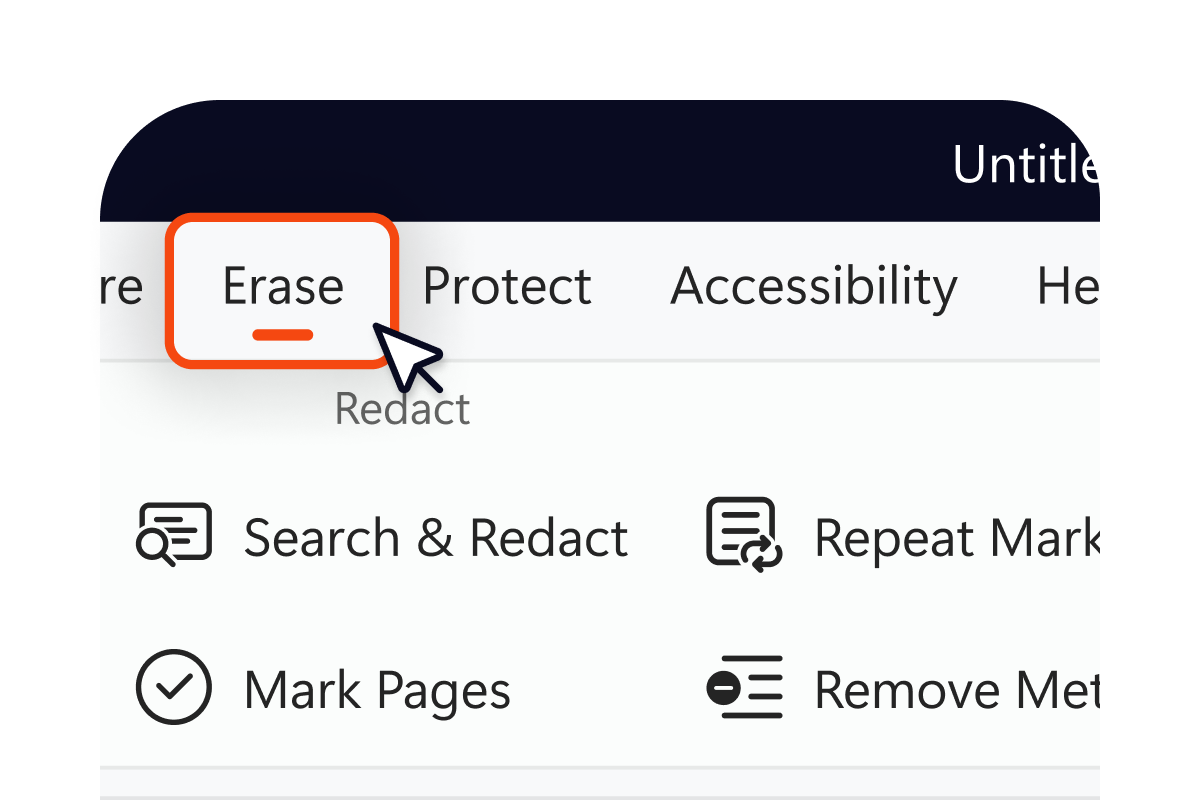
Smart Redact
Automatically detect and permanently remove sensitive information.

Nitro Assistant
Chat with your PDF to search, summarize, and translate in multiple languages.
For IT Admins!
Smart Tools can be enabled or disabled through the Nitro Admin Portal, giving your organization control over which AI capabilities are available to your users.
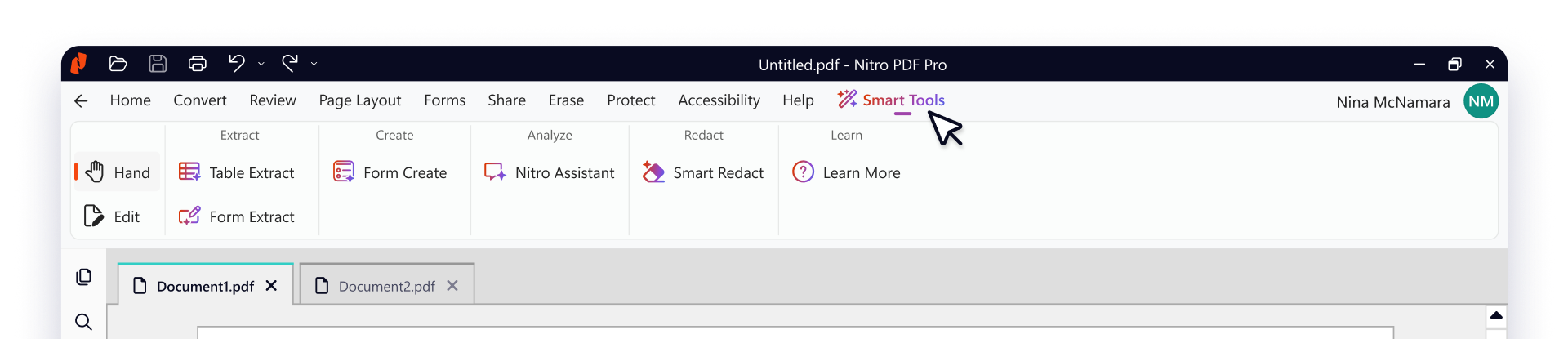


Form Extract
Turn form data into structured, Excel-ready insights.

Table Extract
Automatically pull tabular data into clean, organized Excel files.
Form Create
Instantly transform static PDFs into interactive, fillable forms.
Smart Redact
Automatically detect and permanently remove sensitive information
Nitro Assistant
Chat with your PDF to search, summarize, and translate.

Enhanced PDF compression
Significant improvements to compression technology delivers smaller files without sacrificing quality. With streamlined optimization settings, creating well-structured PDFs for sharing and archival is easier than ever.

New OCR engine
Delivering improvements to accuracy and speed, Nitro's new OCR engine handles low-resolution and noisy scans with greater precision, reducing manual corrections, and processing longer documents faster.

Right-to-left language support
Purpose-built for Arabic, Hebrew, and other RTL languages. Page Layout settings and Document Properties now respect RTL orientation, ensuring documents display and print correctly across all file types.


