/Card-Page%20Previews-AI.png?width=1200&height=800&name=Card-Page%20Previews-AI.png)

You've been there: staring at two versions of the same contract, proposal, or report, trying to spot what changed between version 3 and version 4. You're scanning line by line, switching between windows, and hoping you don't miss a critical edit. There's a better way, and it doesn't involve squinting at your screen for hours.
What's the real cost of manual document comparison?
Manual document comparison is expensive on top of being tedious. Every hour your team spends manually reviewing document changes is time they're not spending on higher-value work. Legal professionals bill hundreds of dollars per hour, yet they're often stuck doing work that software can handle in seconds.
The bigger risk is human error. When you're comparing documents manually, you're relying entirely on your ability to catch every change. Miss a deleted clause in a contract, and you could be agreeing to terms you didn't intend. Overlook a changed number in a financial report, and decisions get made on incorrect data. These mistakes have real consequences, from lost revenue to legal disputes.
Manual comparison also creates bottlenecks in your workflows. Projects sit waiting while someone finds time to review document revisions. Approval processes drag on because stakeholders can't quickly identify what actually changed between drafts. Your team's productivity suffers because a simple review task becomes an hours-long ordeal.
How does manual comparison actually work in most organizations?
Walk into most offices and you'll see the same inefficient patterns. Someone opens two documents side by side on their screen. They scroll through both simultaneously, trying to keep their place while looking for differences. They might highlight changes in one document or keep notes in a separate file about what they spotted.
Some teams try to improve this by using track changes features in word processors. This works if everyone remembers to turn tracking on and if all edits happen in the original application. But once a document gets converted to PDF or edited outside the source application, those tracked changes disappear. You're back to manual comparison.
Others print both versions and physically mark them up with a pen. This might catch visual differences, but it creates more work. Someone still needs to compile those handwritten notes, and there's no digital record of what changed. When you need to reference the comparison later, you're digging through filed papers instead of searching digitally.
The worst part? None of these methods scale. Comparing a five-page document manually is tedious. Comparing a 50-page document is nearly impossible to do accurately.
What makes automated document comparison different?
Automated document comparison tools analyze both documents simultaneously and identify every difference in seconds. Text changes, deletions, additions, formatting modifications—the software catches them all and presents them in a clear, visual format.
The key advantage is consistency. Software doesn't get tired, distracted, or miss changes because it's the end of a long day. Every comparison gets the same thorough analysis. You can trust that if something changed between versions, the software will flag it.
Automated comparison also creates a permanent record. Instead of relying on memory or scattered notes about what changed, you get a comparison report you can save, share, and reference later. This documentation is invaluable during audits, legal proceedings, or when someone asks "why did we change this clause?"
Who benefits most from automated document comparison?
- Legal teams review countless contract revisions. Every negotiation involves multiple drafts as parties propose changes. Manually comparing each version wastes billable hours and increases the risk of missing unfavorable terms. Document comparison tools let legal professionals instantly see what opposing counsel changed, so they can focus on evaluating those changes rather than finding them.
- Compliance officers need to verify that documents meet regulatory requirements and track how policies evolve over time. When regulations change, they need to update multiple documents and ensure all required modifications are made. Automated comparison provides proof that updates were implemented correctly and creates an audit trail showing exactly what changed.
- Financial analysts work with reports and models that get updated frequently. A single incorrect number can lead to flawed analysis and poor decisions. Being able to quickly compare report versions ensures accuracy and helps teams understand how projections or results changed between periods.
- Marketing and sales teams collaborate on proposals, presentations, and client materials. Multiple stakeholders contribute edits, and version control can get messy. Document comparison helps teams reconcile different versions and ensure the final document includes all intended changes without introducing errors.
- Project managers track deliverables and documentation that evolve throughout a project lifecycle. When vendors or contractors submit revised specifications, comparison tools help verify that requested changes were made and no unauthorized modifications were introduced.
What should you look for in a document comparison tool?
The best document comparison tools integrate into your existing workflows. You shouldn't need to export files to special formats, upload them to web services, or learn complicated software. The tool should work with the documents you already have, in the formats you already use.
- Speed: If the comparison takes several minutes to run, you'll be tempted to skip it and compare manually anyway. Instant results mean you'll actually use the tool every time you need it.
- Clear visualization of changes: The tool should make it obvious what was added, deleted, or modified. Color coding, side-by-side views, and summary reports help you quickly understand the scope of changes without reading through every detail.
- Accuracy: The tool must catch every change, no matter how small. False positives are annoying, but false negatives—missed changes—are dangerous. Look for tools that have been tested in professional environments where accuracy matters.
How does document comparison fit into your workflow?
Document comparison becomes most valuable when it's a standard part of your review process, not an occasional tool you remember to use. Every time you receive a revised contract, update a policy document, or review edited content, comparison should be your first step.
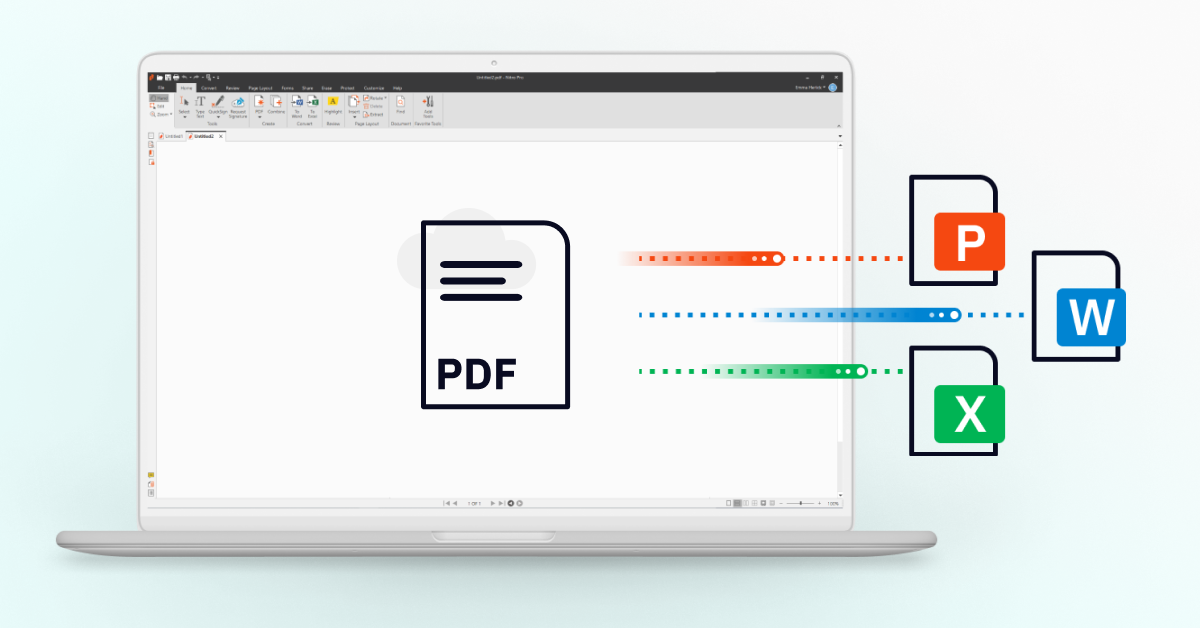
Nitro PDF Pro for Mac now includes document comparison that works seamlessly with your existing PDF workflows. Open two versions of a document, run the comparison, and get a detailed report showing every difference. You can annotate the comparison results, save them for your records, and share them with stakeholders who need to review changes.
This integration means you don't need to switch between multiple applications or maintain separate comparison tools. Document comparison becomes as simple as opening a file—something you do dozens of times per day without thinking about it.
Stop wasting time on manual reviews
Manual document comparison made sense when software couldn't handle the task reliably. That's no longer true. Modern comparison tools are fast, accurate, and easy to use.
Every day you spend manually comparing documents is a day you're working harder than necessary. Your team deserves tools that make their work easier and more accurate. Document comparison is one of those tools. With Nitro PDF Pro for Mac, you can start comparing documents automatically today. Explore document comparison and see how much time you can save.
Upgrade to the latest version of Nitro PDF Pro for Mac today.