/Card-Page%20Previews-AI.png?width=1200&height=800&name=Card-Page%20Previews-AI.png)

If your team is still manually converting files, copying data between systems, chasing signatures by email, or reformatting PDFs before they can be routed anywhere, you're doing document work the hard way. Document automation is the practice of replacing those manual steps with processes that run on their own, triggered by events in the systems your teams already use.
This guide explains what document automation is, what kinds of tasks it covers, and how organizations without any automation in place can start building toward it.
What counts as document work?
Document work is broader than people may think. It's not just creating or signing contracts; it includes any task where a person has to touch a file to move it forward, extract information from it, prepare it for the next step, or transform it into a format another system can use.
In practice, that looks like someone converting Word files to PDF before they can be uploaded, someone else extracting invoice data by hand and entering it into a spreadsheet, a team manually applying redactions to documents before they can be shared externally, or an administrator chasing signers because nothing in the process does it automatically.
None of these tasks are complicated. But they happen constantly, and the time they consume adds up quickly.
Why manual document handling becomes a problem at scale
A team handling five contracts a week may barely notice the overhead, but a team handling five hundred likely notices it everywhere.
Manual document processes slow down at exactly the moments when speed matters most. For example: A loan application stalls because someone hasn't finished formatting the supporting documents. A claim sits in a queue because the data extraction is an extra step. An onboarding process runs late because the right files are waiting on the right person to do a routine task.
Manual steps can also introduce inconsistency and accuracy problems: The same data gets entered differently or sensitive information gets missed during redaction. When those errors affect sensitive workflows, especially in highly regulated industries, the consequences can go beyond a basic delay and increase compliance risk.
The underlying issue is not that teams work slowly; it is that many document tasks are repetitive enough to automate, yet still rely on manual effort.
What document automation solves
Document automation replaces manual document tasks with programmatic operations: processes that are defined once and then run automatically, at any volume, every time they're triggered.
The operations involved can cover many of the essential steps a document goes through during its life in an organization.
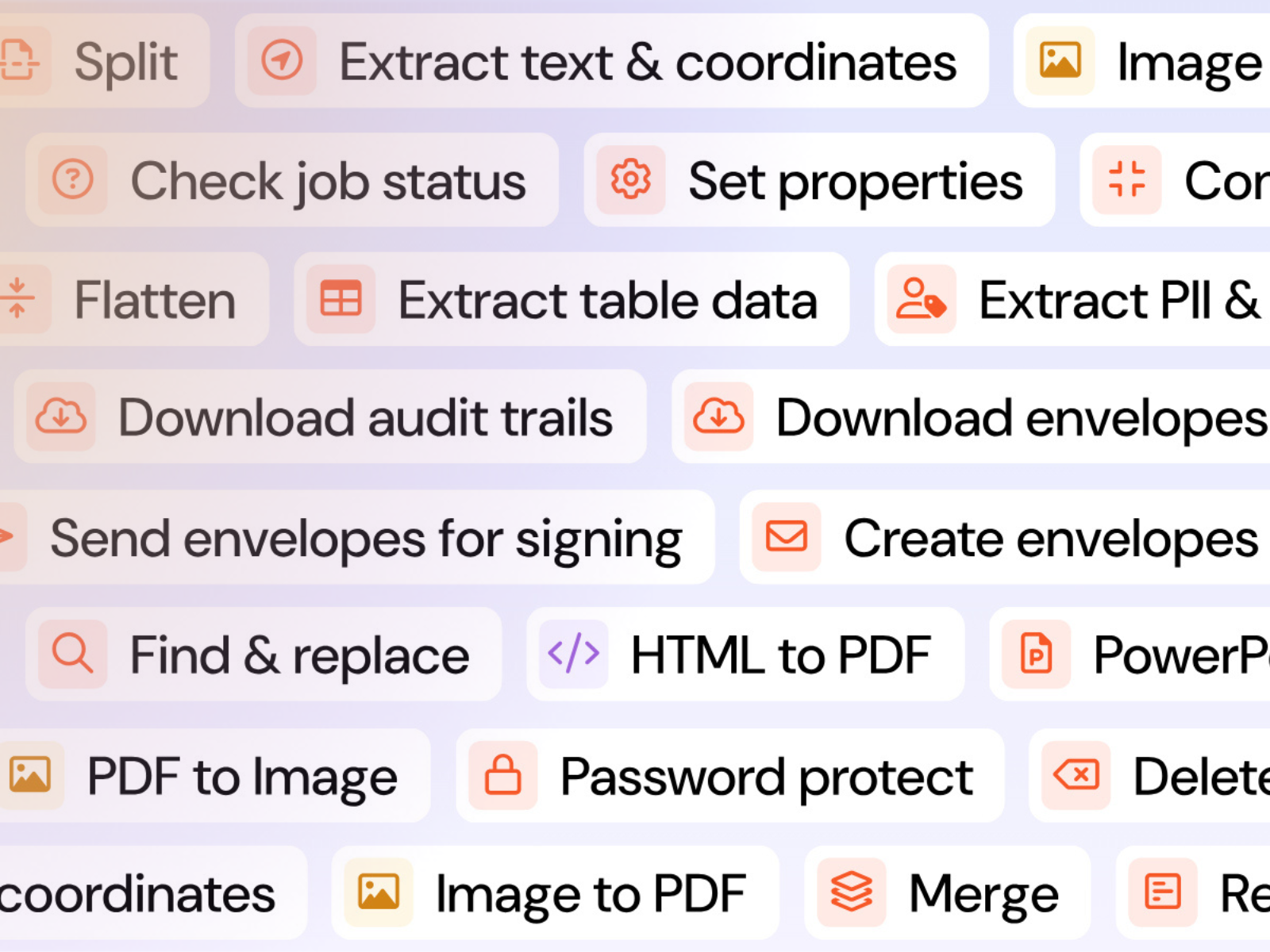
Format conversion transforms files between types, such as turning Word documents into PDFs or preparing document data for use in downstream systems, without someone doing the work by hand.
Data extraction pulls structured information out of documents: form fields, table values, invoice line items, contract terms. Extracted data can flow directly into CRMs, ERPs, or databases rather than being keyed in manually.
Redaction identifies and permanently removes sensitive information from documents before they're shared, filed, or published. Automated redaction uses natural language processing to find PII and other sensitive content across entire document sets, not just the pages someone happens to check.
PDF transformations cover the routine operations that happen to documents in transit: merging files, splitting large documents, compressing for storage, applying password protection, adding watermarks, or flattening forms before archiving.
Electronic signature workflows handle the creation, routing, tracking, and completion of signature requests automatically, so multi-party signing doesn't depend on someone manually nudging the process forward.
What triggers a document automation workflow?
In a nutshell, automation runs when something happens. An event in one of your systems, whether a file upload, a form submission, a record update, or a workflow reaching a certain stage, triggers the automation to start.
For example, a new customer contract is uploaded to your CRM. The automation can detect it, convert it to the right format, extract key fields, route it for signature, and archive the signed copy when the workflow is complete. The workflow moves forward without someone manually starting each individual step.
That trigger-and-respond pattern is what separates automation from simply having tools. The tools already exist in most organizations, but automation is what connects them and removes the human interventions that would otherwise coordinate them.
What document automation is not
It's worth being clear about what doesn't count as document automation.
A PDF editor alone is not document automation; editing tools help individuals make changes to documents manually. That's useful, but it doesn't scale and it doesn't remove the manual step.
It's also not having a document template. Templates reduce the time it takes to create a document, but they still require a person to generate, populate, and route each one.
And it's not general process automation that happens to involve documents. Low- and no-code tools like Power Automate are powerful for connecting applications and triggering workflows, but document-heavy processes often need dedicated document capabilities to process the files involved. That combination is where document automation becomes practical and saves teams real time.
Where should organizations start with implementing document automation?
The most effective entry point is the highest-volume, most repetitive document task your team currently handles manually. Format conversions, routine data extraction, and signature request reminders are common starting points because they're well-defined, the manual effort is easy to measure, and the benefit of automating them is immediate.
From there, organizations typically expand to more complex workflows as the team gets comfortable with the tooling and starts to see where the next bottlenecks are.
Teams without in-house development resources usually start with low-code connectors through platforms like Power Automate, which allow document operations to be added to existing workflows without writing code. Teams with technical capacity often move quickly to direct API integration, which offers more control and handles more complex use cases.
Neither path is more correct than the other. What matters is that the automation is reliable, the outputs are consistent, and the people who used to do the work manually can focus on something else.
How to know if document automation is the right next step
If your team handles repetitive document tasks at volume, if manual document steps create delays in otherwise automated workflows, or if document errors are a recurring source of compliance risk, document automation is certainly worth evaluating.
You don't need a large technology team to get started, and you don't need to automate everything at once. Most organizations begin with a single workflow, measure the time recovered, and expand from there.
How Nitro Automate supports the move away from manual document work
Nitro Automate gives teams programmatic access to a comprehensive set of document operations through a unified automation offering, covering format conversions, data extraction, redaction, PDF transformations, and eSign workflows. Teams can use Nitro Automate through direct API integration, low-code connectors like Power Automate, or Model Context Protocol (MCP) for AI agent workflows.
For organizations without existing automation, Nitro Automate is designed to provide a low-friction entry point: clear documentation, a connector-based path that doesn't require development resources, and the ability to scale up once the first workflows are running.
Learn more about Nitro Automate and explore how your team can get started.

/Card-Finance%20%26%20Legal.png?%20Legal.png)