/Card-Page%20Previews-AI.png?width=1200&height=800&name=Card-Page%20Previews-AI.png)

What is Nitro Automate?
Nitro Automate is intelligent document automation that powers PDF & eSign operations across the AI agents, workflows, and systems your teams already use. It eliminates low-value document work entirely and accelerates everything else with AI, transforming manual tasks into scalable, automated operations.
Document work runs through every team in every department, often invisibly until it slows everything else down. Contracts need to be archived after closing, invoices processed when they arrive, and claims standardized as they land. Across thousands of documents and dozens of workflows, that work adds up to one of the biggest operational costs a business carries. Nitro Automate is built to handle them, in the background, inside the systems your teams already work in.
What can teams do with Nitro Automate?
Teams across financial services, insurance, legal, healthcare, government, and logistics can use Nitro Automate to handle document-heavy work that previously required manual effort, from contract processing and claims handling to discovery preparation, clinical documentation, and customs paperwork.
For sales teams, Nitro Automate extracts contract data on deal close, updates CRM fields instantly, and archives the file without manual steps. NDAs, proposals, and onboarding documents fit naturally into the same workflow, shortening the time between contract signature and revenue recognition.
In highly regulated insurance teams, Nitro Automate standardizes claim documents on arrival, extracts the data your adjusters need, and triggers signature requests the moment a file is ready. The same automation applies to policy renewals, underwriting submissions, and compliance filings, giving claims teams capacity they previously had to hire for.
In accounting, Nitro Automate consolidates hundreds of invoices into a single report automatically, with the ordering, merging, and file preparation handled in the background. Purchase orders, expense reports, and audit documentation are processed with the same consistency and scale, removing the manual effort that finance teams spend on document handling.
What document operations does Nitro Automate support?
Nitro Automate provides programmatic access to more than 25 document operations through a single API, processing thousands of documents in seconds. It handles the heavy lifting—from converting and merging files to extracting data and tracking eSign requests—eliminating manual effort entirely for high-volume operations and accelerating every document task that still needs a human touch.
The supported operations cover:
-
Format conversion across PDF, Word, Excel, PowerPoint, and image files
-
Merging, splitting, and restructuring documents at any volume
-
Extracting structured data from tables, forms, and scanned documents
-
Redacting sensitive information using the same natural language processing that powers Smart Redact
-
Preparing, sending, and tracking documents for eSignature
-
Applying the password protection, encryption, and permission controls that regulated industries require
The same operations are available across every adoption path, so a workflow built in Power Automate today can move to a direct API integration tomorrow without rebuilding the underlying logic.
How do teams deploy Nitro Automate?
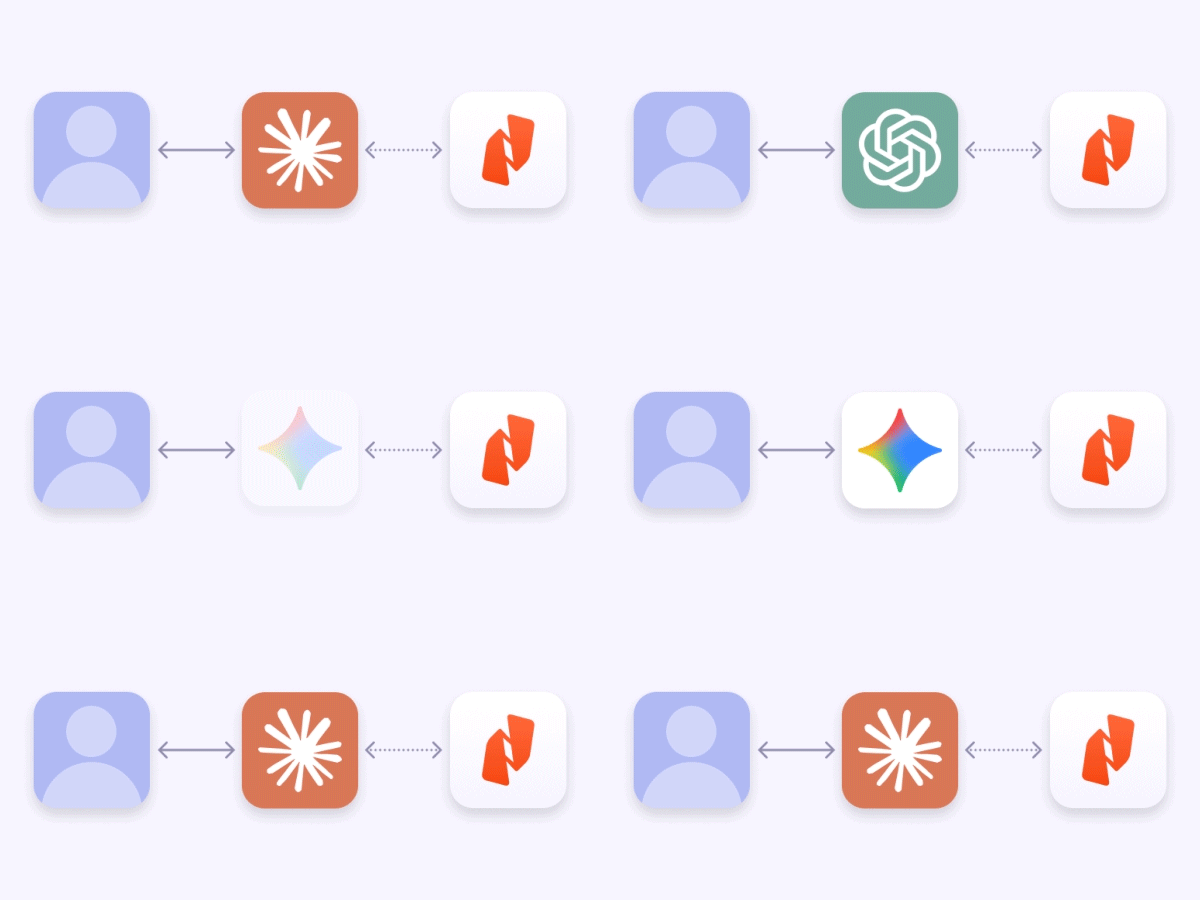
Nitro Automate deploys however your team works. You can embed document automation anywhere using custom code for precision and control, low-code platforms like Power Automate and Zapier for speed, or AI agents via MCP to make document processing a native capability.
For development teams, Nitro Automate integrates directly through our APIs using any language that supports HTTP. This is the right fit for high-volume internal services, ERP extensions, and custom applications where document operations are part of the product itself. Authentication, rate limiting, and error handling follow standard patterns, and the developer documentation walks through common operations with working code samples.
For teams running automation through Microsoft Power Automate or Zapier, Nitro Automate is available as a connector. Operations leads, business analysts, and automation owners can add document steps into existing flows without writing any code, which is often the fastest way for an organization to start automating high-volume document work.
For AI agents, Nitro Automate is accessible through the Model Context Protocol. When an agent needs to convert a file, extract a value, or route a document for signing, it calls Nitro Automate directly within the same workflow where it handles the rest of the task. Your agent uses Nitro to actually execute document tasks, not just describe them, which is what makes document-aware agents practical at enterprise scale rather than something that only works in a demo.
Is Nitro Automate secure and compliant?
Yes. Nitro Automate runs on Nitro's certified infrastructure, the same infrastructure that supports Nitro PDF, Nitro Sign, and Smart Redact. It is built on systems certified to SOC 2 Type II, ISO 27001, and HIPAA standards, with continuous monitoring, access controls, and security processes designed for regulated industries. This means enterprise-grade security for AI-powered automation, with the documentation and audit trails compliance and legal teams need on demand.
Sensitive data is handled with the same care across every workflow. Automated PII detection, consistent redaction, and programmatic password controls ensure that regulated information is protected by default, and customer data is processed only for the specific task requested and is never used to train generative AI models. Administrators manage access, credentials, and usage through the Nitro Admin Portal alongside their other Nitro products.
How is Nitro Automate priced?
Nitro Automate uses a usage-based credits model rather than per-seat licensing, so pricing scales with the work rather than with headcount. Credits are consumed only when API calls complete successfully, which means your budget reflects the document work actually delivered rather than requests that never finished.
For organizations processing documents at high volume, this is a more predictable way to budget than seat counts that have nothing to do with the underlying workload. Nitro Automate is available as an add-on to Nitro PDF and Nitro Sign subscriptions.
How do I get started with Nitro Automate?
Request early access to Nitro Automate and start building today.