Skip to content

Zapier + Nitro Automate

Connect Nitro with your favourite tools to map, build, trigger, and scale powerful PDF and eSign workflows across thousands of apps, no code required. 
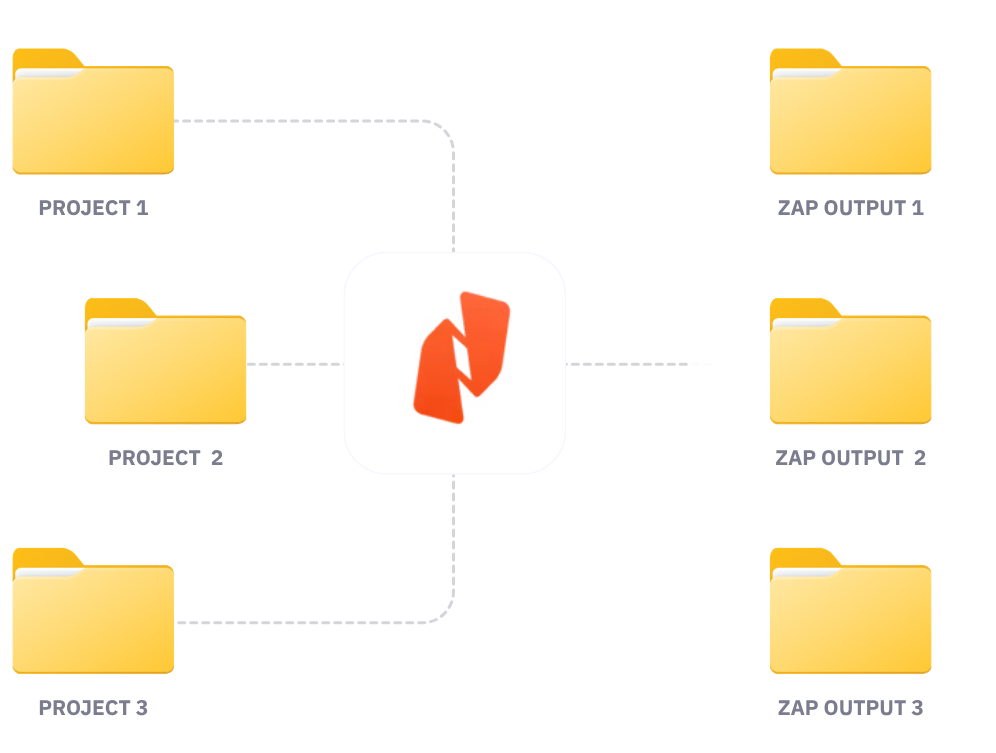
What are the benefits of integrating Nitro with Zapier?

  • One connector for every document workflow: Convert, extract, merge, split, compress, redact, and watermark documents through a single Zapier connector instead of stitching together multiple single-purpose plugins.
  • Turn static documents into actionable data: Automatically extract text, tables, and form fields from incoming PDFs and send structured data directly into your CRMs, databases, or spreadsheets.
  • Route documents automatically: Automatically trigger document processing when events occur in other tools and route outputs based on conditions, eliminating manual handoffs and approval delays.
  • Embed signing into your workflows (coming soon): Trigger signature requests as part of a wider automation, then pass completed documents and audit trails straight into your next workflow steps.
  • Built for scale: Process large document batches smoothly in the background using Nitro's enterprise-grade infrastructure designed for high throughput. 

Features & example workflows

With the Nitro integration for Zapier, you can incorporate intelligent document processing and eSigning into the wider processes you already automate across the Zapier ecosystem. 
 
Core features 
  1. Format conversion: Seamlessly convert between PDF and Office formats (Word, Excel, PowerPoint) in either direction.
  2. Data extraction: Extract text, tables, form fields, and metadata from documents to feed downstream systems automatically.
  3. Document operations: Merge, split, compress, redact, and watermark PDFs on demand as part of your workflow.
  4. End-to-end eSignatures (coming soon): Create envelopes, add documents and participants, place signature fields, manage signing order, send requests and reminders, and retrieve completed documents with full audit trails—all as Zapier actions.
  5. Secure and protect: Encrypt documents with passwords, manage permissions, and redact sensitive data to keep your workflows compliant and secure.
  6. No-code integration: Build, trigger, and scale multi-step Zaps without writing code.
  7. Enterprise performance: High-throughput processing handles background automation without stalling your workflows. 
Example workflows 
  1. Trigger on file upload: When a file is uploaded to Dropbox, Google Drive, or OneDrive, automatically convert it to PDF, compress it, and archive it in your cloud storage.
  2. Trigger on email attachment: When an email attachment or invoice arrives in Gmail or Outlook, automatically extract form fields, text, or tables and push structured data directly to Salesforce, HubSpot, or a database.
  3. Trigger on document creation: Once a document is generated in another tool, automatically merge, watermark, or redact sensitive data, before routing it to its final destination.
  4. Trigger on signed document (coming soon): Once a document is fully signed, automatically store it in the right folder, update a CRM record, or notify the relevant team—no manual follow-up needed. 

Getting started

    1. Sign in to your Zapier account.
    2. Search for Nitro in the Zapier app directory.
    3. Choose a trigger (e.g., "New File in Folder," "New Email Attachment," or "Envelope Completed") or an action (e.g., "Convert File to PDF," "Extract Form Data," or "Create Envelope").
    4. Connect your Nitro account and save your automated Zap.

What is the Nitro PDF Services integration for Zapier?

 The Nitro PDF Services integration for Zapier allows you to incorporate core document processing actions—such as converting, extracting, merging, splitting, compressing, redacting, and watermarking PDFs—directly into multi-app automated workflows (Zaps) without coding.  

Do I need coding or developer experience to use Nitro with Zapier?

No developer or coding experience is required. Zapier's visual editor lets you map, build, trigger, and scale automated document workflows across thousands of supported web applications using simple point-and-click actions.  

What document operations can I perform with Nitro and Zapier?

 Through a single Nitro connector, you can convert files between PDF and Microsoft Office formats, extract text, tables, and form fields into structured data, as well as merge, split, compress, redact, and watermark documents.  

How does the Zapier integration handle high volumes of documents?

Nitro Automate is built on enterprise-grade infrastructure designed for high-throughput execution. It processes large document batches smoothly in the background without stalling or slowing down your broader Zaps.  

Which third-party apps can I connect Nitro to via Zapier?

You can connect Nitro to over 6,000+ apps supported across the Zapier ecosystem, including Google Drive, Dropbox, Salesforce, HubSpot, Gmail, Microsoft Outlook, Slack, and many others.  


Optional Link

How do I get started with Nitro Automate on Zapier?

Log into your Zapier account, search for the Nitro PDF Services connector in the app directory, authenticate your Nitro Automate credentials, and select your desired triggers and actions to build your first Zap.  

Optional Link

Streamline your Zapier workflows with secure, compliant eSignatures using Nitro Sign.

Contact Us