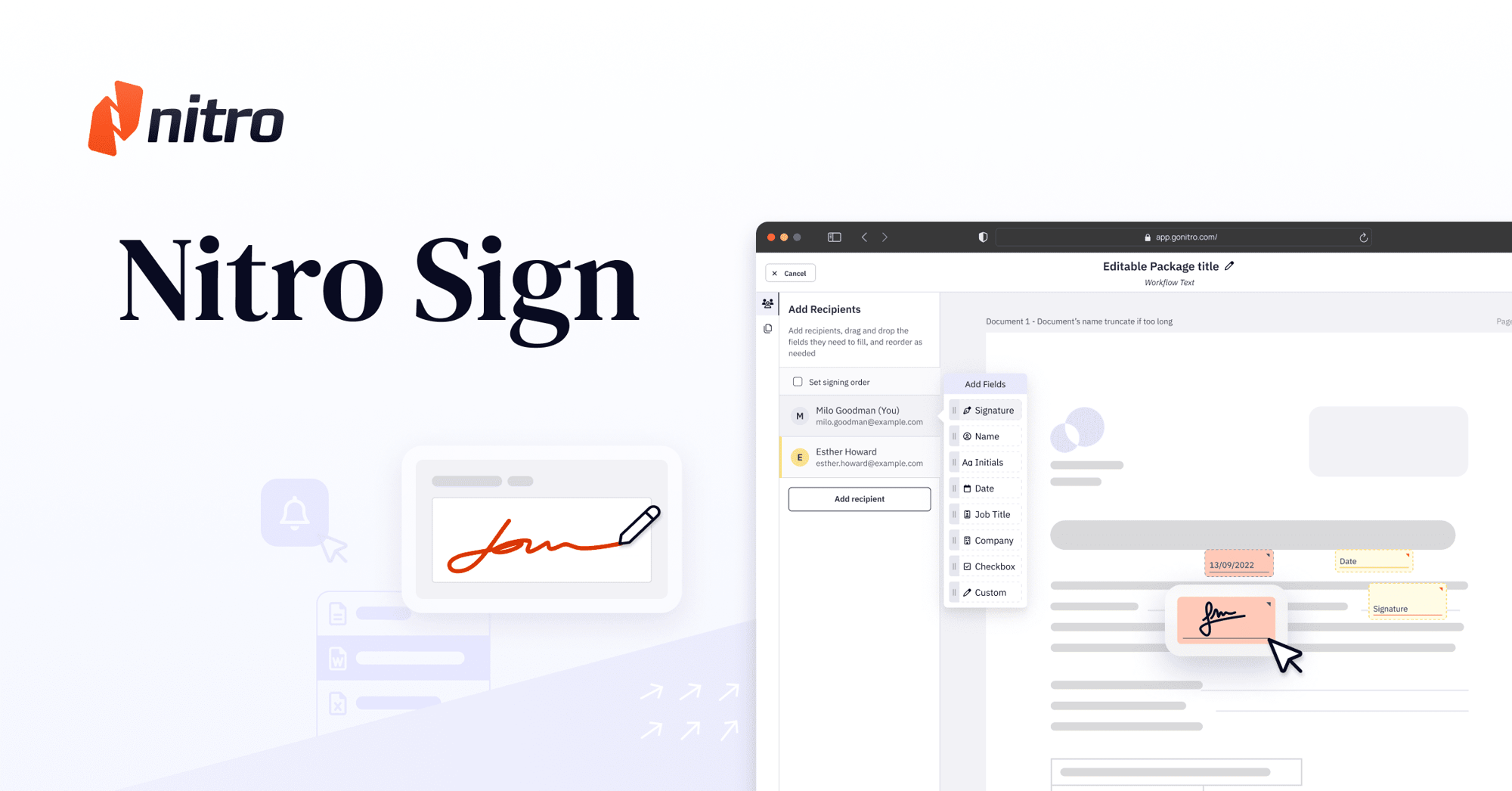
Electronic Signatures: Complete eSign Guide | Nitro Sign
Skip to content

Everything You Need to Know About eSigning

Electronic signatures let people and businesses sign documents online instead of printing, scanning, or mailing paperwork. They're legally binding in most countries under laws like the ESIGN Act, UETA, and eIDAS, provided requirements like signer intent and consent are met. Nitro Sign lets teams send, sign, track, and store electronic signature workflows securely from one platform, with support for encryption, audit trails, and identity verification built in.

This guide explains how electronic signatures work, how they differ from digital signatures and wet signatures, when electronic signatures are legally binding, and the security, compliance, and identity verification requirements organizations should understand. You'll also learn how Nitro Sign helps businesses send, sign, track, and manage secure electronic signature workflows.
Resource Card-Collaterall-What is an Electronic Signature_

Your Complete Guide to eSignatures: Tools, Tips & Tutorials

icon of a signature with a padlock

What Is An eSignature?

An eSignature is a digital way to indicate agreement on a document, legally valid in most cases without printing or scanning.
Learn the basics of eSigning
Icon-48px-Signature Tracking

How Do eSignatures Work?

A document is uploaded, signature fields are added, it's sent to recipients, and each signer completes it electronically — with every step recorded in an audit trail.
Step-by-step guide
icon of a pen filling out a form field

Wet vs. Electronic vs. Digital Signatures

A wet signature is handwritten ink on paper, an electronic signature is any digital indication of intent to sign, and a digital signature is a cryptographically verified subset of the two.
Learn the differences
icon of a signed document

How Do I Get Started eSigning?

Choosing a platform, preparing documents with signature fields, and sending them for signature — most organizations can be up and running the same day.
See how easy it is
icon of a gavel

Are eSignatures Legally Binding?

Yes — in most countries, when requirements like signer intent, consent, and a proper audit trail are met under laws like the ESIGN Act, UETA, or eIDAS.
Learn about eSign legality
Icon-48px-Secure-1

How Secure Are Electronic Signatures?

Electronic signatures are secured through encryption, signer authentication, and audit trails — the exact level of protection depends on the provider.
Learn about standards & encryption
icon 2

Why Do Businesses Choose eSignatures?

To replace paper-based signing with faster, trackable digital workflows — reducing printing, mailing, and manual follow-up.
See the business benefits of eSigning
Icon-48px-Work anywhere-1

eSignature Use Cases

Industries from real estate to healthcare to finance use eSignatures for contracts, approvals, onboarding, and consent forms.
Explore by industry
Icon-48px-Learn on the go-1

Explore More eSign Resources

User guides, compliance details, and signing-method comparisons for teams using Nitro Sign.
See eSign resources
Icon-48px-Cloud Storage

Glossary of Electronic Signature Terms

Start signing documents electronically with Nitro Sign and explore its features with a free trial.
View the glossary of important eSignature terms
Inline Photo-Secure eSigning-V4

What is an eSignature?

An electronic signature (eSignature) is a digital method of indicating agreement or approval on an electronic document. In many jurisdictions, electronic signatures have the same legal effect as handwritten, or “wet,” signatures when they meet applicable legal requirements.

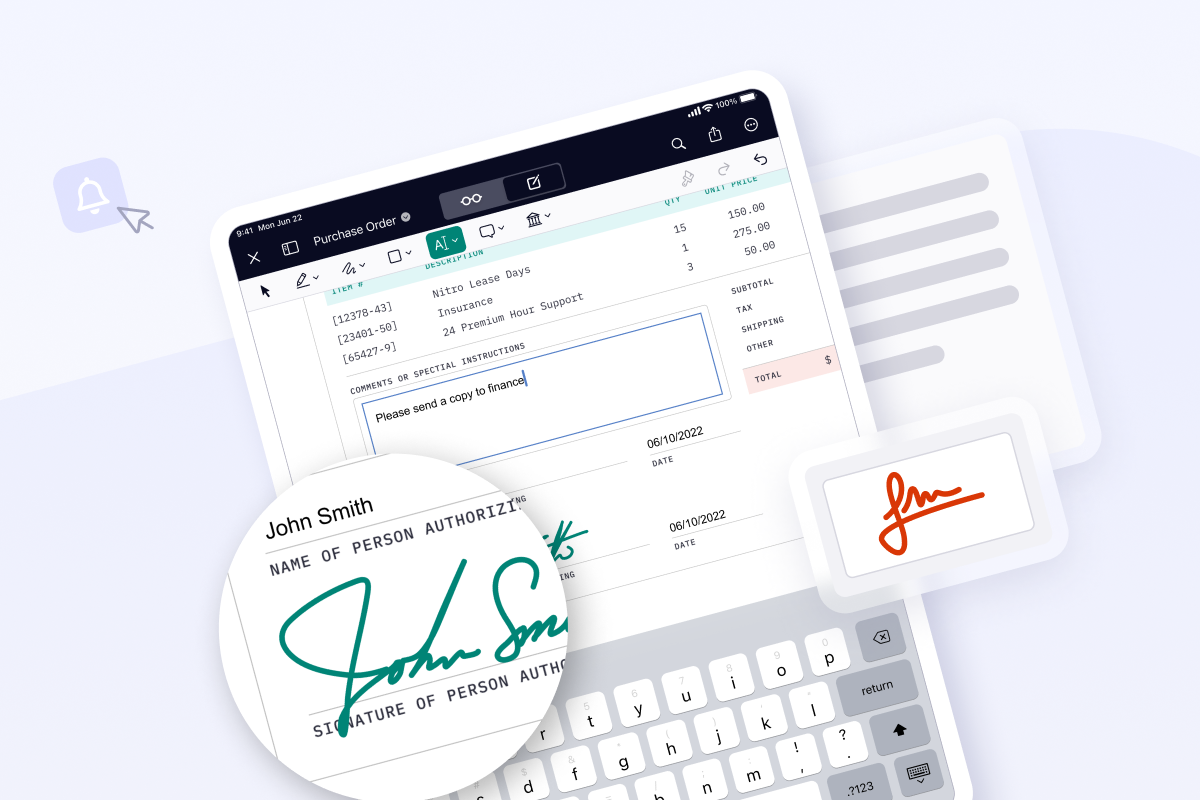
Electronic signatures allow individuals and organizations to sign documents from computers, tablets, or mobile devices without printing or scanning paperwork.
Nitro Sign helps users send documents for signature, track signing progress, and maintain records of completed agreements from a single platform.

Common benefits of electronic signatures:

  • Sign documents remotely
  • Reduce paper-based processes
  • Track signing status digitally
Header-Nitro Sign (SEM Retargeting)

How do electronic signatures work?

How do electronic signatures work?
Electronic signatures work by recording a signer's approval electronically and associating that approval with a document.

Most electronic signature platforms also record information about the signing process, such as participant actions, timestamps, and document history.

How to electronically sign a document

  1. Upload the document
  2. Add signature and required fields
  3. Send the document to recipients
  4. Recipients review and sign electronically
  5. The completed document is stored with a record of the signing activity

What happens during signing?

During the eSigning process, electronic signature platforms commonly:
  • Authenticate recipients before signing
  • Encrypt documents during transmission and storage
  • Record signing events in an audit trail

Nitro Sign supports document preparation, electronic signing, workflow tracking, and audit trails from a single application.

What are the differences between wet, electronic, and digital signatures?

Wet signatures, electronic signatures, and digital signatures are three different methods of signing documents. While the terms “electronic signature” and “digital signature” are often used interchangeably, they are not the same, and both differ from traditional handwritten (wet) signatures. 
icon of a signed document

Wet Signature

Handwritten with pen on paper. Still commonly used for documents such as wills, notarized docs, and court filings.
icon of a pen filling out a form field

Electronic Signature

Electronic consent captured digitally. Frequently used for fast, secure signing of contracts, HR documents, invoices, etc.
icon of a signature with a padlock

Digital Signature

A type of eSignature using encryption and PKI. Used for high-security docs requiring verification.

Getting started with electronic signatures

Organizations can begin using electronic signatures by identifying documents that require approval and selecting a platform that meets their security, compliance, and workflow requirements.

Inline Photo-High-trust by Design

Step 1: Choose a trusted eSign provider. Evaluate electronic signature solutions based on compliance with the ESIGN Act, eIDAS, and UETA, strong security features such as encryption, SOC 2, and ISO 27001, an intuitive user interface, administrative controls, and integrations with your existing business systems.

Step 2: Prepare documents.Upload documents and add signature fields, dates, initials, and other required information.

Step 3: Send for signature. Email documents to recipients in the required signing order.

Step 4: Monitor progress. Track document status and receive notifications as recipients complete each step.

Step 5: Store completed agreements. Retain signed documents together with their associated audit records.

Are eSignatures legally binding?

Yes. Electronic signatures are legally recognized in many countries when they satisfy applicable legal requirements.

In the United States, electronic signatures are generally governed by the ESIGN Act and the Uniform Electronic Transactions Act (UETA). Within the European Union, electronic signatures are governed by the eIDAS Regulation. 

Requirements for legally valid electronic signatures

  • Intent to sign
  • Consent to conduct business electronically
  • Association of the signature with the document
  • A record of the signing process

Important eSigning regulations and standards

Organizations should evaluate whether additional legal or industry-specific requirements apply to their documents. Failing to meet compliance requirements can lead to rejected agreements or legal disputes. That’s why choosing an eSign solution that is fully compliant with global standards, like Nitro Sign, is critical. 

Inline Photo-Secure eSigning-V2

How secure are electronic signatures?

Electronic signatures help protect document integrity through encryption, signer authentication, and activity records.

The level of security depends on the electronic signature solution, the authentication methods used, and the organization's compliance requirements. 

Common eSigning security features

  • Encryption during transmission and storage
  • Signer authentication
  • Audit trails
  • Access controls

Common eSigning compliance standards

  • ESIGN Act
  • UETA
  • eIDAS
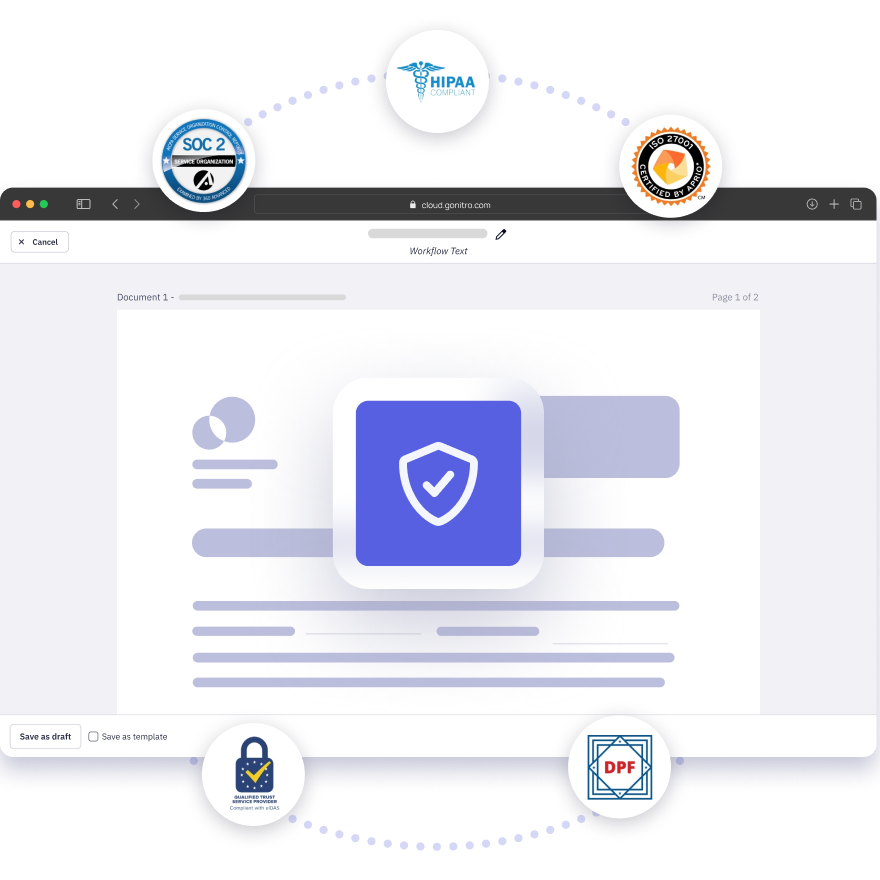
  • SOC 2
  • ISO 27001
  • HIPAA (for applicable healthcare workflows)

Visit the Nitro Trust Center

The Nitro Trust Center provides information about Nitro's security practices, privacy, certifications, compliance programs, and data protection policies.

Try Nitro Sign 14 Days Free

No credit card required, no features locked.
Start Your Free Trial

Nitro Sign resources and user guides

Learn more about electronic signatures, compliance requirements, signing methods, and Nitro Sign features through the resources below.

EN - Featured image - Nitro Sign - 1200x628-1

Nitro Sign User Guide

Browse articles, tutorials, and best practices to help your team use Nitro Sign more effectively and get the most from your electronic signature workflows.
SLegal_LP_ImageryA_440x440-2

eSignature Legality Guide

Learn how electronic signatures work and how Nitro Sign supports compliance with the ESIGN Act, UETA, eIDAS, and other electronic signature requirements.
Screenshot Carousel-PDF-Signing Methods

Signing Methods

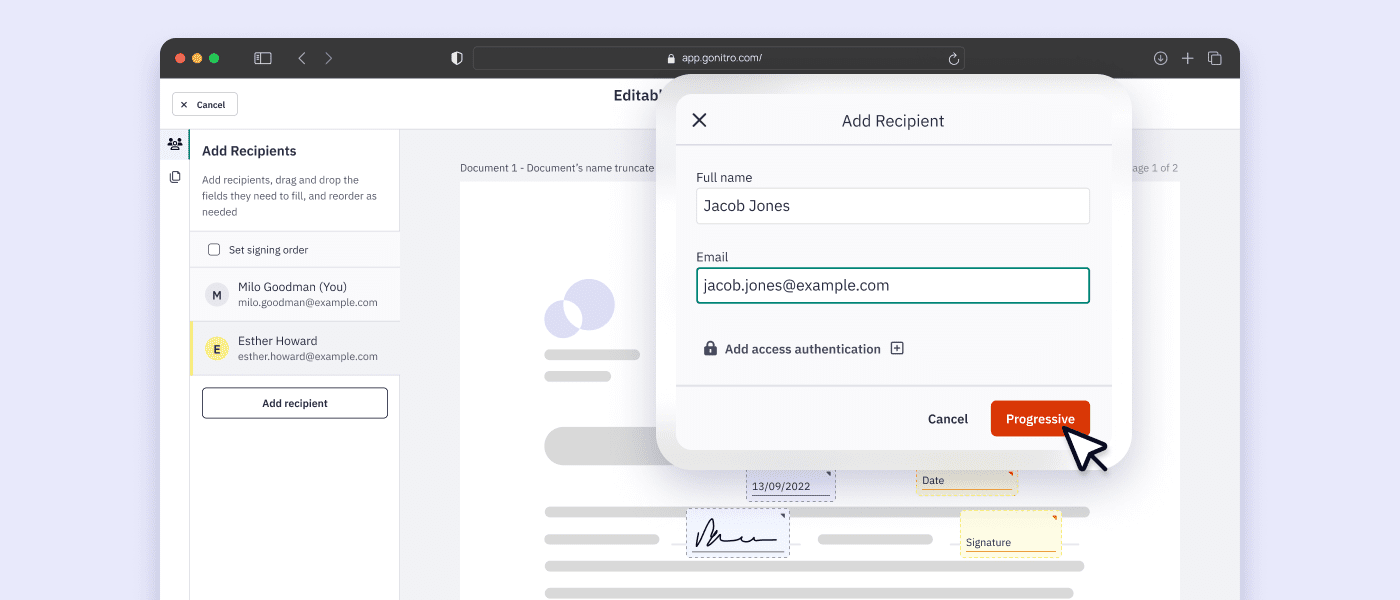
Compare Nitro Sign's signing methods, identity verification, and authentication workflows to choose the right signing experience for your business.


  • Spr25_Grid Leader
  • Spr High Performer
  • Spr25_ROI MidMarket
  • Spr25_HighPerformerSmall
  • Sp25_Enterprise
  • Spr25_HighPerformerMid
  • Spr25_User Adoption

eSign Term

Definition

Audit Trail

The timestamped history attached to a signed document — who viewed it, when they signed, and what actions they took. Nitro Sign generates an audit trail automatically for every document, so it's available if a signature is ever challenged.

Authentication

The process of confirming a signer's identity before they can open or sign a document — commonly done through email verification, one-time passcodes, or ID checks. Higher-risk agreements, like real estate contracts, often require stronger authentication than a simple email link.

Digital Certificate

An electronic credential issued to a signer or organization that ties a digital signature to a verified identity. It's what allows a recipient to confirm a signed document hasn't been altered since signing.

Digital Signature

A type of electronic signature that uses cryptographic keys and a digital certificate to verify who signed a document and detect any changes made after signing. It's a more technical, tamper-evident subset of electronic signatures generally.

Electronic Signature (eSignature)

Any electronic indication that a person intends to sign a document — a typed name, a drawn signature, or a click-to-sign action. It's legally recognized in most countries when paired with proper consent and a record of the signing process. 

Encryption

The method used to protect a document's contents while it's being sent or stored, so only authorized parties can read it. Nitro Sign encrypts documents both in transit and at rest.

ESIGN Act (Electronic Signatures in Global and National Commerce Act)

The U.S. federal law that gives electronic signatures the same legal standing as handwritten ones for most interstate and foreign commerce. It's one of the main reasons eSignatures hold up in U.S. courts.

eIDAS (electronic Identification, Authentication and Trust Services)

The European Union's regulation governing electronic identification and signatures, setting out different tiers of electronic signature (from basic to qualified) with different legal weight depending on the use case.

Identity Verification

Identity verification methods — like email authentication, one-time passcodes, or ID checks — confirm a signer is who they claim to be before they can open or sign a document, and are often required for higher-risk agreements like real estate or financial contracts.

Public Key Infrastructure (PKI)

The system of cryptographic keys and certificates that underpins digital signatures, allowing a recipient to verify both the signer's identity and that the document hasn't been tampered with since it was signed.

Signer

The person completing an electronic signature on a document. A single document can have one signer or several, depending on the workflow and signing order set up.

UETA (Uniform Electronic Transactions Act)

A U.S. state-level law, adopted by most states, that gives electronic signatures the same legal effect as handwritten signatures for the transactions it covers. It works alongside the ESIGN Act rather than replacing it.

Workflow

The full signing journey for a document in Nitro Sign — from uploading and adding signature fields, to routing it to recipients in the right order, to storing the completed, audit-trailed file.

Wet Signature

A handwritten signature applied with ink on a physical document. Some document types still require a wet signature depending on jurisdiction, even where electronic signatures are otherwise accepted.

Try Nitro Sign Free

Start your free 14-day trial of Nitro Sign today. No features locked, no credit card required for sign-up.
Start your free trial