
To use the JavaScript console:
- On the Forms ribbon, in the Document Setup group, click the arrow besides the JavaScript button
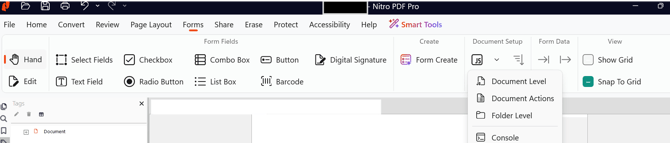
- Click Console
- Enter the script
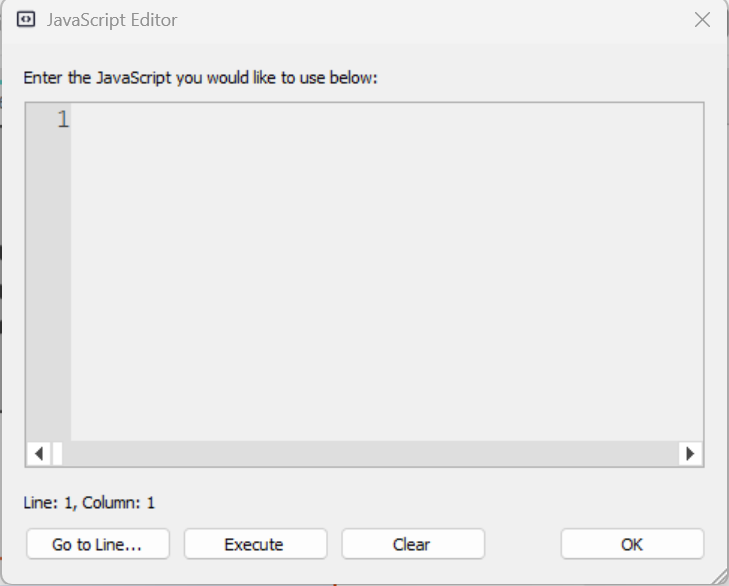
- Click Execute and OK
Last updated: July 30, 2026
Was this article helpful?
Thanks for your feedback. We're glad we could help.
Thank you. Your feedback will be used to make future improvements.