/Card-Page%20Previews-AI.png?width=1200&height=800&name=Card-Page%20Previews-AI.png)


How to automate small business document workflows
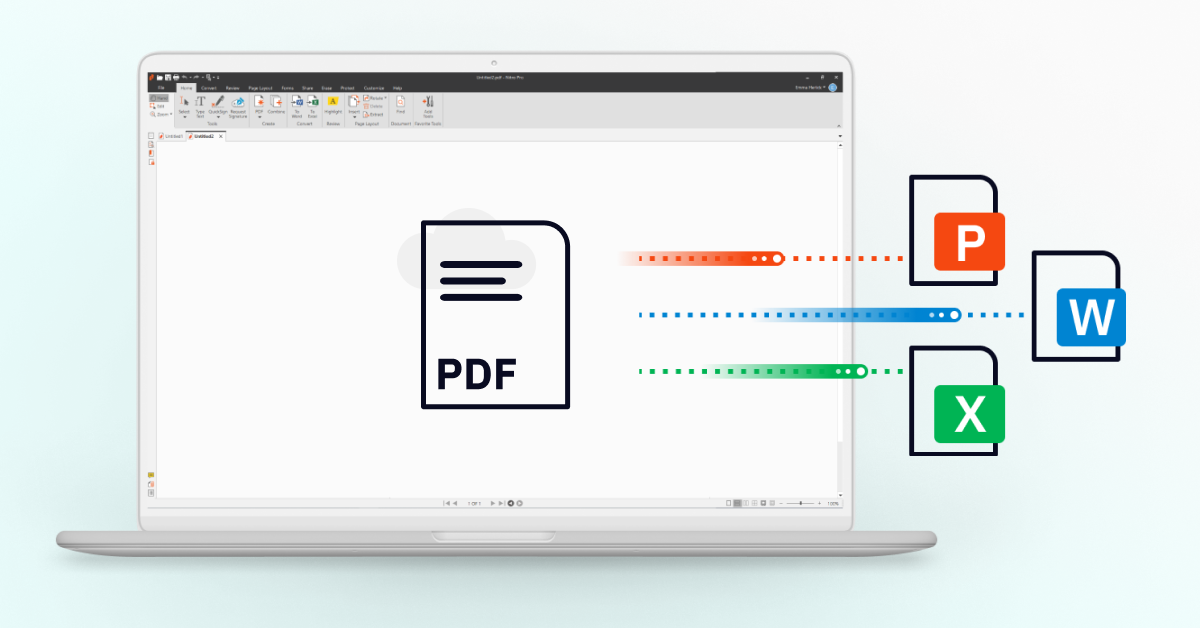
Small firms can save 10+ hours weekly by replacing manual document handling with PDF automation tools like Nitro. By utilizing automated templates for recurring contracts, batch processing for high-volume file conversions, and smart routing for eSignatures, firms eliminate repetitive data entry. These workflows move documents through the "Create-Sign-Archive" lifecycle without manual intervention, allowing small teams to focus on billable work rather than administrative overhead.
The efficiency gap: Why "manual" is costing you
For an Office Manager in professional services, time is the most exhausted resource. When your team spends 15 minutes per client manually "fixing" a Word-to-PDF conversion, or hours chasing down signatures via email, you aren't just losing time—you're losing profitability.
Recent user data suggests that the benefit of a modern document platform isn't just about a pretty interface; it’s about the elimination of manual steps. Compared to legacy tools that feel like a chore to navigate, a unified platform allows small teams to operate with the velocity of an enterprise.
3 pillars of small firm automation
Template-first contract generation
Stop starting from scratch. Most professional services firms use the same five to 10 core documents (engagement letters, NDAs, service agreements).
- The automation: With Nitro Sign Templates, you build the document once—including signature fields, checkboxes, and date stamps.
- The result: Instead of 20 minutes of document prep, your team simply applies the template and hits send. It ensures 100% accuracy and consistent branding every single time.
High-volume batch processing
Processing invoices, records, or tax documents one by one is a legacy bottleneck.
- The automation: Nitro’s Batch Tool allows you to convert, combine, or apply security settings to hundreds of files simultaneously.
- The result: Tasks that used to take an entire afternoon—like converting 50 Word docs to PDF and adding a "Confidential" watermark—are completed in three clicks.
Smart routing and reminders
Chasing signatures is a silent productivity killer for small business administration.
- The automation: Set up sequential signing (document goes to Person A, then automatically to Person B) and enable automated reminders.
- The result: Nitro handles the follow-up. You get a notification only when the document is fully executed and filed, removing the need for "checking in" on signature status.
Proving the value: Data-driven delight
Why are Office Managers switching? It comes down to the Nitro Analytics dashboard. Unlike legacy tools that leave you guessing, Nitro provides real-time visibility into your firm's productivity.
Automation vs. manual workflows
|
Task |
The manual way |
The Nitro Automated way |
|
New client onboarding |
45 mins (manual prep/email) |
5 mins (template + Ssmart send) |
|
Document conversion |
One-by-one (high error risk) |
Batch processing (instant) |
|
Signature follow-up |
Manual emails/phone calls |
Automated reminders |
|
Filing and storage |
Manual drag-and-drop |
Auto-archive to Cloud/CRM |
Reclaim your work week
Automation isn't just for the Fortune 500. Small firms are using Nitro to out-pace their competition by staying lean, fast, and focused on the client experience.