
See Nitro in action
Your intro to Nitro PDF Pro
Nitro PDF Pro has been redesigned with a modern interface and built-in AI to handle the heavy lifting for you. Everything you need to work faster is right where you need it—no complexity, just a better way to handle your PDFs.













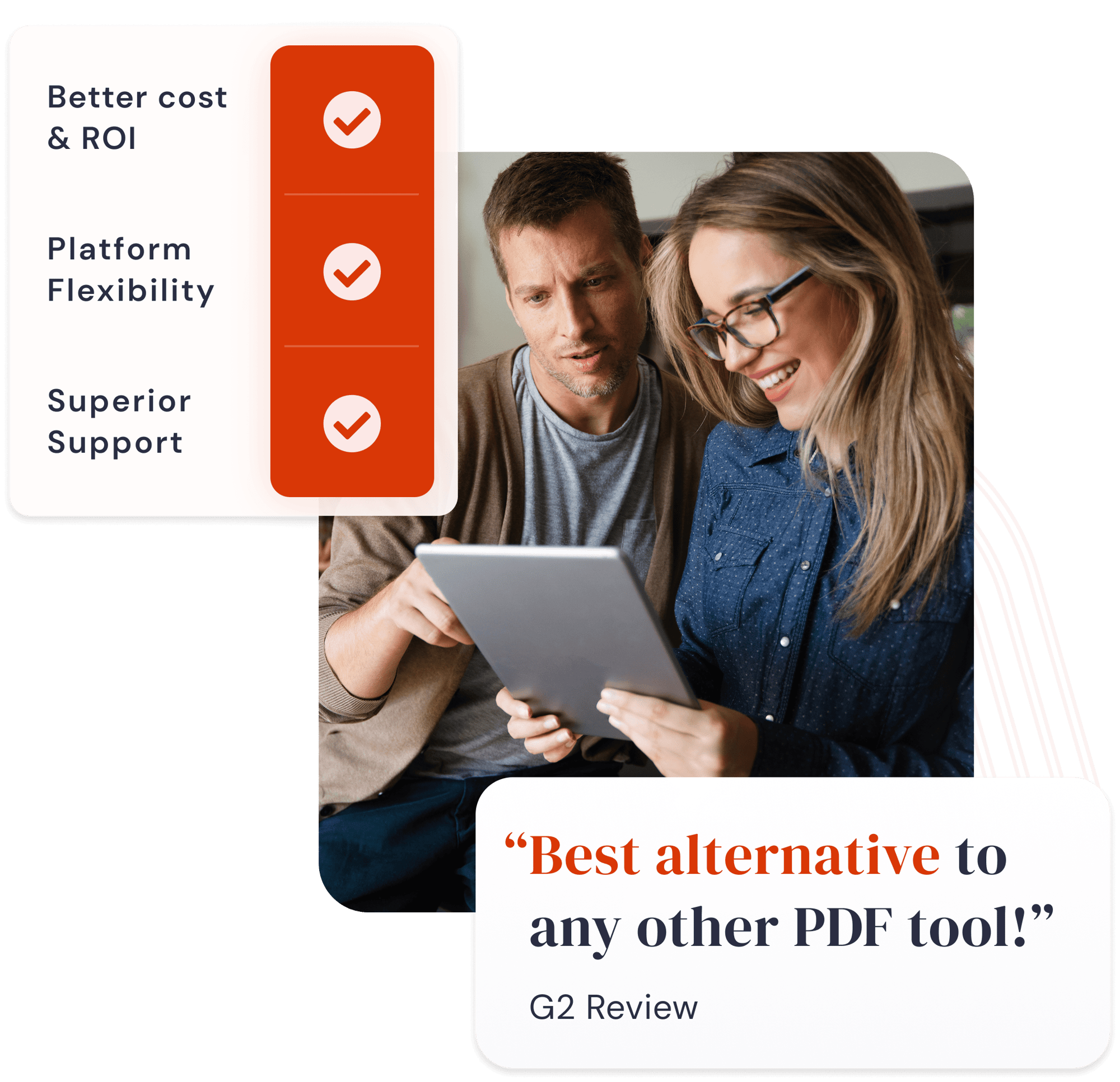
The Adobe tools are very expensive tools, with many overloaded features our users aren’t using. The customer success team has a very good reaction time, compared to other support teams. I can speak to them in english or german, and we are very happy to have a great partnership together.
IT Contract & License Manager
Continental, 20000 employees

There was initially some internal resistance, especially from long-time Adobe users. But the substantial support we got from Nitro helped make the transition as smooth as possible. The outstanding support we received from Nitro's Customer Success team helped ensure a seamless transition to Nitro PDF. Now we can provide our employees with all the PDF editing capabilities they need—at a fraction of the cost.
Lead Engineer, Directory Services
Equiniti, 6000 employees

We use Nitro to raise our productivity, which is why we've deployed the product throughout our organization. Nitro is a very dynamic team with a high customer orientation, making it easy for us to work with them before, during, and after the implementation process.
Contract and License Manager
T-Mobile, 50000 employees
Nitro offers us a powerful and easy-to-use solution.For us, standardizing software and licenses was the big challenge. With Nitro, we have found a powerful and easy-to-use solution–and the admin portal is a real relief, saving time, money, and worry.
IT Operations and Applications Manager
MAAG Group, 1200 employees
Nitro gives our users all the tools they need—quickly and simply. Nitro may be a large, global organization, but that’s not the impression you get when you’re working with them. The team is so available and responsive, and they deal with your requests in such a highly attentive manner. It feels as though they are a small software start-up and you are their most important client.
Cloud Development Team Manager
Leavitt Group, 3000 employees
Nitro has helped us optimize costs and reduce our carbon footprint. Our partnership with Nitro has provided significant ROI for MVP. We have been able to reap the benefit of decreased software costs, reduced administrative overhead, and lower printing costs. Most importantly, we have been able to get back the valuable asset of time.
Senior Director
MVP Health Care, 1700 employees