


/Card-Page%20Previews-AI.png?width=1200&height=800&name=Card-Page%20Previews-AI.png)


What are the benefits of Nitro's document collaboration tools?
With Nitro, your team can share, review, and finalize documents in one secure platform—reducing delays, improving clarity, and keeping everyone aligned from start to finish.
-
Securely share PDFs & eSign documents with teammates or clients.
-
Add highlights, comments, and markups for clearer collaboration.
-
Track document progress with real-time visibility.
-
Work across desktop, tablet, or mobile devices.
-
Stay compliant with global eSignature and data security standards.

Collaborative editing
Add comments, highlights, and markups directly to PDFs. Provide feedback in real time or asynchronously to keep everyone aligned.

Secure document sharing
Share files with confidence using password protection, encryption, and permission controls to safeguard sensitive information.

Workflow visibility
Monitor document activity with built-in audit trails and version control, so you always know who viewed, signed, or updated a file.

Tool integrations
Connect Nitro with cloud platforms like Google Drive, Dropbox, and OneDrive to keep documents accessible and collaboration seamless.
Which industries can benefit from Nitro’s document collaboration tools?
Nitro’s secure sharing, annotation, and eSignature features are used across industries to speed up workflows, improve accuracy, and keep teams aligned—no matter where they’re working.
Real Estate
Streamline transactions with fast, secure document sharing. Agents, clients, and legal teams can review, annotate, and sign contracts from anywhere.

Manufacturing
Keep production moving with real-time collaboration on contracts, safety documentation, and supplier agreements. Annotations reduce errors and delays.

Finance & Accounting
Share reports, statements, and agreements securely with built-in audit trails. Collaboration tools simplify approvals and maintain regulatory compliance.

Healthcare
Protect patient information with compliant sharing and permissions. Collaboration tools help providers review forms, approvals, and policies securely.

Insurance
Speed up claims and policy approvals with secure sharing and eSignatures. Teams can review documents together without delays.

Government
Support transparency and compliance with secure collaboration on forms, contracts, and regulations. Real-time visibility helps keep projects accountable.

Professional Services
Accelerate client work by collaborating on proposals, contracts, and deliverables in one centralized platform.

Energy
Support large-scale projects with centralized document sharing. Teams can track revisions, approvals, and compliance documentation seamlessly.

Education
Enable faculty, staff, and administrators to collaborate on policies, grant applications, and student records while maintaining document security.

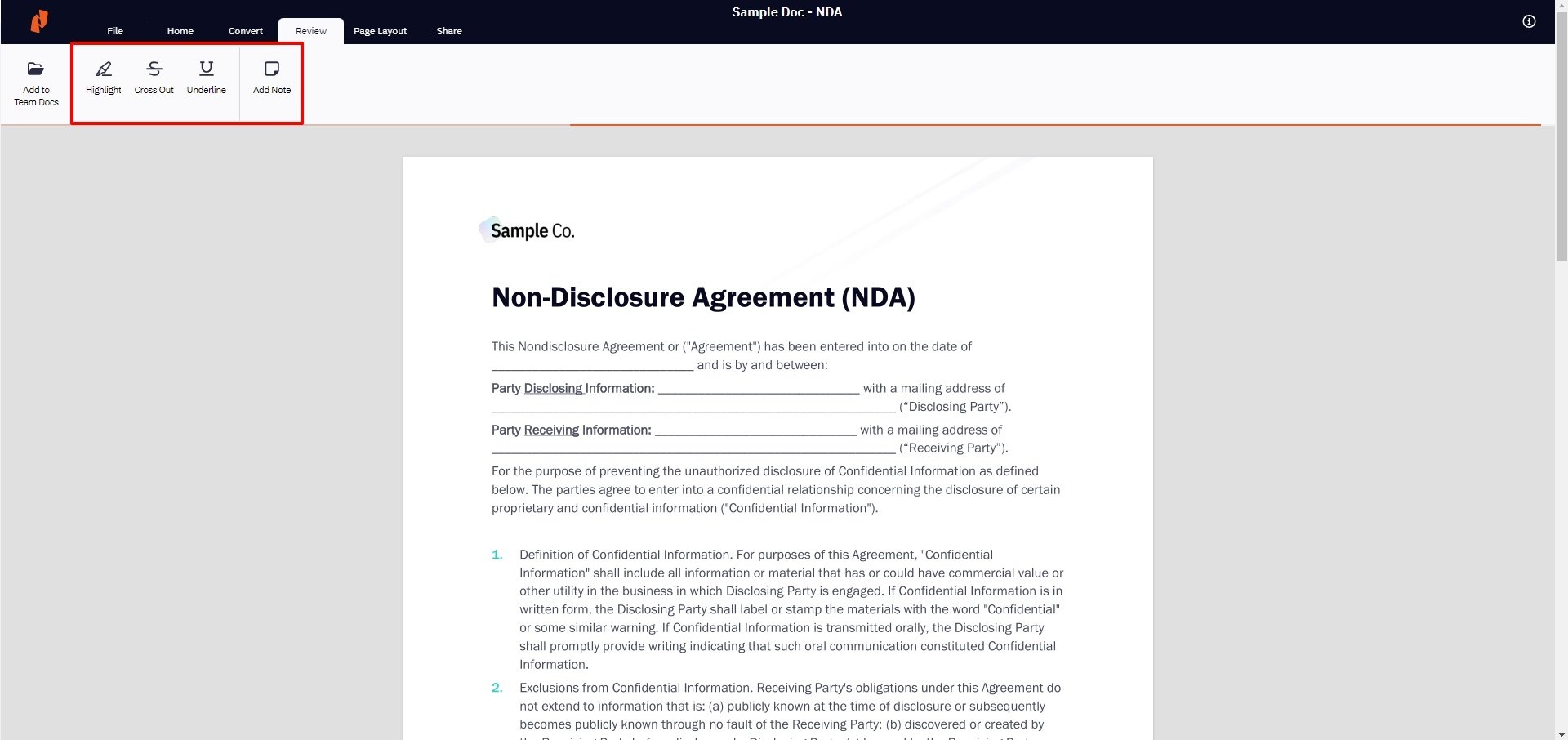
User Guide: Collaborate on Documents
Learn the basics of how Nitro lets you and your team collaborate on PDF & eSign documents.
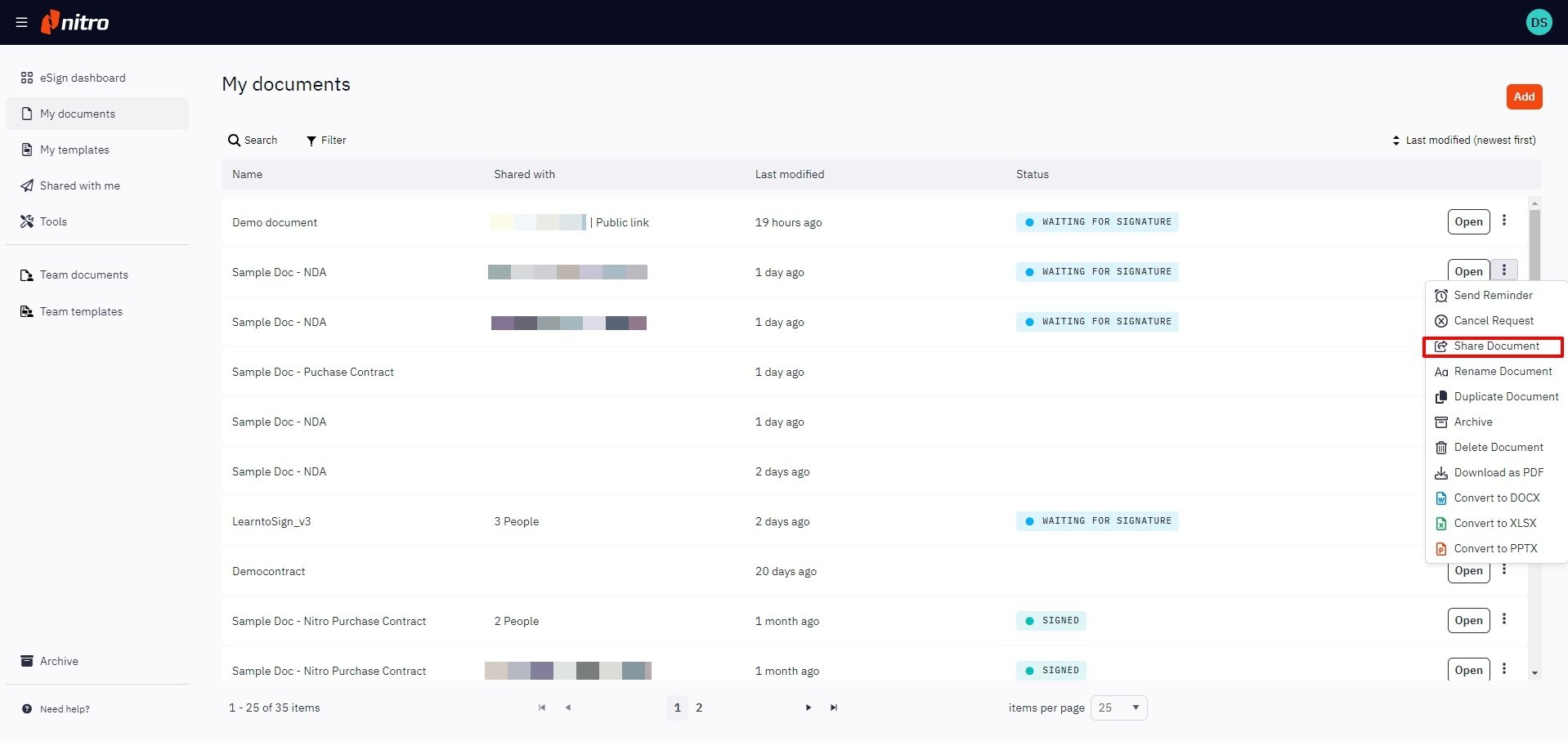
User Guide: Share Documents with Nitro
See how easy it is to share documents for seamless collaboration with team members and other departments.
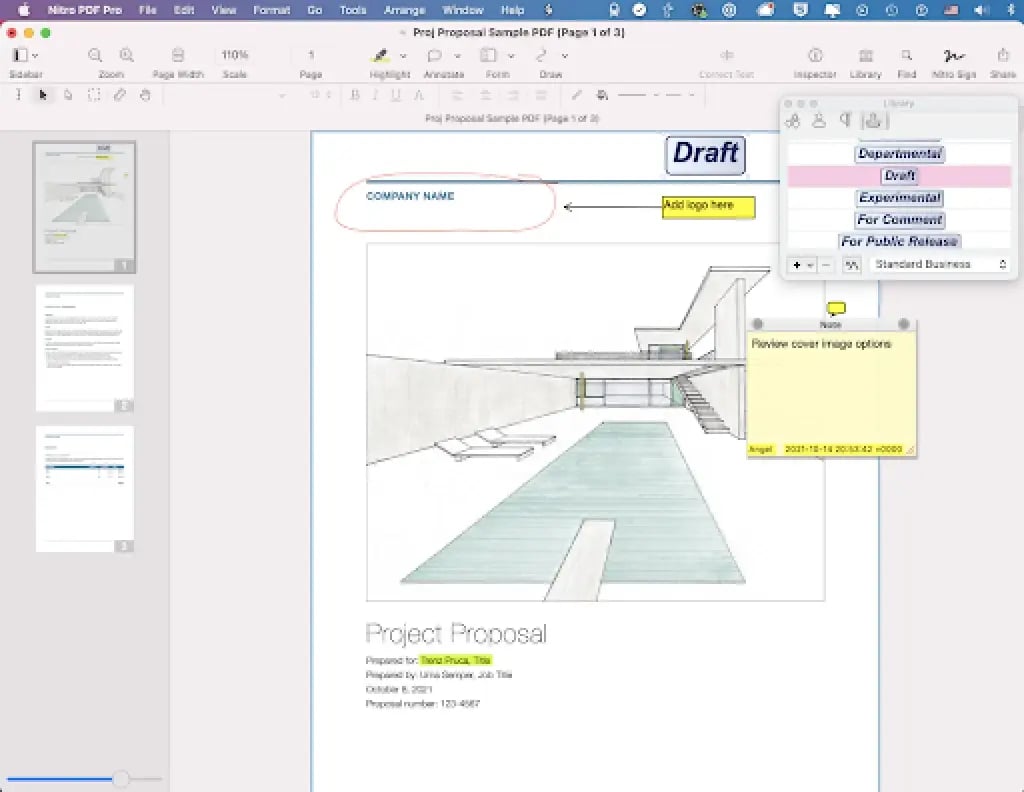
User Guide: Annotation and Mark-Up Tools
Learn how to annotate, highlight, and mark-up PDFs with Nitro's advanced, user-friendly tools.
Editing PDFs with Nitro
See tips and tutorials for all the ways you and your team can collaboratively edit PDFs with Nitro.