


/Card-Page%20Previews-AI.png?width=1200&height=800&name=Card-Page%20Previews-AI.png)

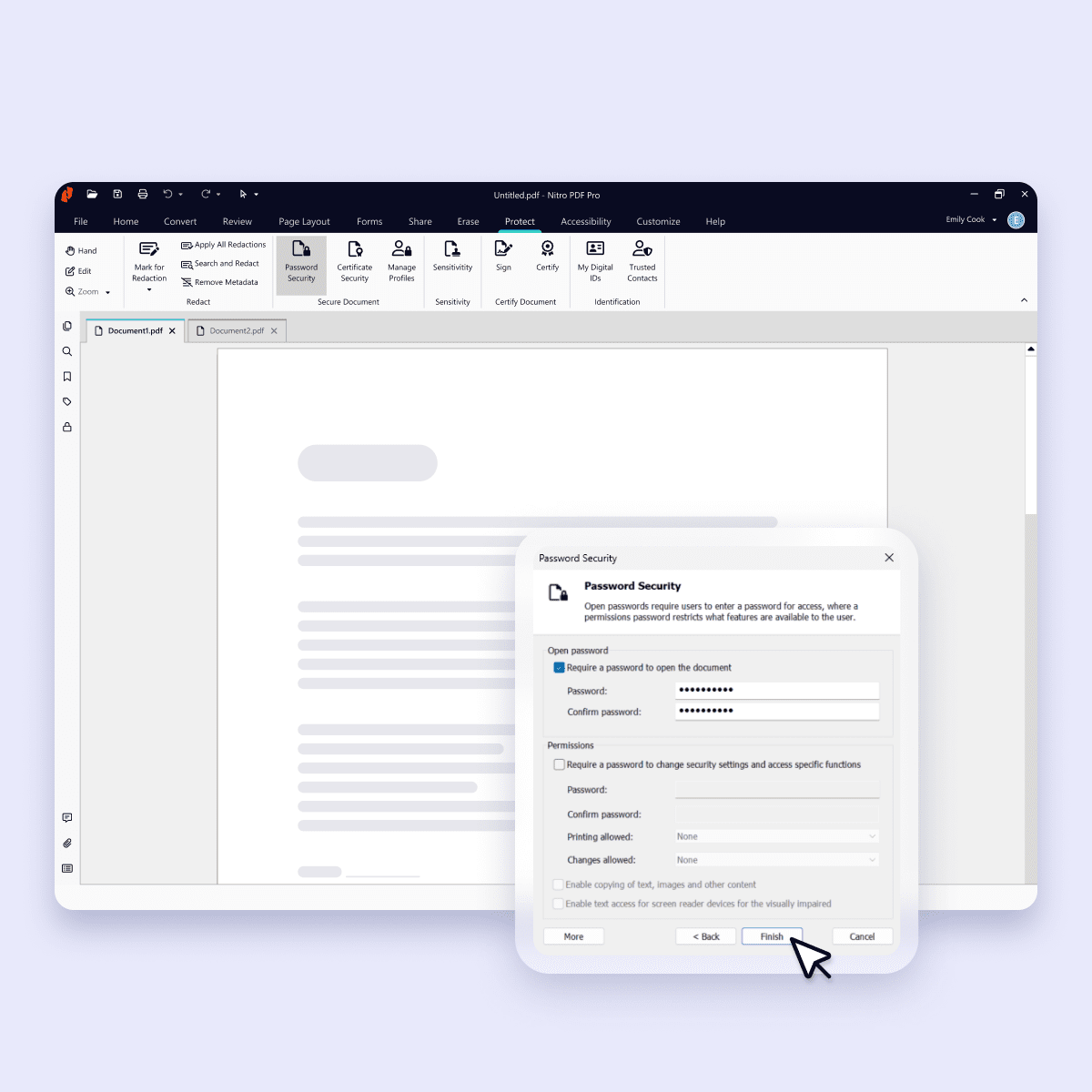
Why is Nitro the secure choice for PDF editing?
-

Advanced encryption
Protect sensitive data using robust encryption and access controls, effectively mitigating data breaches. -

Secure AI tools
Nitro's Document Assistant, powered by ChatGPT, is hosted on Microsoft Azure OpenAI, allowing us to ensure your data stays in a secure environment. -

Text redaction capabilities
Ensure privacy by redacting content in PDFs, safeguarding your documents against any unauthorized access.

Protection plus productivity

PDF password protection

Robust security integrations
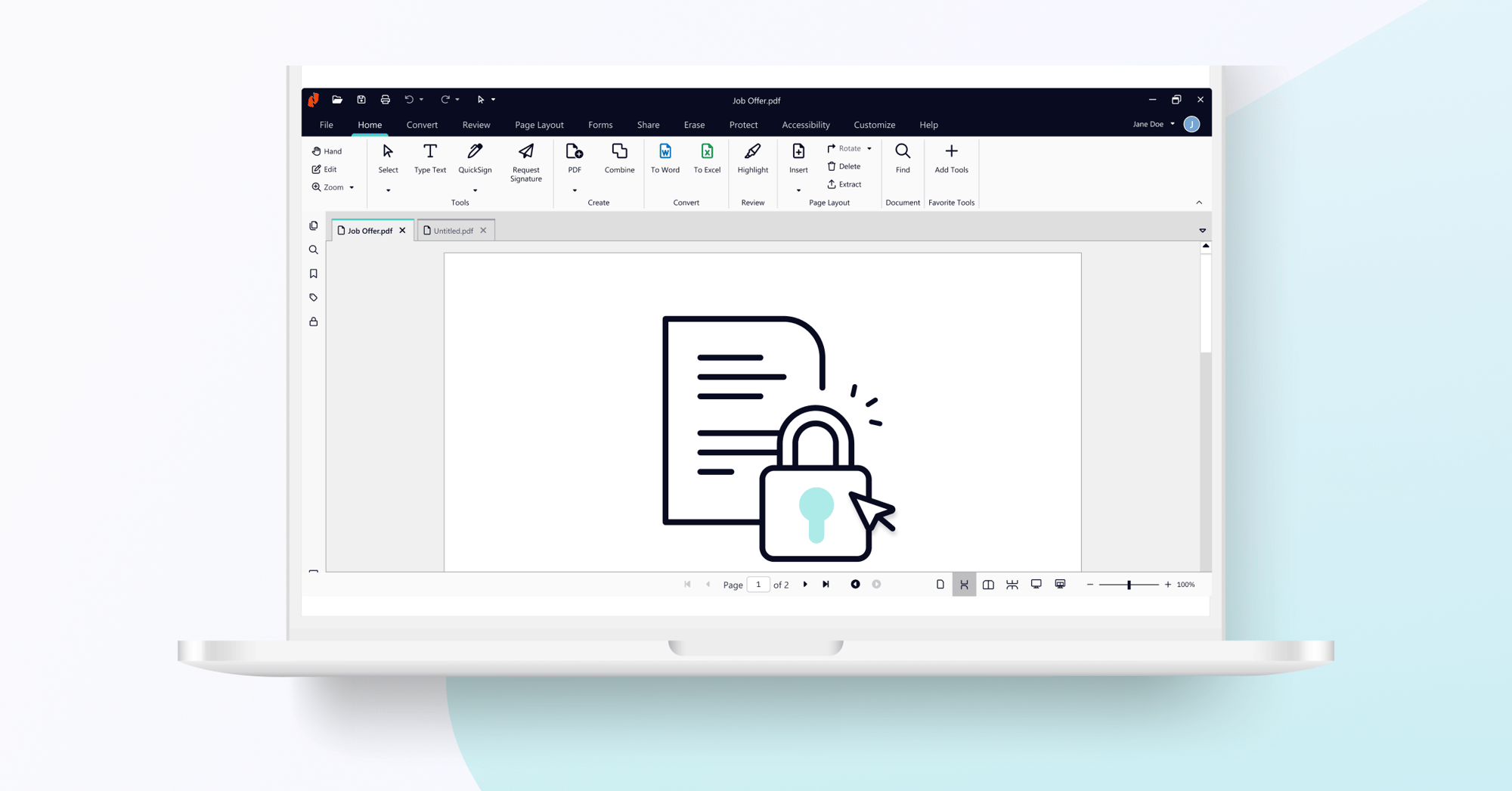
How to Secure a PDF Document Using Nitro
Keep sensitive data safe, reduce the risk of breaches and control unauthorized access.

User Guide: Nitro PDF Password Security
There are two ways to secure a PDF file with password security. Learn how with Nitro.
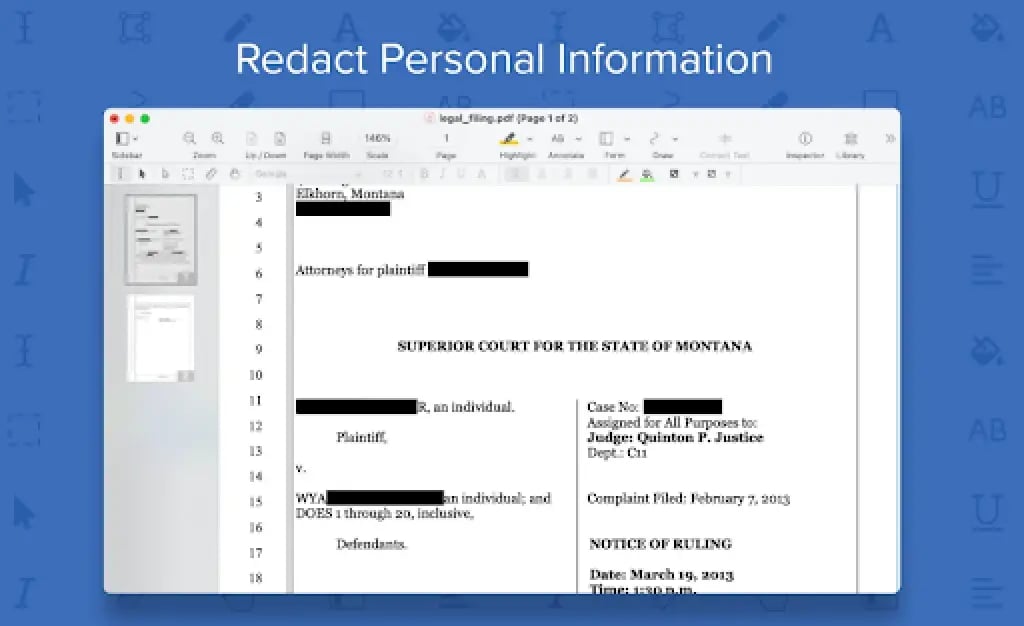
How to Redact Text in a PDF With Nitro
Redaction is a two-step process - mark areas for redaction, and then apply redactions.









Seamless PDF editing
Easily create PDFs from any file format, combine multiple files into a single document, and convert documents into polished PDFs for professional use.

Enhanced OCR and digital signing
Access OCR tools and digitally sign and certify PDF documents.

Trusted security
Protect sensitive personal and customer data with batch redaction & password protection tools.

24/7/365 support
Advanced PDF editing
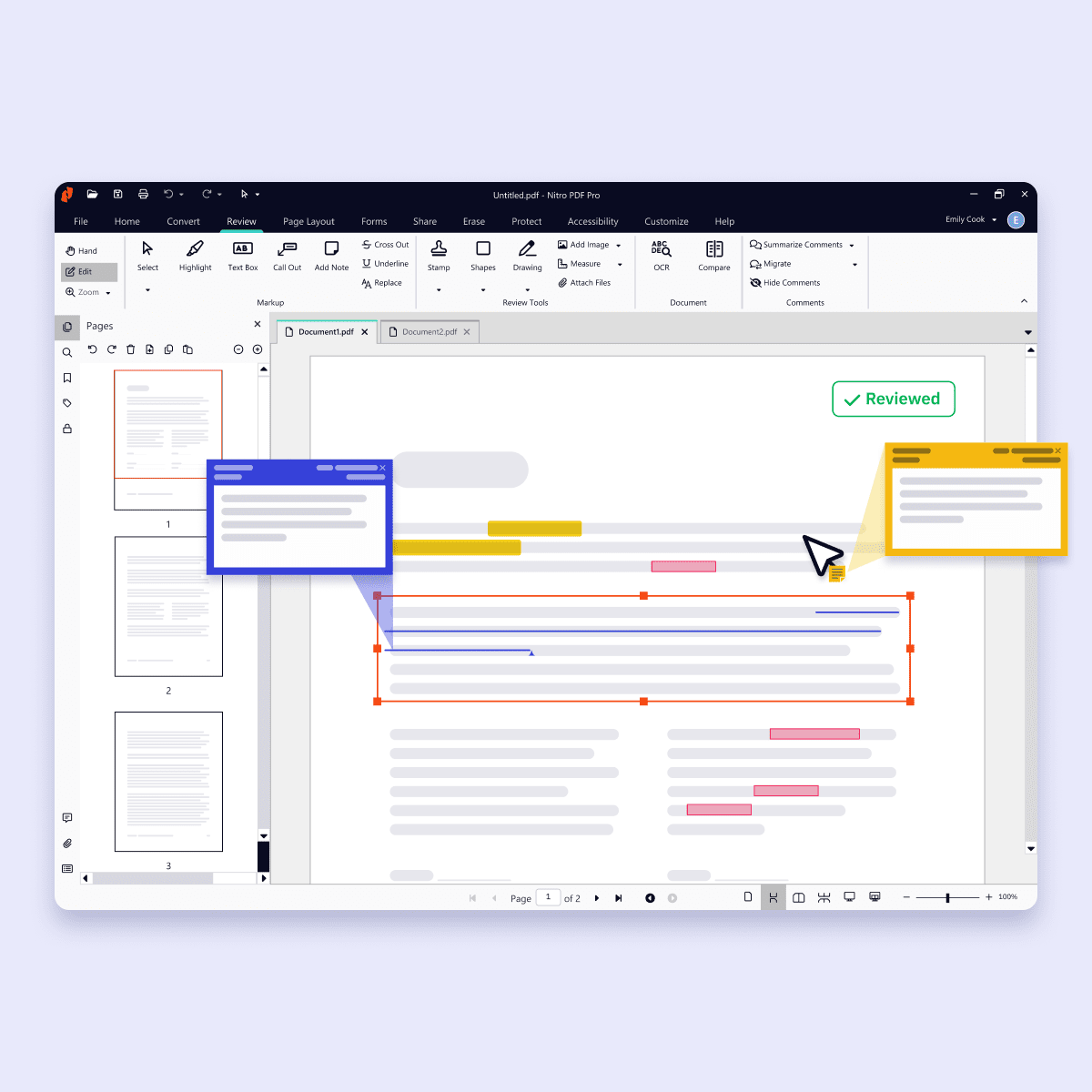
Access all of the features available within Nitro's PDF Standard plan to create, edit, convert, combine, and collaborate on PDFs with ease.
Security and control
Azure Information Protection, Single Sign-On (SSO), and domain control provide advanced security for large organizations.

Productivity ROI and insights
Gain exclusive usage, ROI, and sustainability insights to enhance overall document efficiency.
Dedicated customer support
Receive personalized PDF software support with expedited case routing, 24/7 global technical support engineers, and more.