
Note: This feature is not available in all Sign plans. To find out more, please check our Plans & Pricing page or contact your sales rep.
Nitro Sign Teams provides a useful way to share visibility of sign workflow templates and documents across all users in your account. Only users with the Document Admin role can add or remove team templates or documents, but all users in the account can view them.
Learn how to provide a user with the Document Admin role.
How to add a sign workflow to Team templates
1. Select My templates in the left menu of the eSign dashboard
2. Select a template
3. Click the Quick Actions menu icon, and select Add to team templates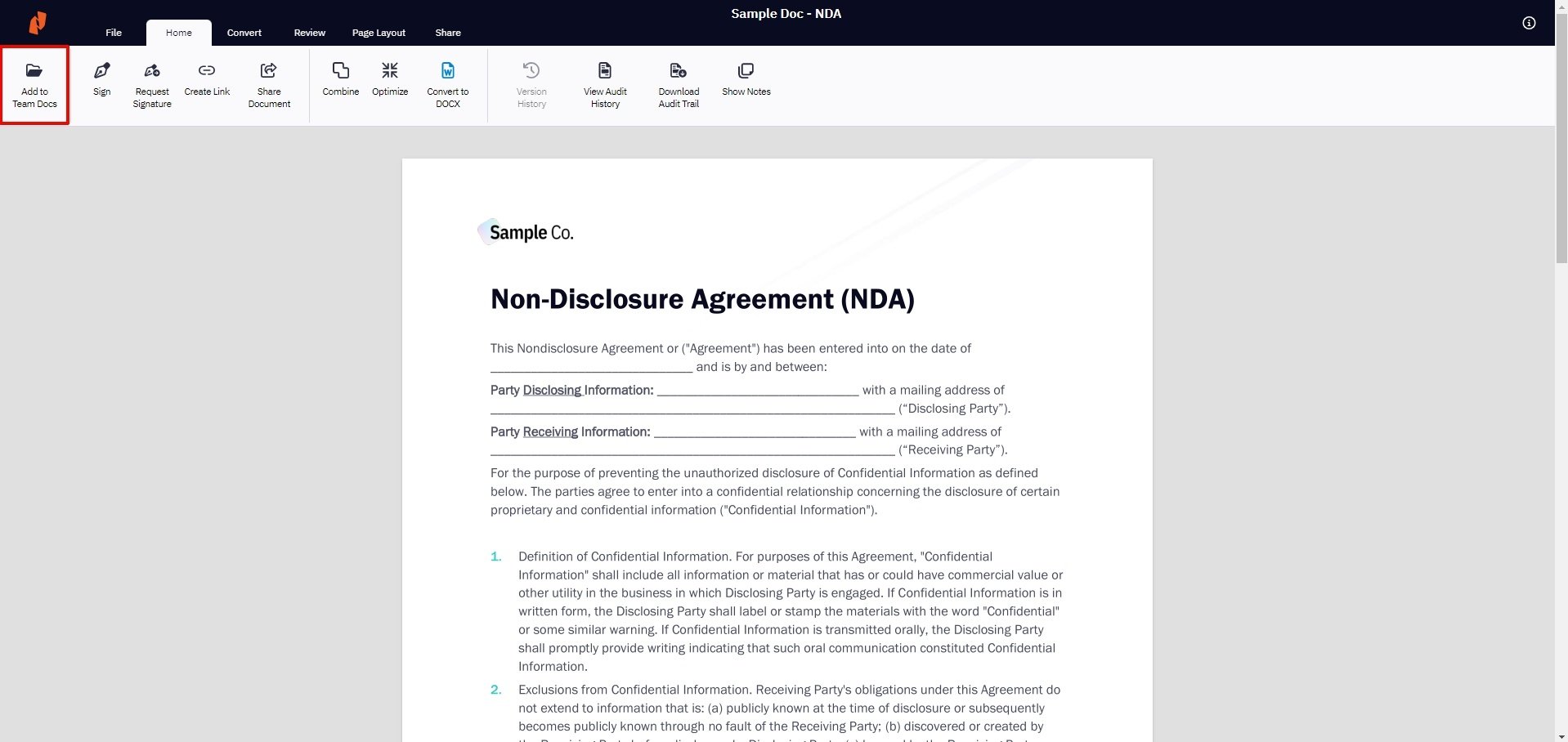
The template can now be viewed by all of the team's users in the Team Documents page
How to add a document to Team documents
1. Select My documents in the left menu of the eSign dashboard
2. In the Single documents tab, select a document
3. Click the Quick Actions menu icon, and select Add to team docs. 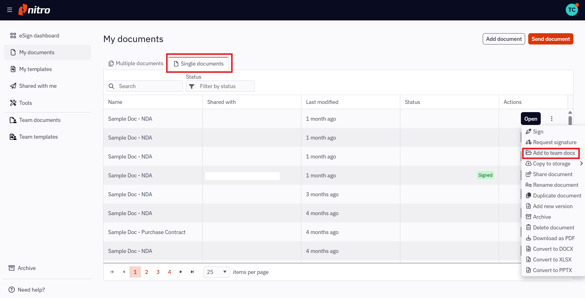
Alternatively, you can open the document and select Add to team docs from the Home tab in the top ribbon.
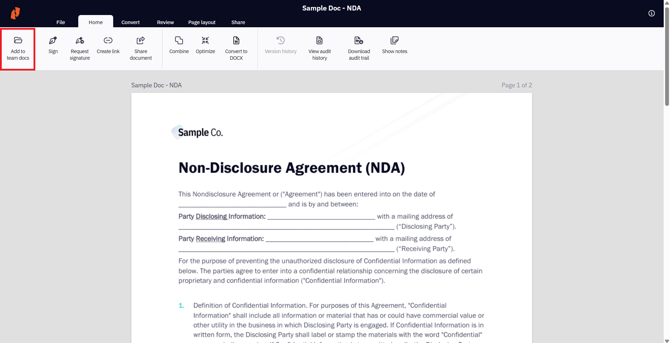
3. The document can now be viewed by all of the team's users in the Team documents section.