
This feature is not available in the US Data Region.
The Combine option allows you to combine multiple document types from different locations into a single PDF document.
Tip: If you want to send multiple documents for signature at once, you no longer need to combine them. You can now send them together directly via Nitro Sign. Learn more
How to combine documents in Nitro Sign
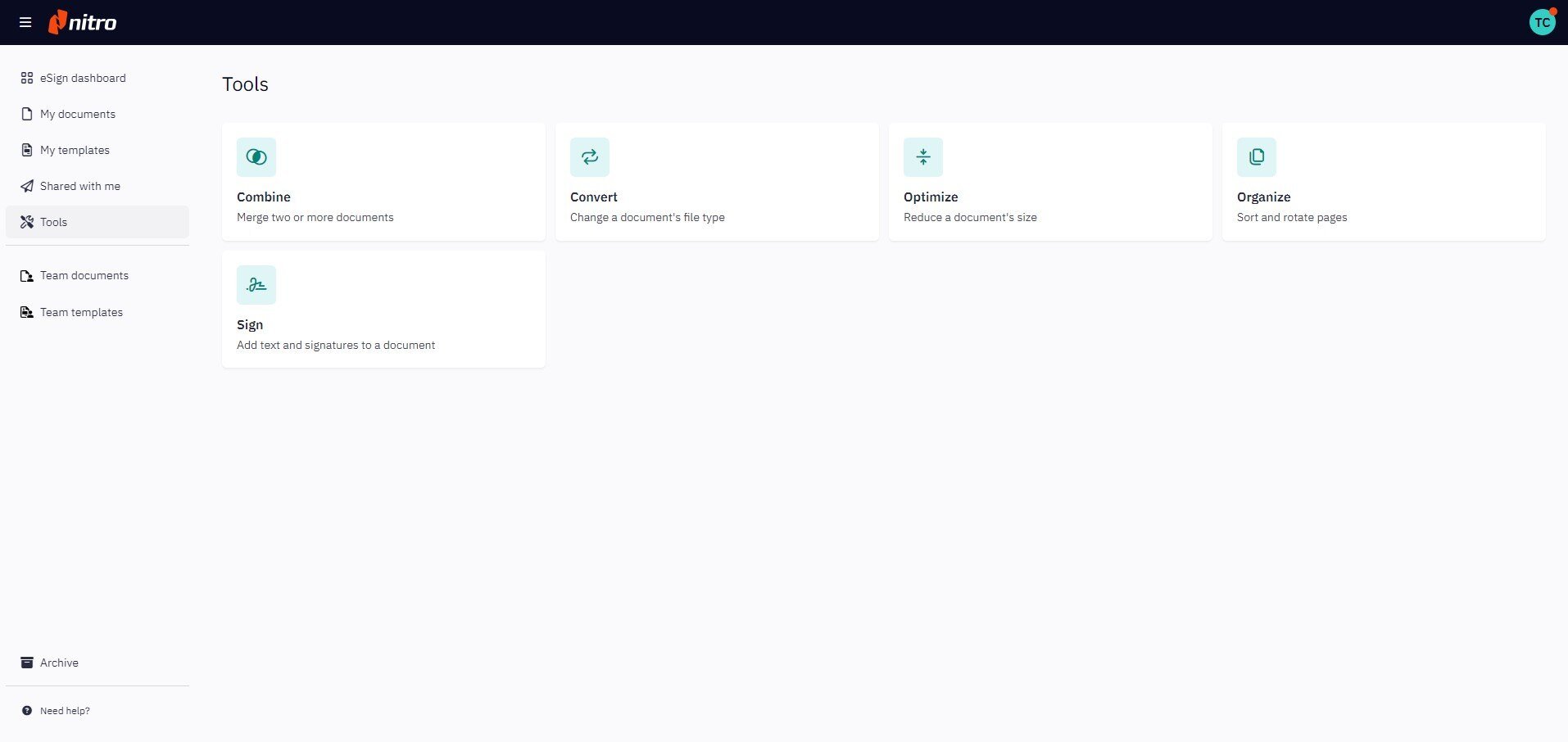
1. From the eSign dashboard, go to Tools in the left-hand menu and select Combine.
2. A file picker will appear, letting you choose documents from multiple locations.
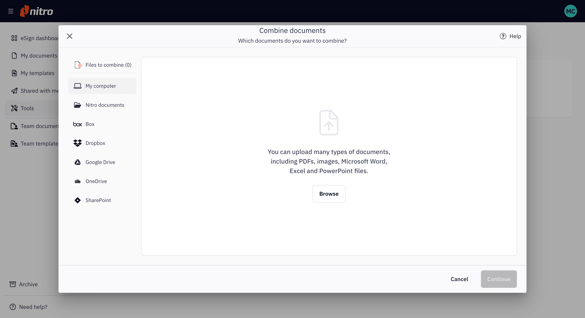
3. Add all the documents you want to merge to the Combine queue, then click Continue.

4. Enter a name for your new combined PDF.

5. Click Combine # Documents to merge your files.
6. The new document will appear in the Single Documents tab under My Documents.