
To Create Smart Forms
Note: A document must be open in Nitro for Form Create to be enabled. If no document is open, the option is disabled.
- Navigate to the Smart Tools or the Convert tab
- Click the Form Create button

- The Form Create window opens
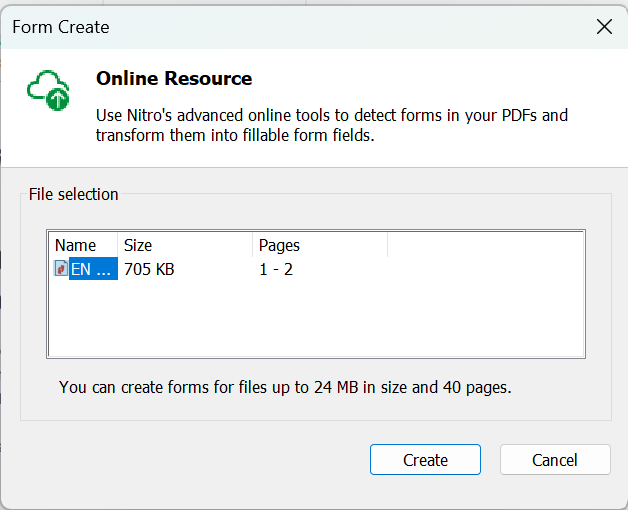
- Click Create to start the process or Cancel to end
- The Create window opens and loads the document
- Click Cancel to stop the process
- When the window closes, the document contains fillable form fields
Note: You can create forms for files up to 24MB in size and 40 pages.