
Tip: Not all the document information can be modified. Many fields are set at the time of creation or when last edited. For example, creation time, creator, optimization, PDF version, and so on.
How to add or edit document information or metadata:
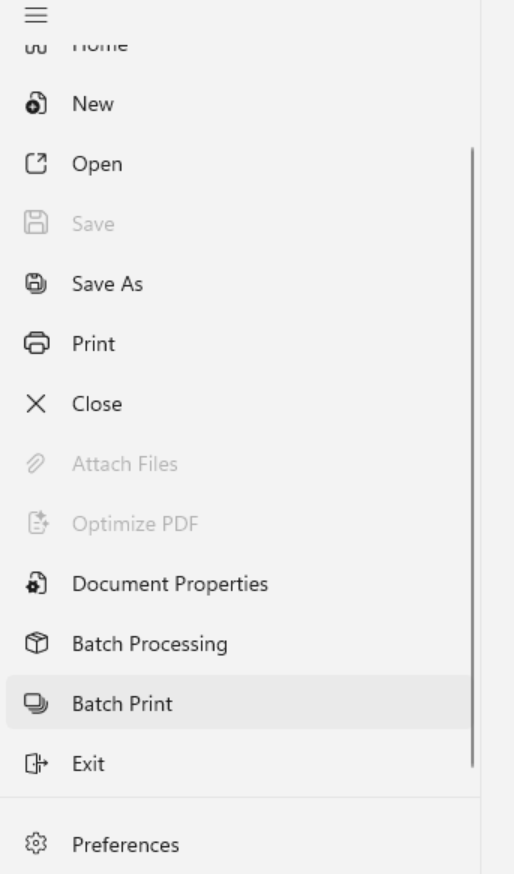
- Click the File menu button, and then click Document Properties
- In the Title, Author, Subject and Keywords boxes, update or enter text
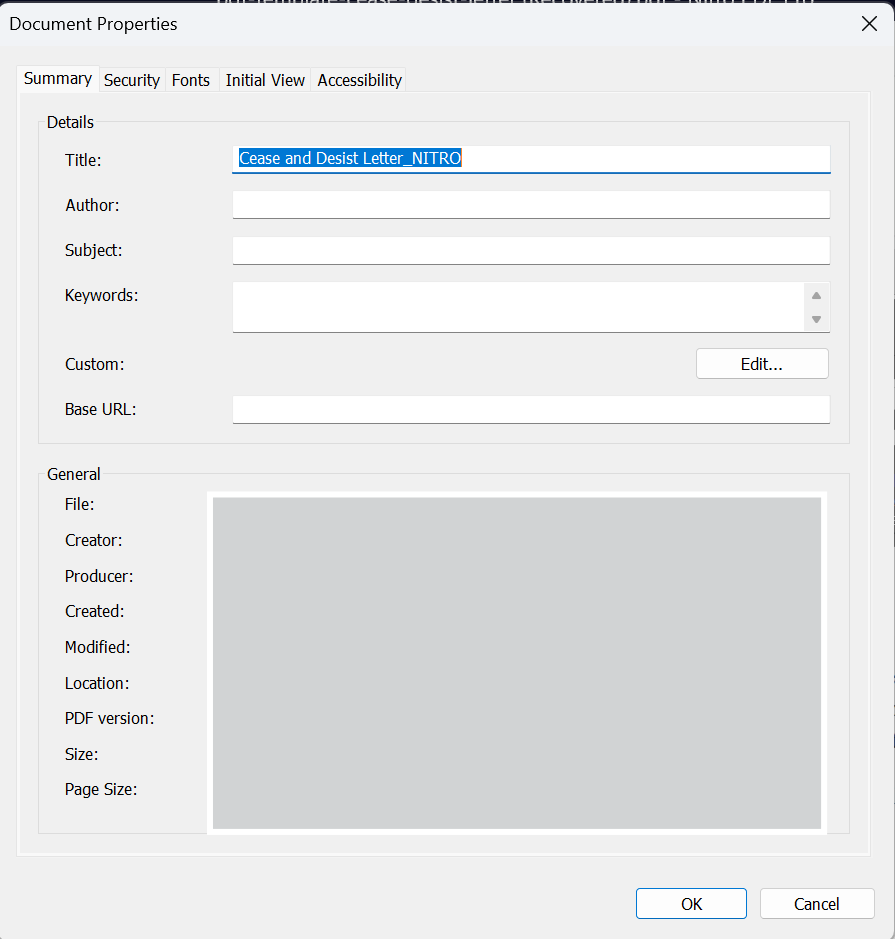
- Click OK
How to add or edit custom metadata fields:
- Click the File menu button, and then click Document Properties
- Click Edit
- In the Name and Value boxes, enter your text, and then click Add
- Click OK
- In the Document Properties dialog, click OK