
Use Nitro PDF Pro to add a unique number to each page in a PDF. Bates numbering is commonly used in legal documents to label and track pages across one or more files. You can start numbering at any value and continue numbering across multiple documents.
To add Bates numbers to a PDF:
- On the Page Layout tab, in the Page Marks group, click the arrow under Bates Number, and select Current Document

- In the Prefix, Suffix, and Start at fields, enter the required values
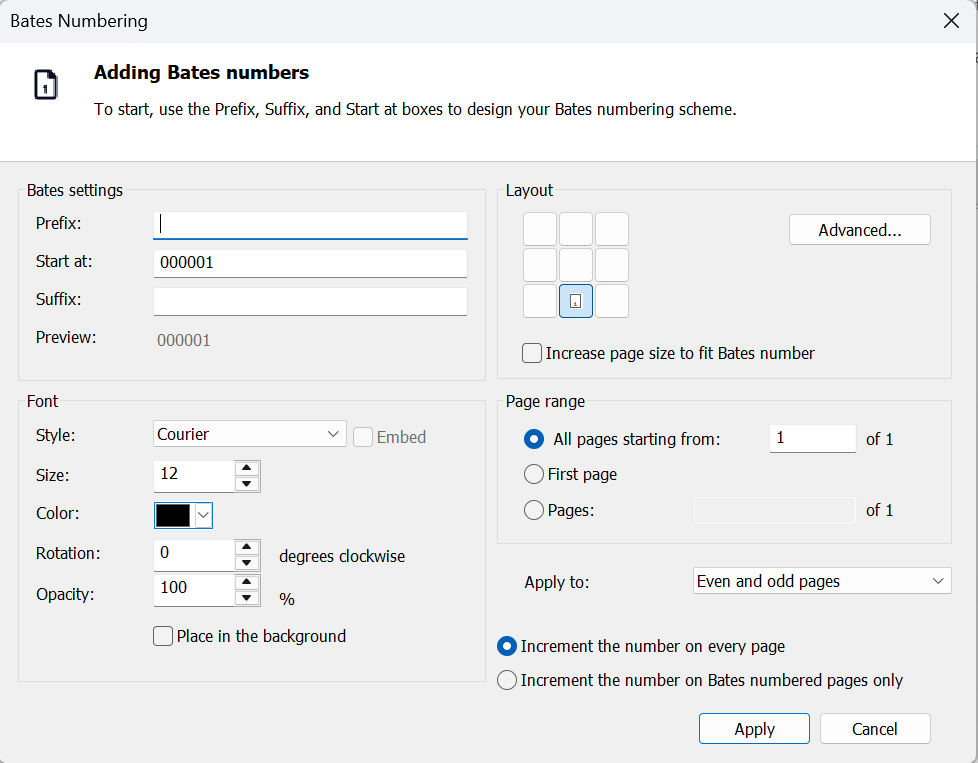
- Configure font, layout, and page range options
- Click Apply
To add Bates numbers to multiple files:
- On the Page Layout tab, in the Page Marks group, click the arrow under Bates Number, and select Multiple Files
- Add and order the files
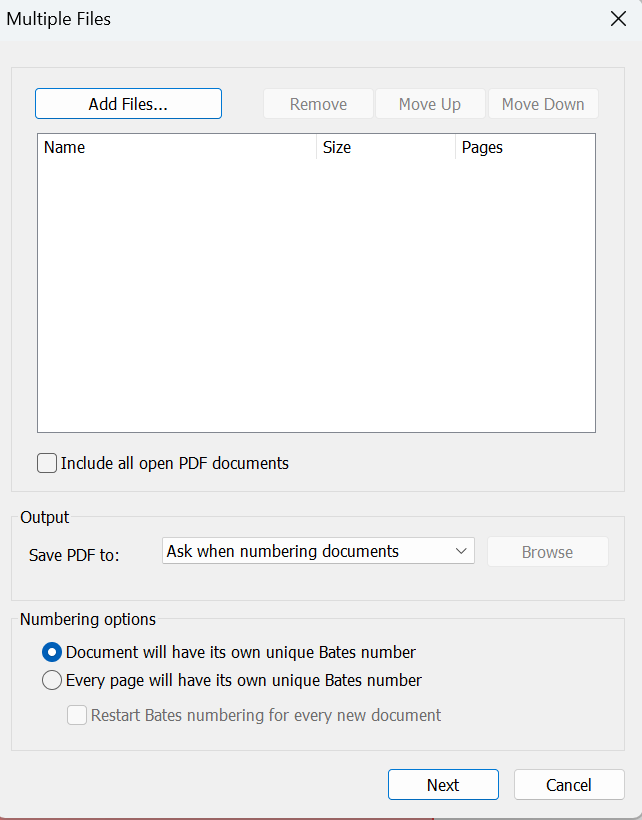
- Click Next
- Enter values in the Prefix, Suffix, and Start at fields
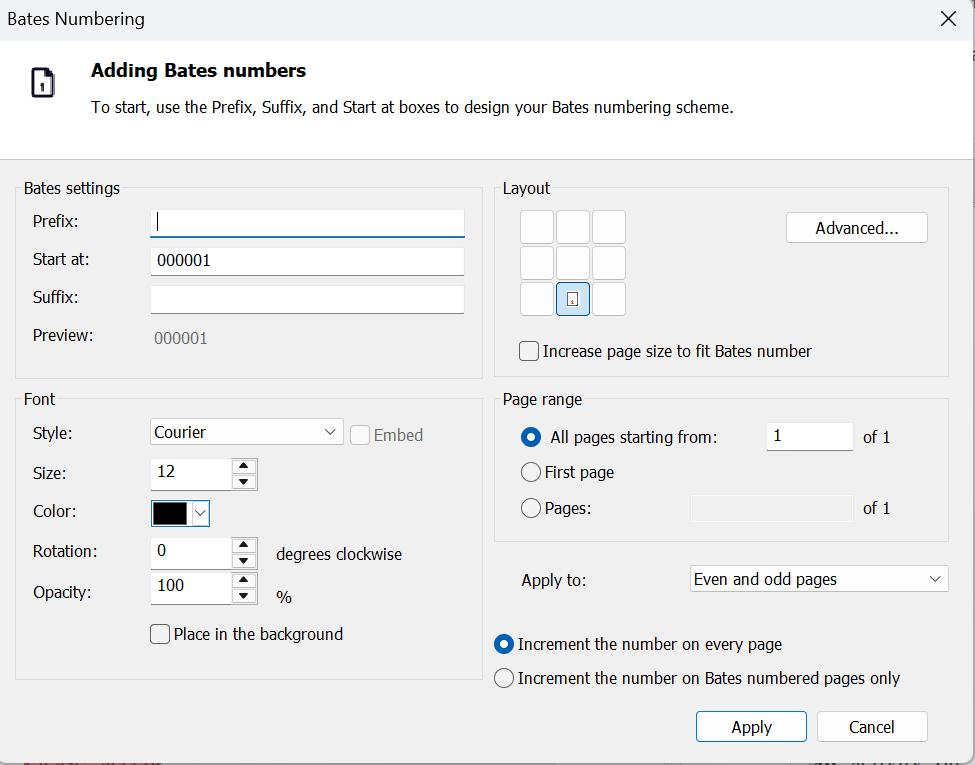
- Configure font, layout, and page range options
- Click Apply
To remove Bates numbering:
- On the Page Layout tab, in the Page Marks group, click the arrow under Bates Number, and select Remove Bates Numbering
- Click OK to confirm