
Note: To use the Nitro Sign integration with PDF Pro for Mac, you must sign in to your PDF Pro account.
- Open a PDF file
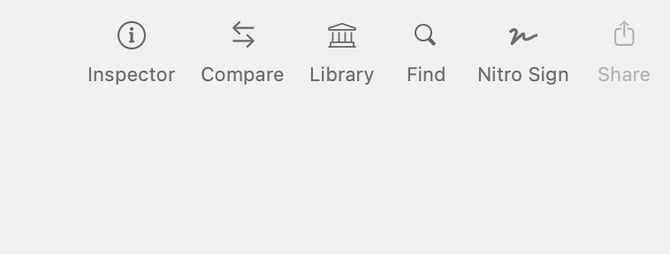
- Click Nitro Sign
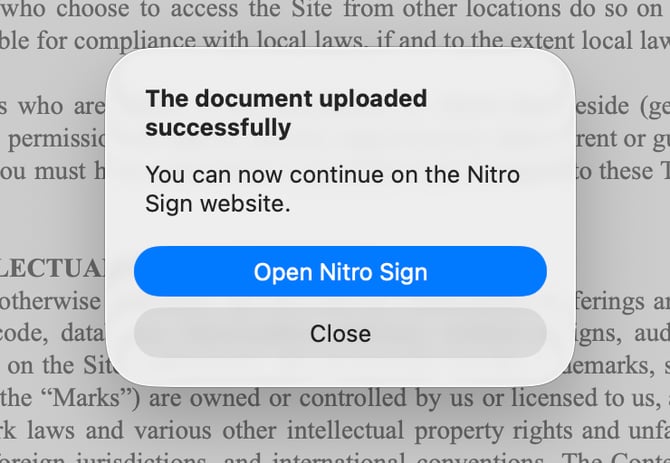
- A message confirms that the file was uploaded to Nitro Sign
- Click Open Nitro Sign
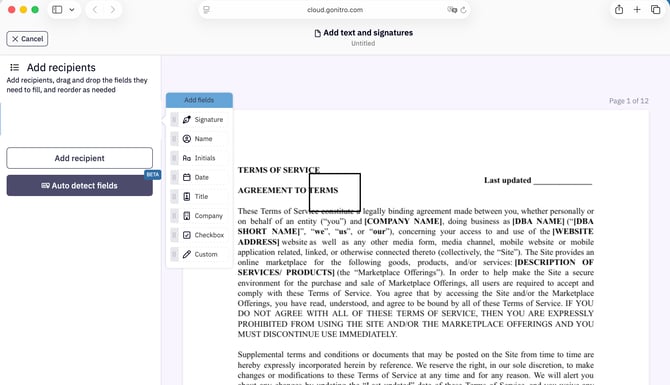
- The file opens in Nitro Sign
For information about how to use Nitro Sign, see the Nitro Sign User Guide.