
You can copy a JavaScript from one field, document location, or PDF file, and paste it into another.
Use this method to reuse code that you find in other PDF files. For example, you can:
- Open a PDF file that contains a script
- Copy the script
- Paste the script into the JavaScript Editor in your own document
- Edit the code as needed
To access the JavaScript Editor:
1. On the Forms ribbon, in the Document Setup group, click on the arrow next to JavaScript, and select Document level
2. The Document level JavaScript dialogs opens 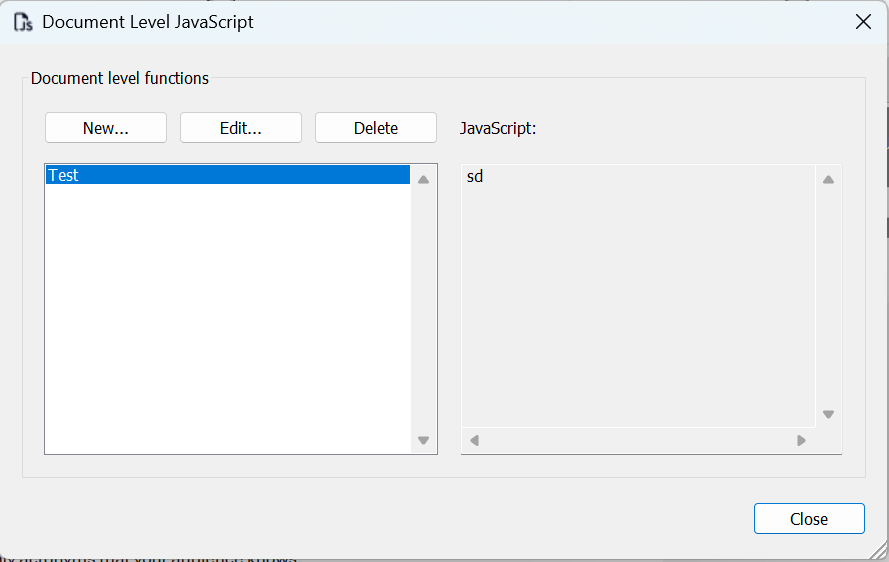
3. Click New
4. Add a name
5. Paste the script into the JavaScript Editor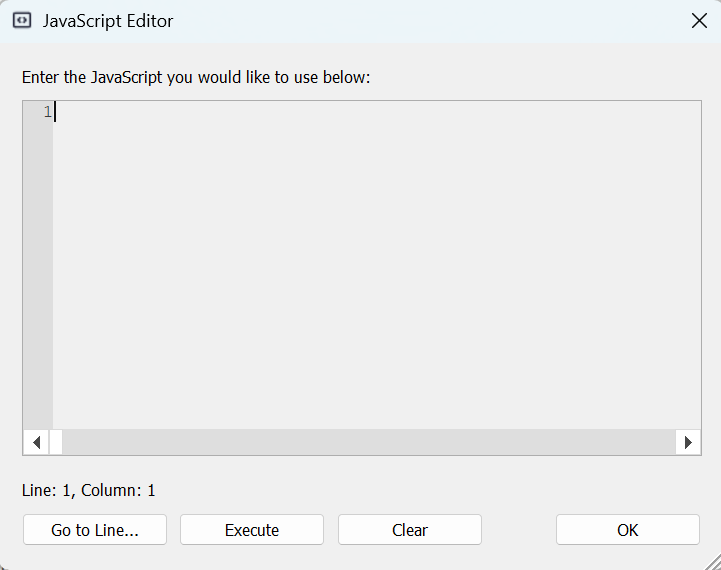
6. Click Execute and OK
Note: To copy code between two PDF files, open both files in Nitro PDF Pro.